Photo editing blog
What is new in photo apps and AI image models, which image format to use, and what the settings in a photo editor mean. For step-by-step how-tos, see the tutorials.
Inpainting vs outpainting: what AI fill and expand actually do
Inpainting vs outpainting explained: how AI fills a selected area or extends a photo past its edges, what each is good at, where it fails and how to steer it.
Editing basics ·
Adobe AI tools are coming to the Windows 11 Photos app
Adobe generative tools such as object removal, image expansion and prompt edits are coming to Windows 11 Photos. What is announced, when and for whom.
News ·
PSD vs TIFF: which should you save your layered work in?
PSD vs TIFF compared: layers, file size, compression, compatibility with other apps and print shops, and when to save a layered file as PSD, TIFF or both.
Image formats ·
Destructive vs non-destructive editing: what is the difference?
Destructive vs non-destructive photo editing explained: adjustment layers, masks and keeping the original, so any change can be undone or tweaked later.
Editing basics ·

Photoshop Relight and Generative Restyle: what Adobe added at MAX 2026
Adobe MAX 2026 brought Relight and Generative Restyle to Photoshop: what each tool does, how the results land as layers, and how to relight a photo online.
News ·

Which image formats keep a transparent background?
PNG, WebP, AVIF, GIF, TIFF and PSD support transparency; JPG does not. Plus why a "transparent PNG" can show a baked-in checkerboard and how to check.
Image formats ·
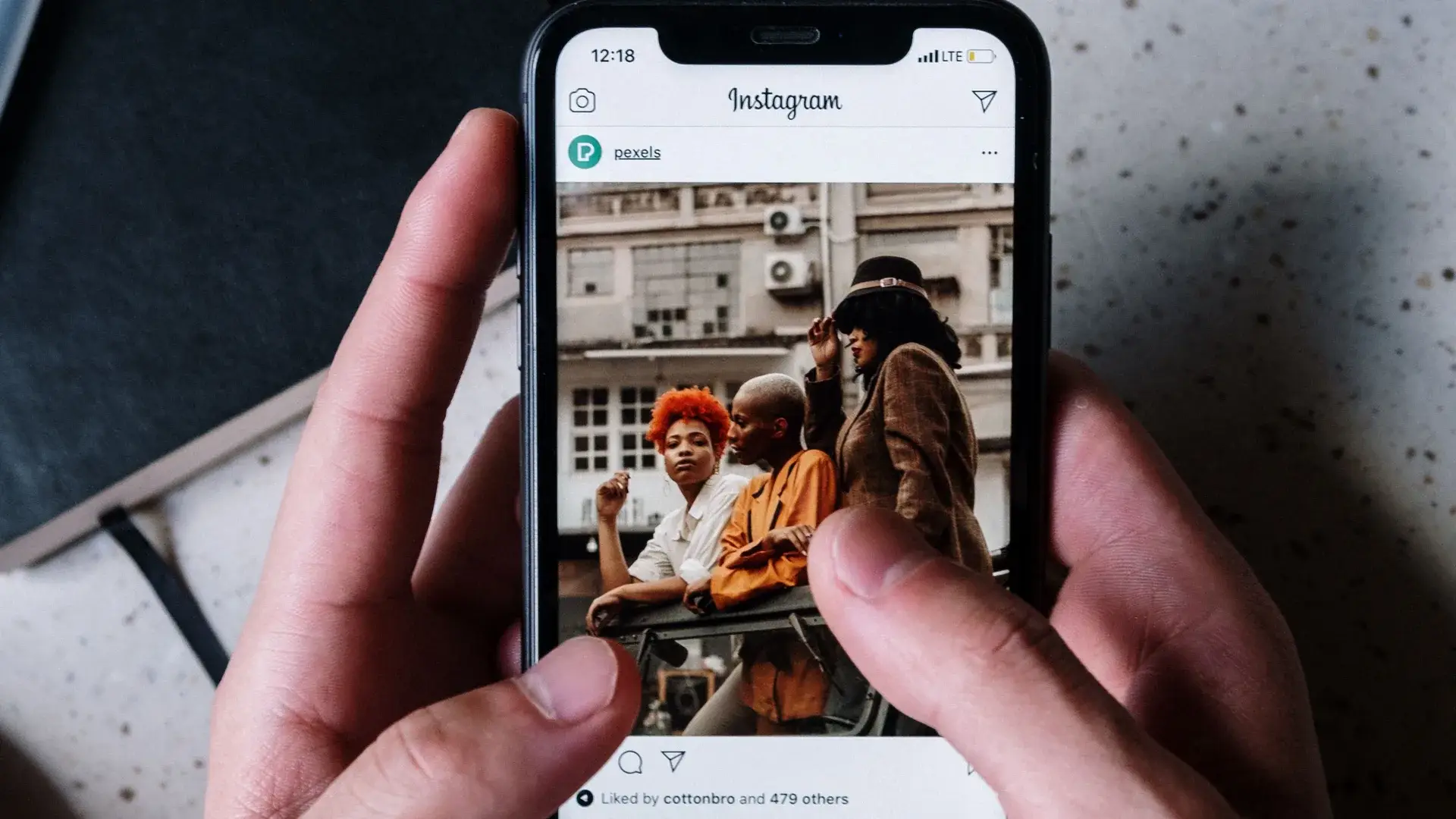
Will Instagram label my edited photo as AI? Content Credentials explained
How AI labels on Instagram and Google Photos work: Content Credentials, IPTC tags and SynthID, what can trigger a label after editing and what it says.
News ·
DPI vs PPI: what resolution do you need for printing?
DPI vs PPI explained: why 300 DPI is really about pixels per inch, how big a photo prints at its pixel size, and a print-size table for common photo sizes.
Editing basics ·

AVIF vs WebP: which modern image format should you use?
AVIF vs WebP compared: file size at the same quality, HDR and transparency, browser and app support today, and what to do when an AVIF file will not open.
Image formats ·
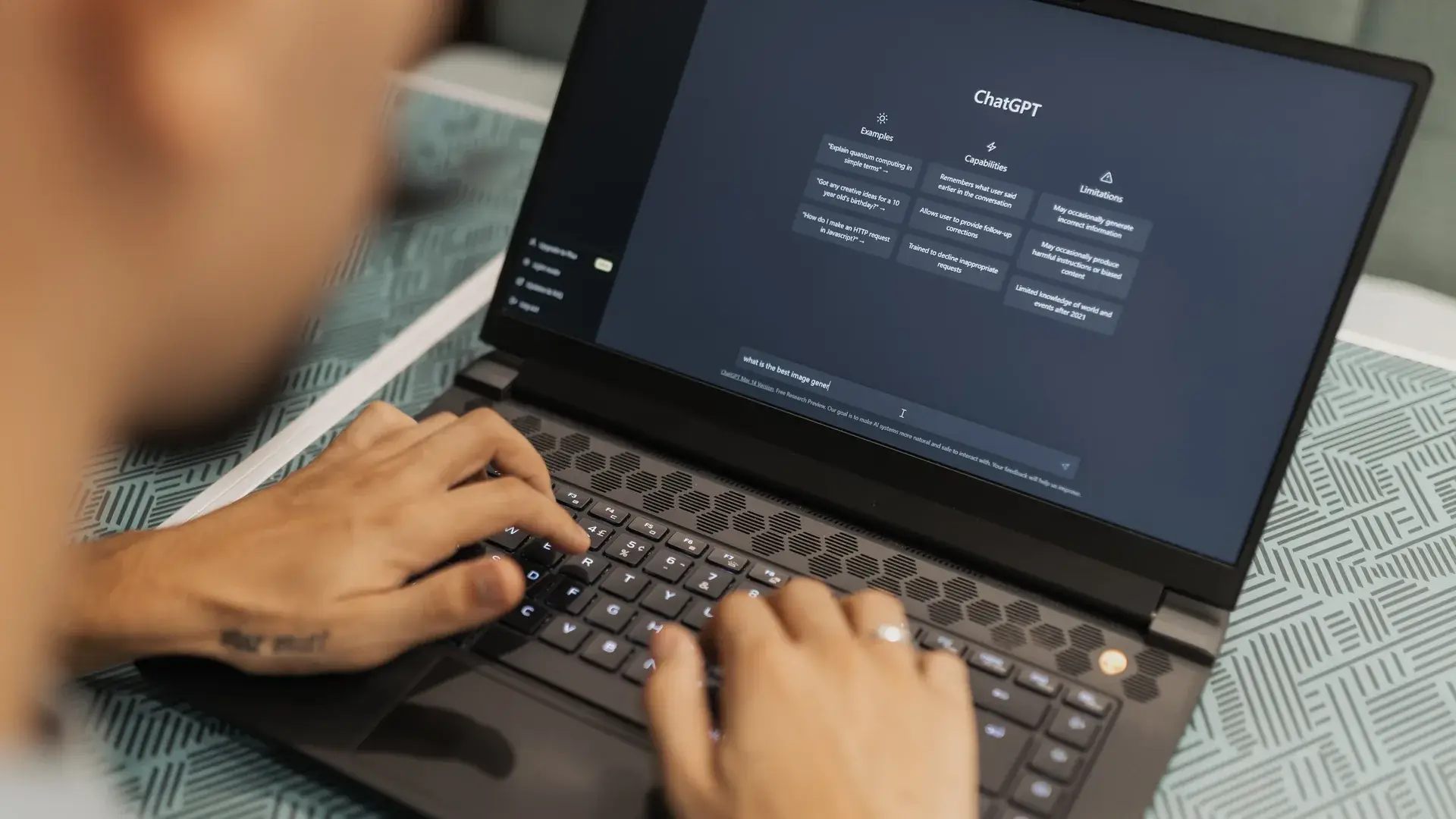
ChatGPT Images 2.6: what changed for editing photos
OpenAI released Images 2.6 in ChatGPT and the API: faster generation, marked-area edits and animated GIFs. What is new for editing photos, and its limits.
News ·
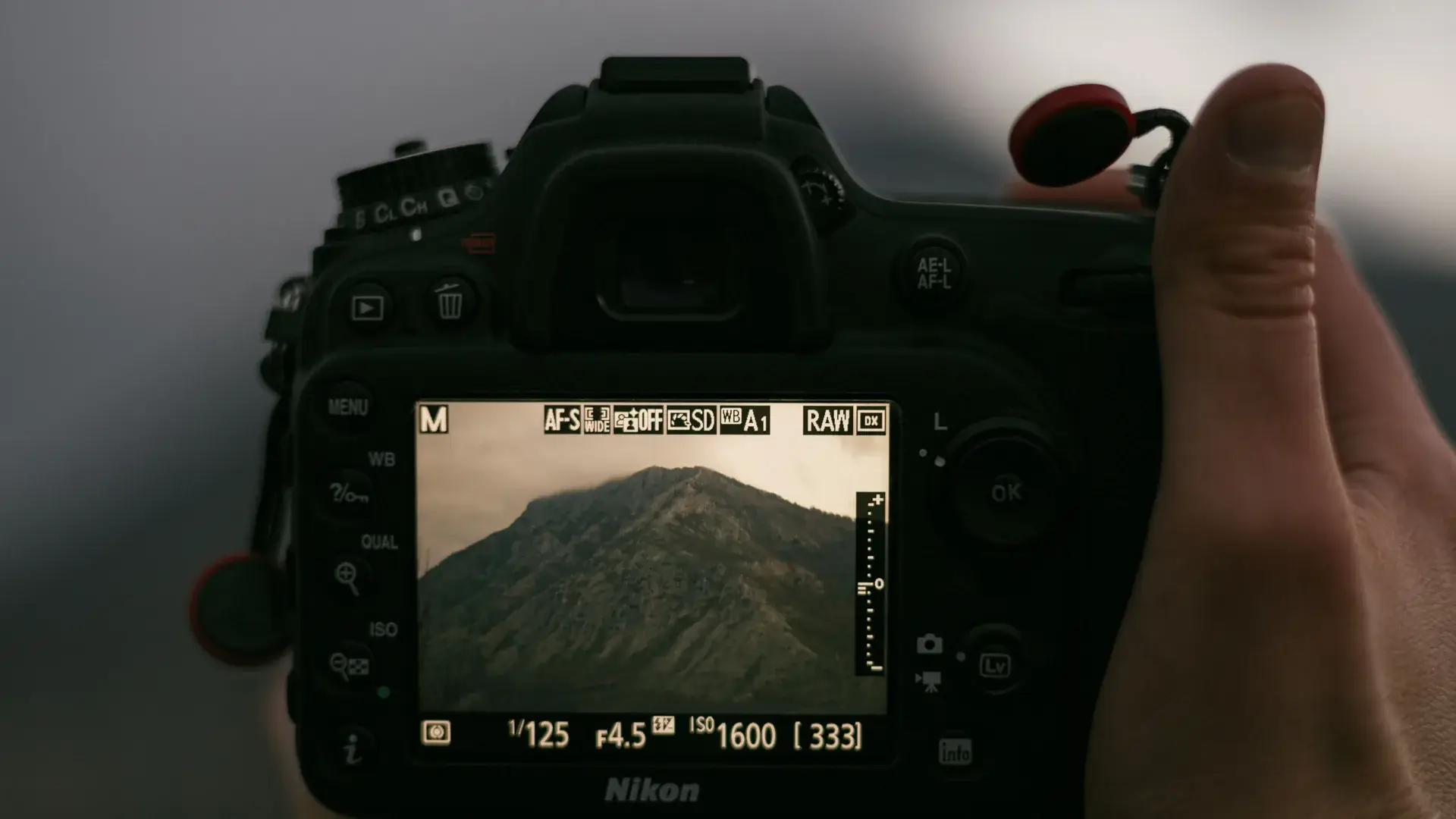
How to read a histogram in photo editing
Learn to read a photo histogram: what the graph shows, how dark, bright and flat photos look in it, clipping, color channels and when an odd histogram is fine.
Editing basics ·

PNG vs JPG: when each format wins
PNG vs JPG compared with the same photo and screenshot saved both ways: file size, sharpness, transparency and which to use for photos, graphics and print.
Image formats ·
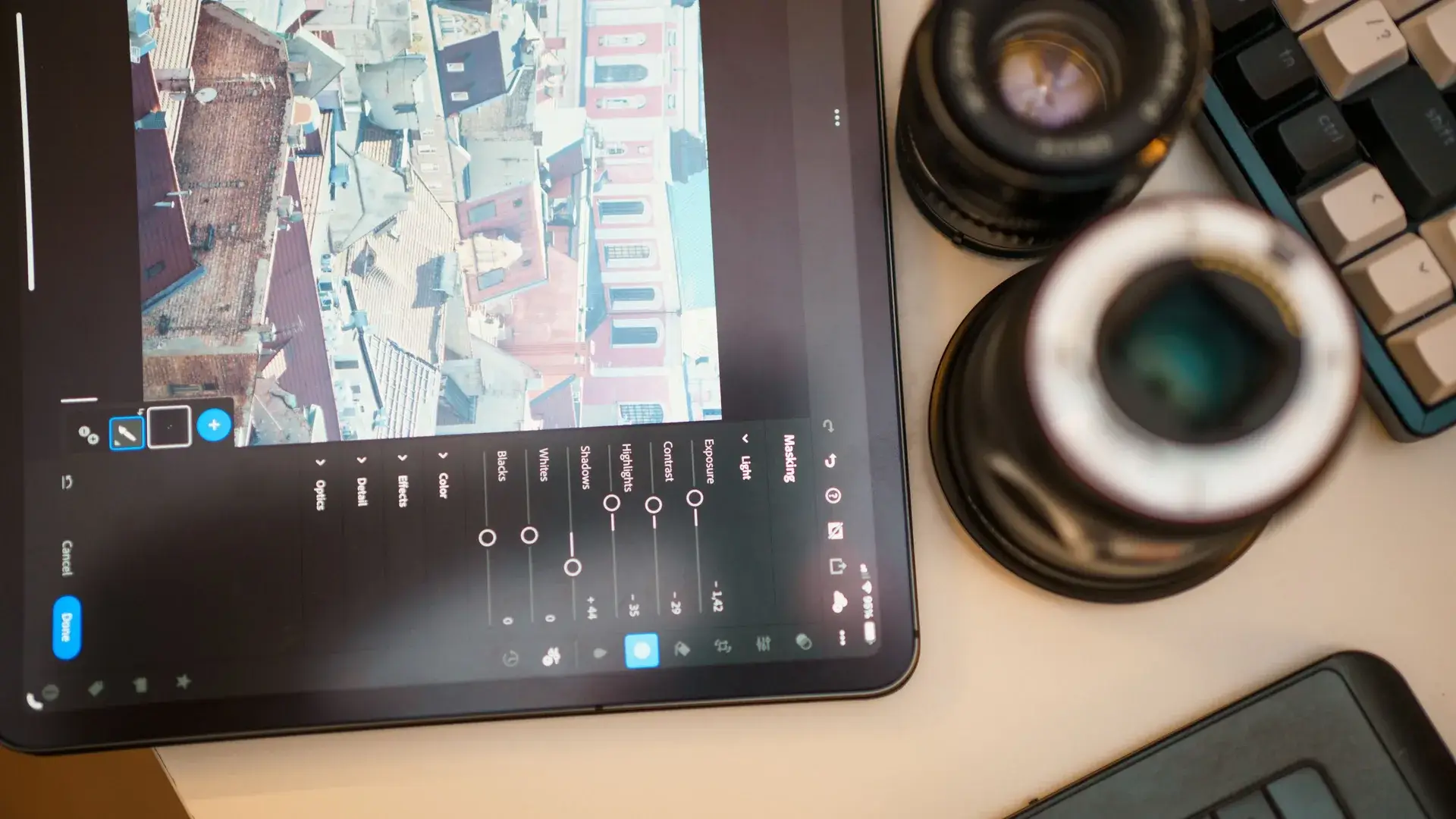
Curves vs Levels: what is the difference, and which should you use?
Curves vs Levels explained with the same photo fixed both ways: what each adjustment changes, when Levels is enough and when only Curves can do the job.
Editing basics ·

WebP vs JPG: which is better, and why Chrome saves images as WebP
WebP vs JPG compared on file size, quality, transparency and where they open, why Chrome saves images as WebP, and how to turn a WebP into a JPG.
Image formats ·

Chrome now opens JPEG XL: what it means for your photos
Chrome is shipping JPEG XL decoding, years after removing it. What JPEG XL is, which browsers and apps open .jxl files, and whether to save photos in it now.
News ·
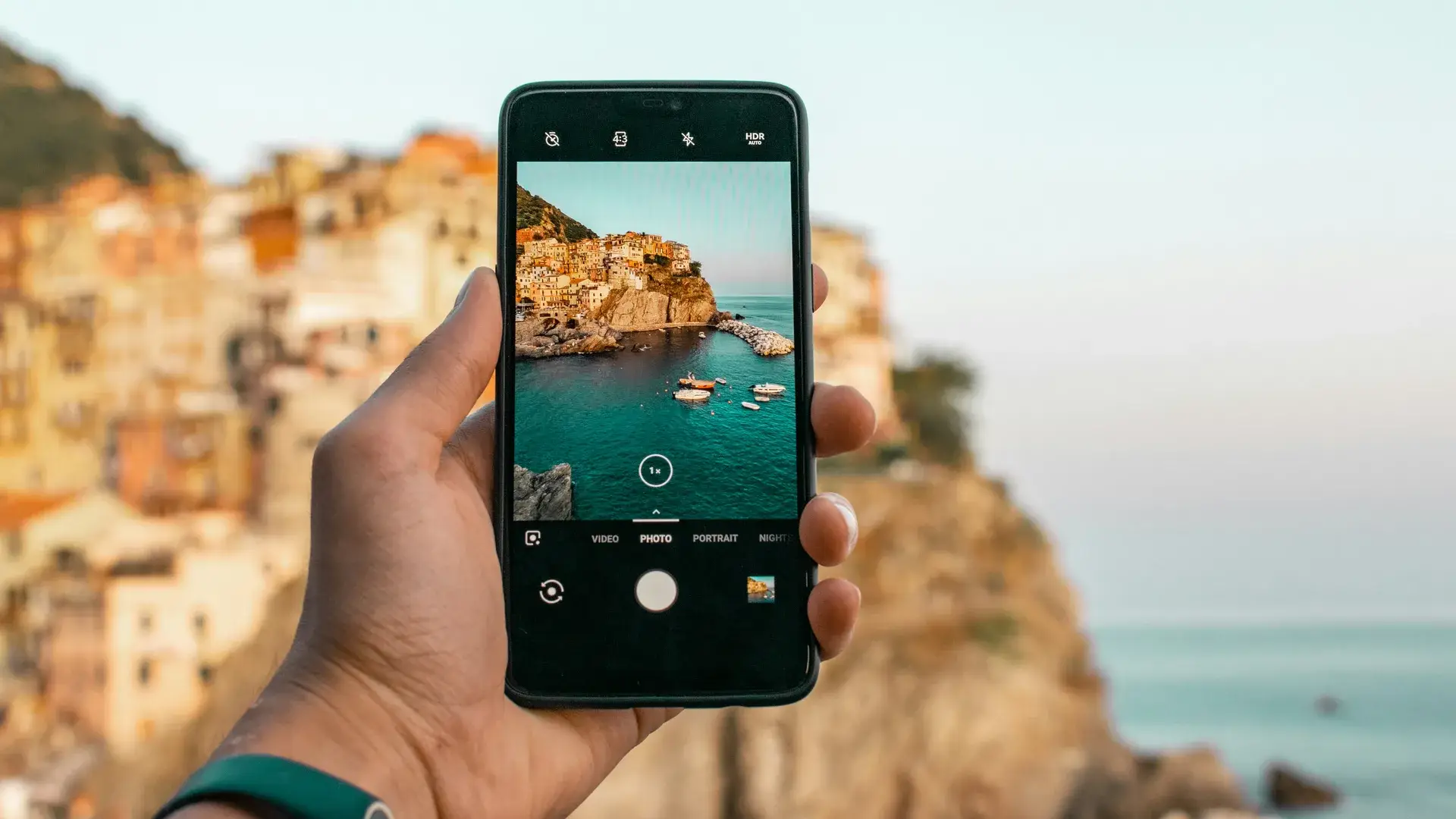
HEIC vs JPG: what is the difference and which should you use?
HEIC files are smaller than JPG at similar quality, but many apps and websites still cannot open them. See how the two compare and when to convert.
Image formats ·
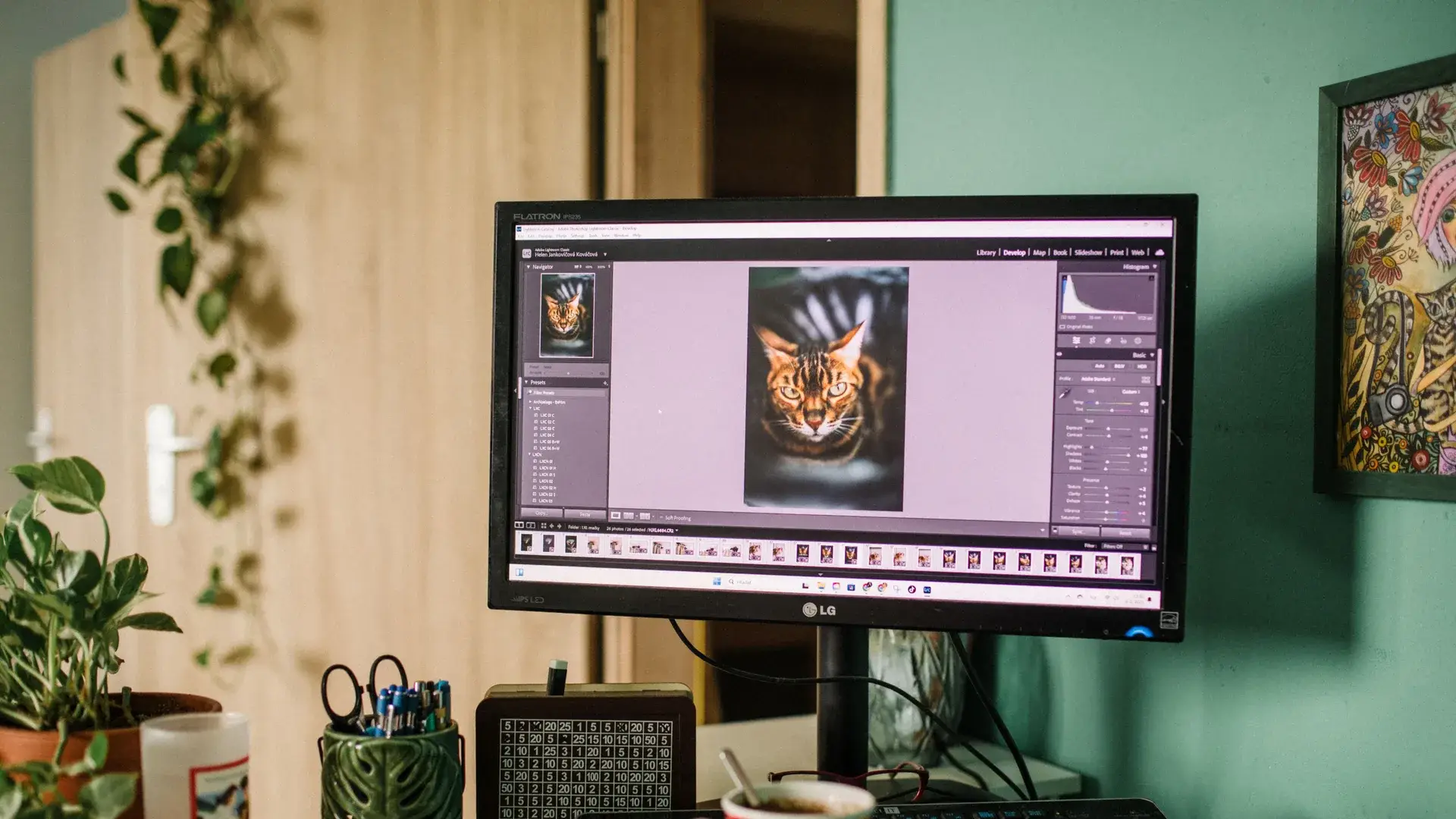
Photo editing terms, explained in plain words
A plain-language glossary of photo editing terms: exposure, contrast, white balance, curves, levels, histogram, layers, masks, resolution and AI editing words.
Editing basics ·
Which image format should I use? JPG, PNG, WebP, AVIF, HEIC and TIFF
Which image format to use for the web, print, transparency, logos and archiving: JPG, PNG, WebP, AVIF, HEIC, TIFF, SVG and PSD in one decision table.
Image formats ·