Image extender
Make a photo wider or taller online. Pick a new shape and AI paints the extra space to match, for social posts, banners and print.
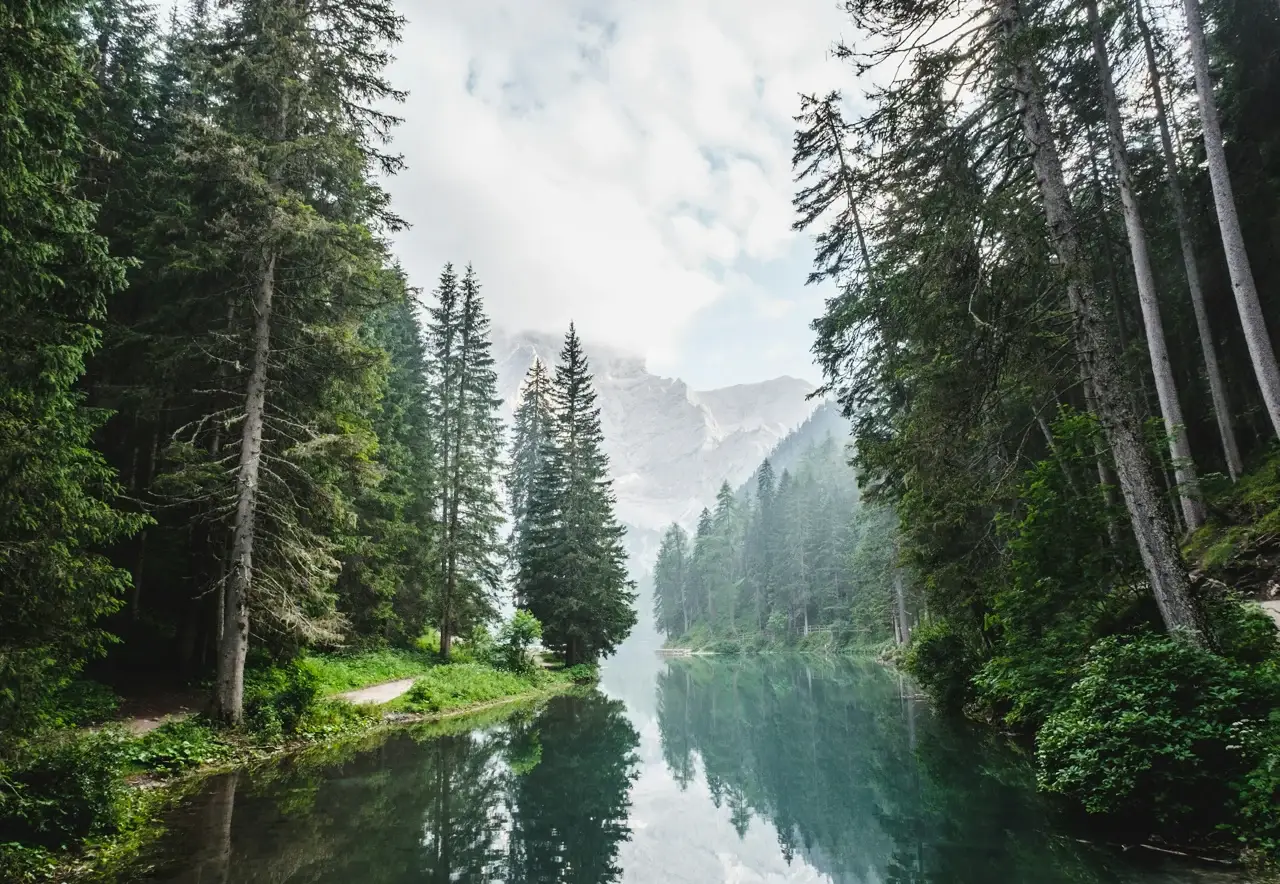
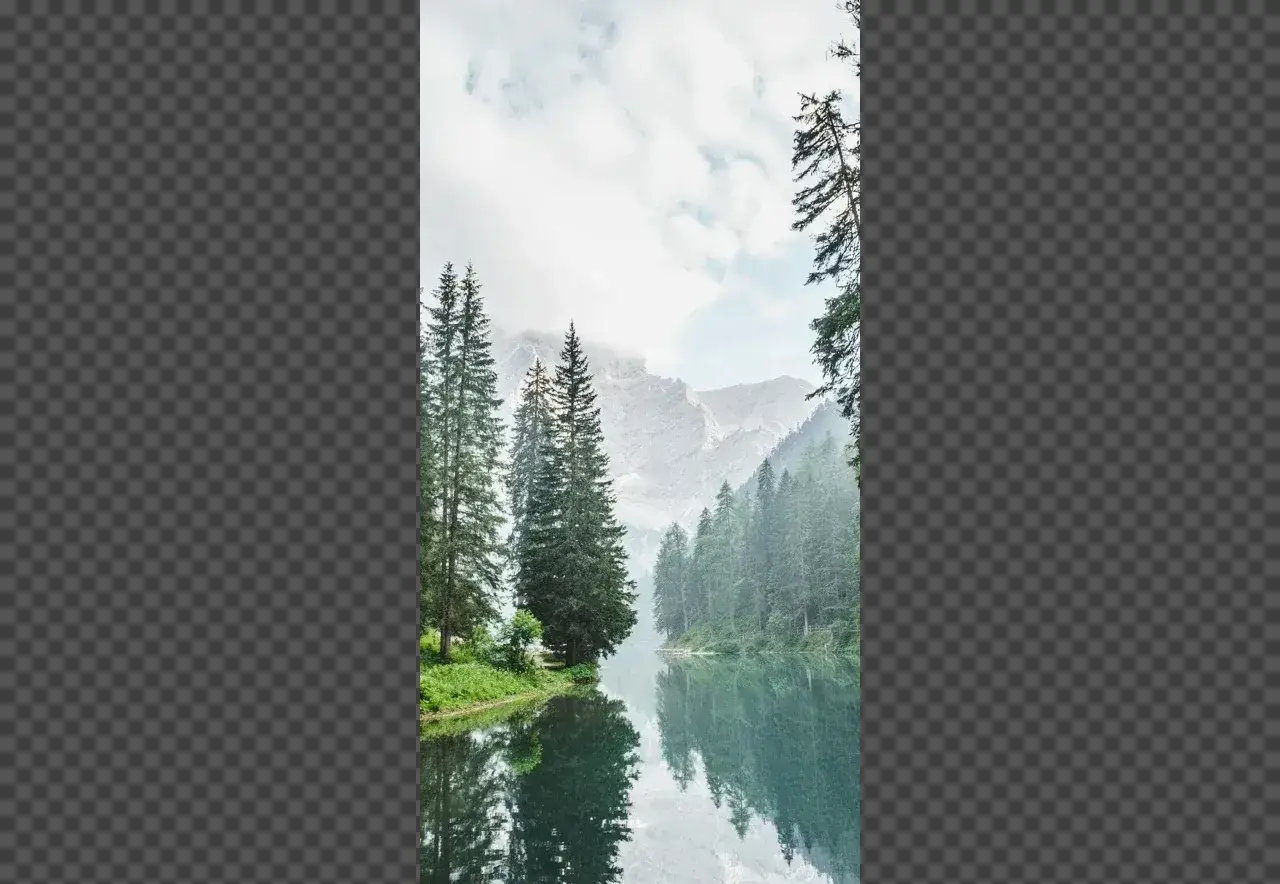 BeforeAfter
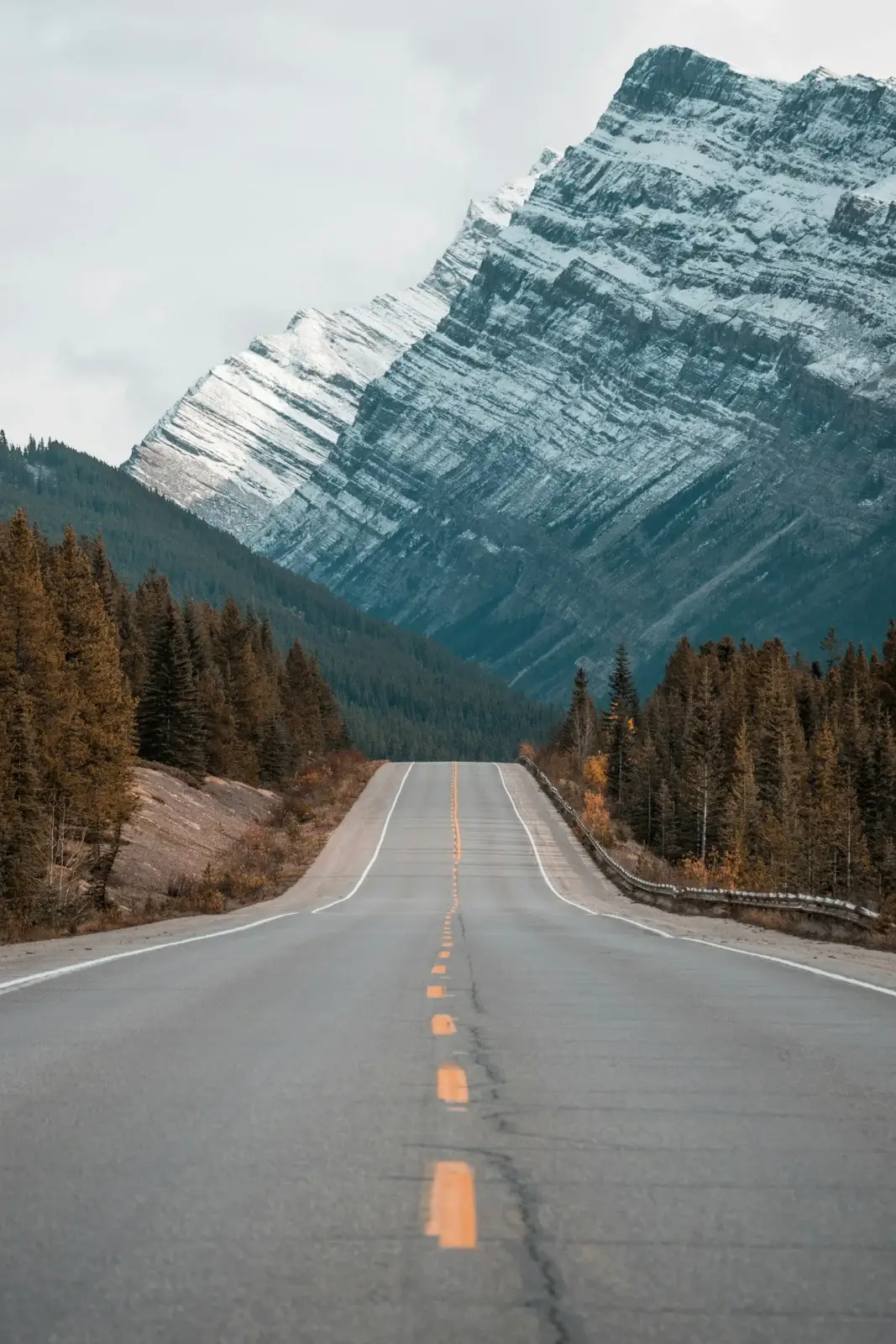
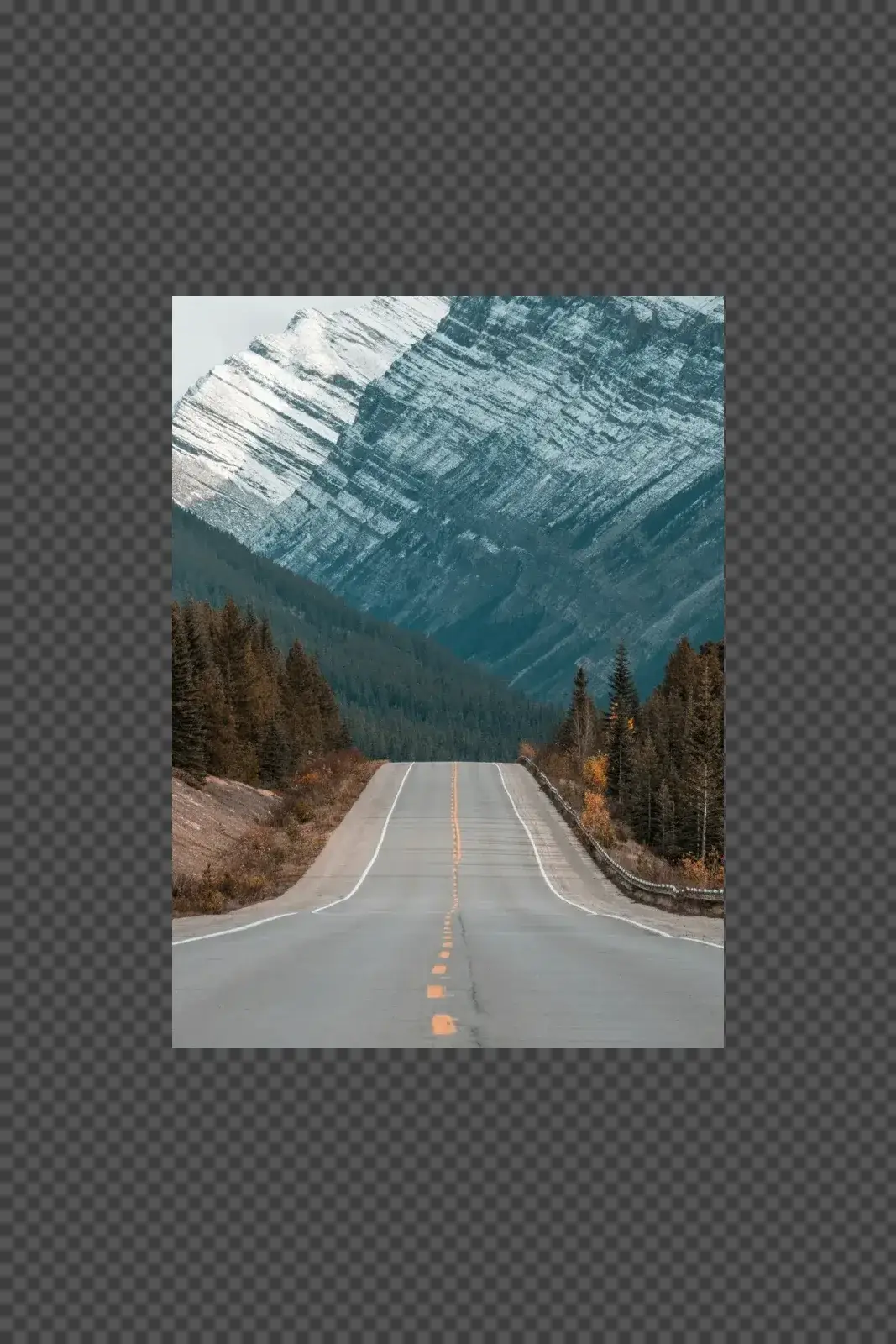 BeforeAfter
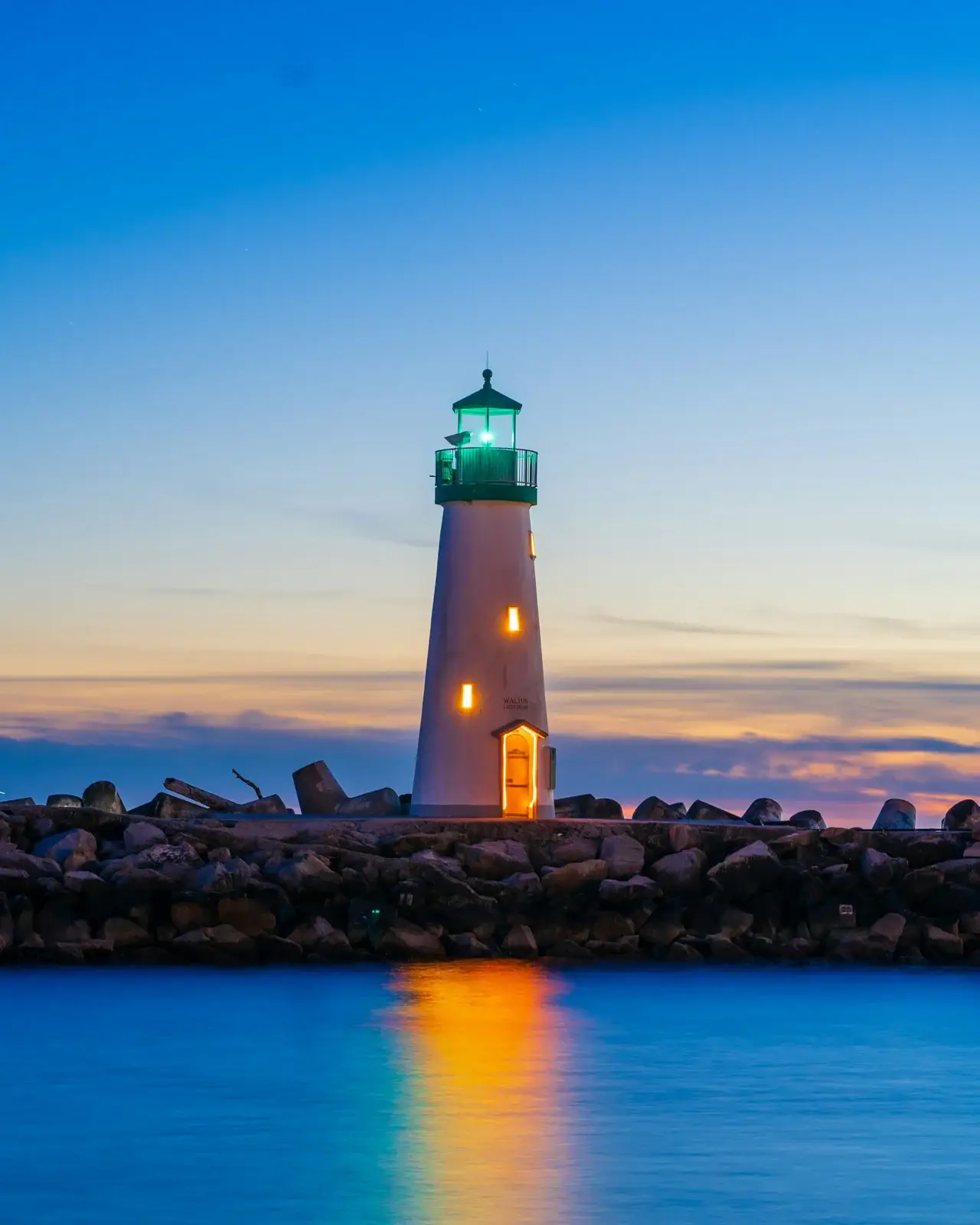
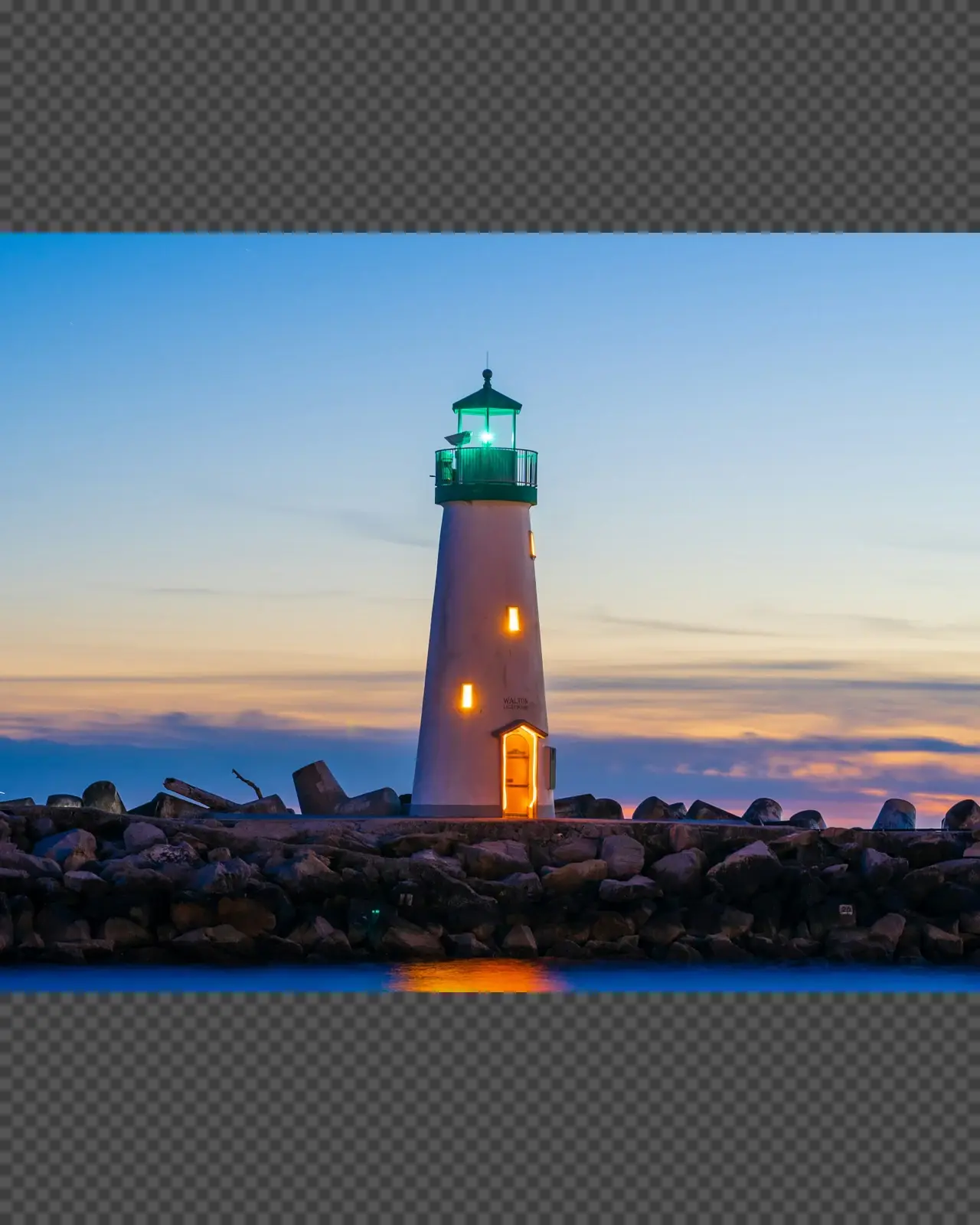 BeforeAfter
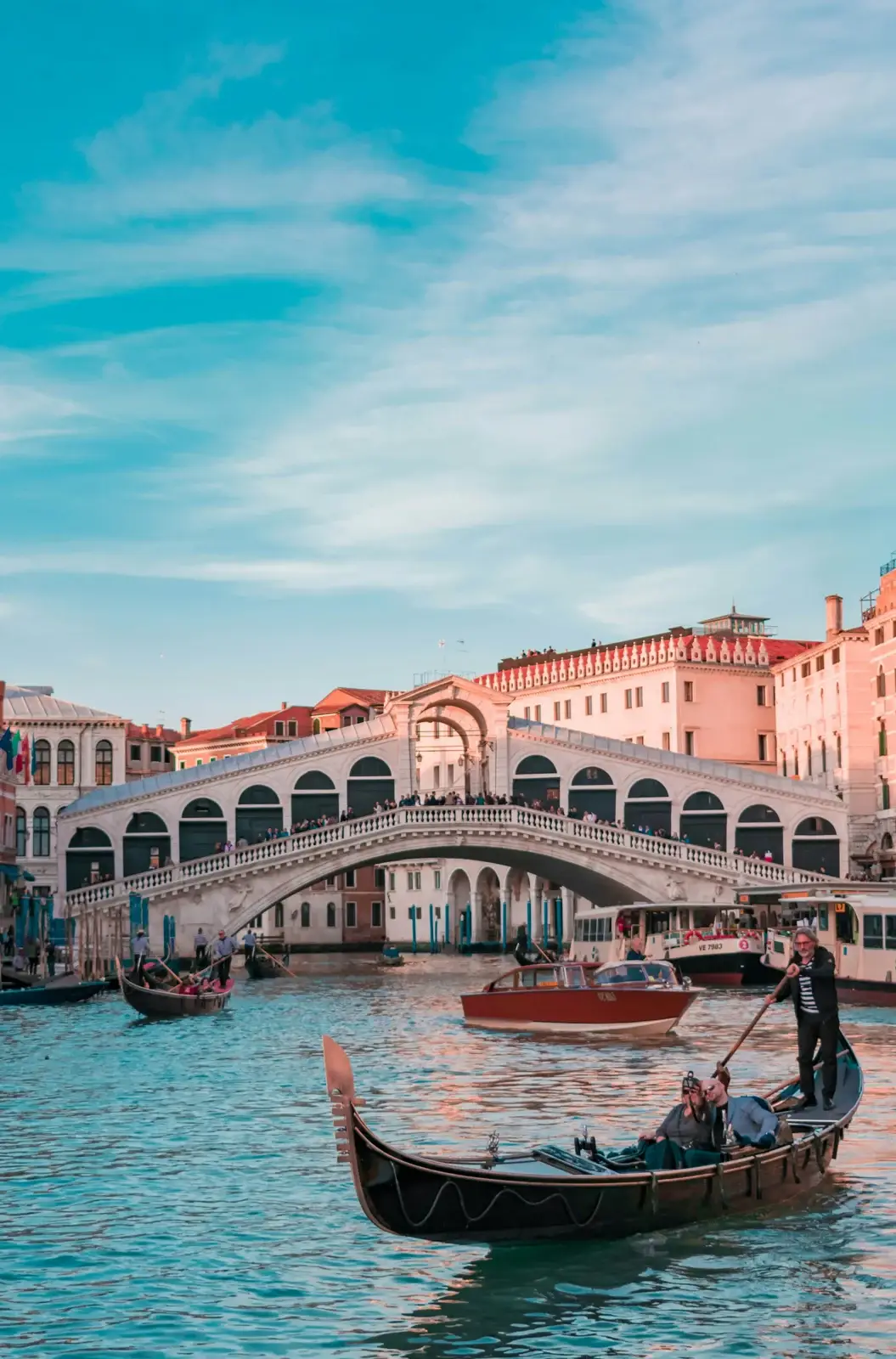
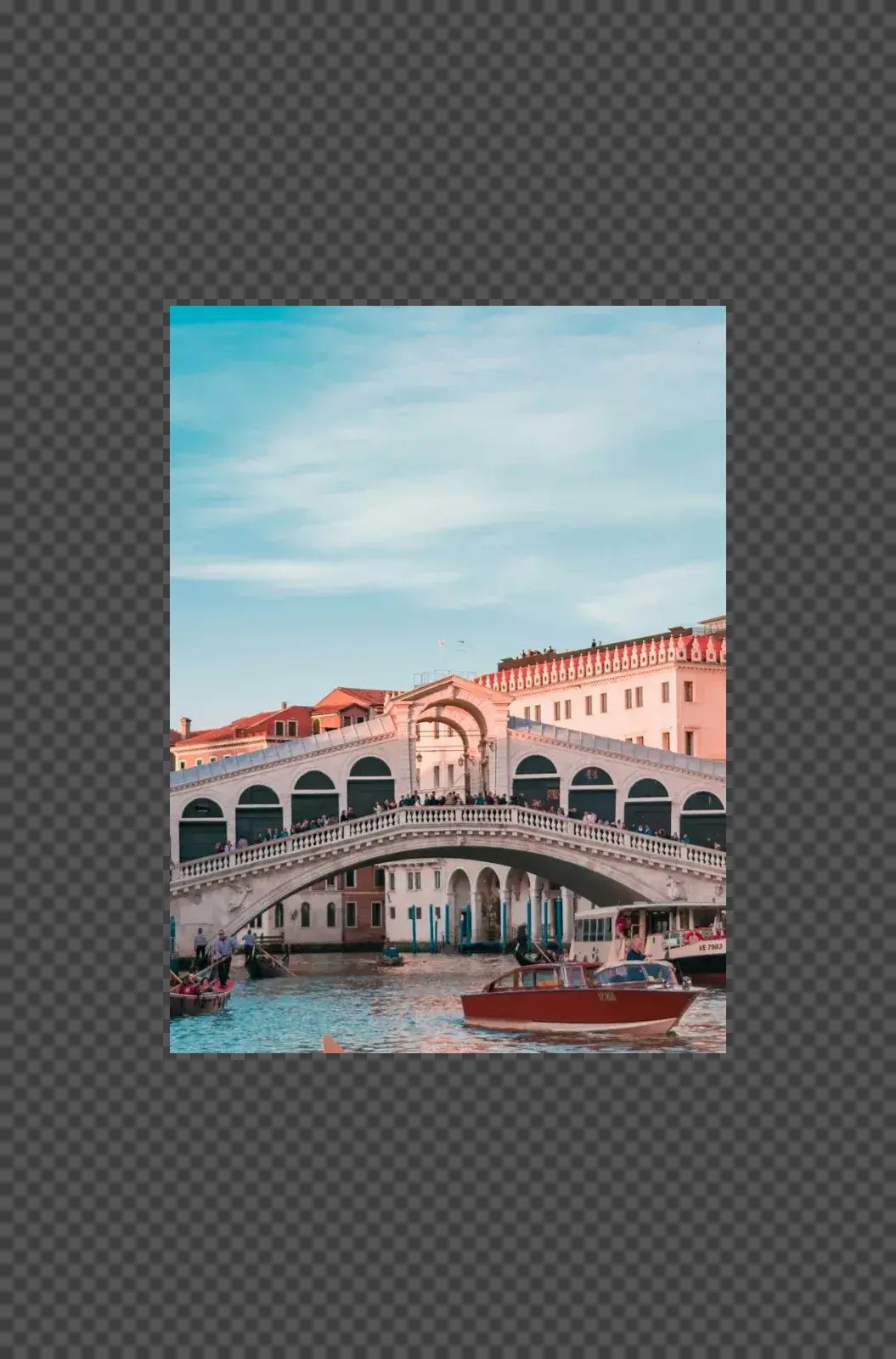 BeforeAfter
Pick a new shape
Choose square, portrait, wide or story, and see where the new space goes.
Edges that blend in
AI paints the new space to match the light and detail of your photo.
Your photo stays as it is
Your original pixels go back on top with a soft blend at the seam, so only the new space is painted.
What extending can look like
Drag the slider to compare each photo with its extended version. Examples are for illustration; your result depends on your photo.
BeforeAfterBeforeAfterBeforeAfterBeforeAfterExamples are illustrations.
Fit any format
Turn a portrait into a wide banner or a landscape into a story without cropping anyone out. You need to be signed in, and the cost shows beside each model.
Try it nowBeforeAfterFast or Pro
Fast suits skies, fields and other simple scenes at a low cost. Pro costs more and aims for finer detail in busy scenes.
Try it nowBeforeAfterHow to extend an image
Drop or choose an image. PNG, JPG, WebP and more all work.
Pick a new shape and an AI model.
Drag the slider to compare, then download the result or keep editing it in Studio.
Want to keep editing afterwards? Open Studio
Questions about extending images
What shapes can I choose?
Square (1:1), portrait (4:5), wide (16:9) and story (9:16).
Does it use credits?
Yes. It always uses AI, so it uses credits, shown beside each model, and you need to be signed in.
Should I choose Fast or Pro?
Fast is quick and costs less, and suits simple surroundings such as sky, sand or a wall. Pro costs more and paints busy scenes with finer detail.
Will it change my original photo?
No. Your photo is placed back on top of the result, with only a soft blend along its edges.
What if my photo already has that shape?
There is nothing to add, so the tool asks you to pick another shape.
Which files can I open?
PNG, JPG, WebP, GIF, AVIF, BMP and SVG. The wider or taller image is saved as a PNG, and a photo too large for the tool is refused with a note.
Does it work on a phone?
Yes. Pick a photo, tap a shape such as story (9:16) for a phone screen, and download the result.