About Pixuvia
Pixuvia is a photo and image editor that runs in a browser tab on a computer, a tablet or a phone. Studio handles quick edits in a few taps. The Editor adds layers, masks, selections, retouching tools and PSD files. AI tools make and change images, using credits.
Studio
Quick edits in a few taps: filters, effects, crop, text, frames and collages. Each change becomes a version you can go back to.
Studio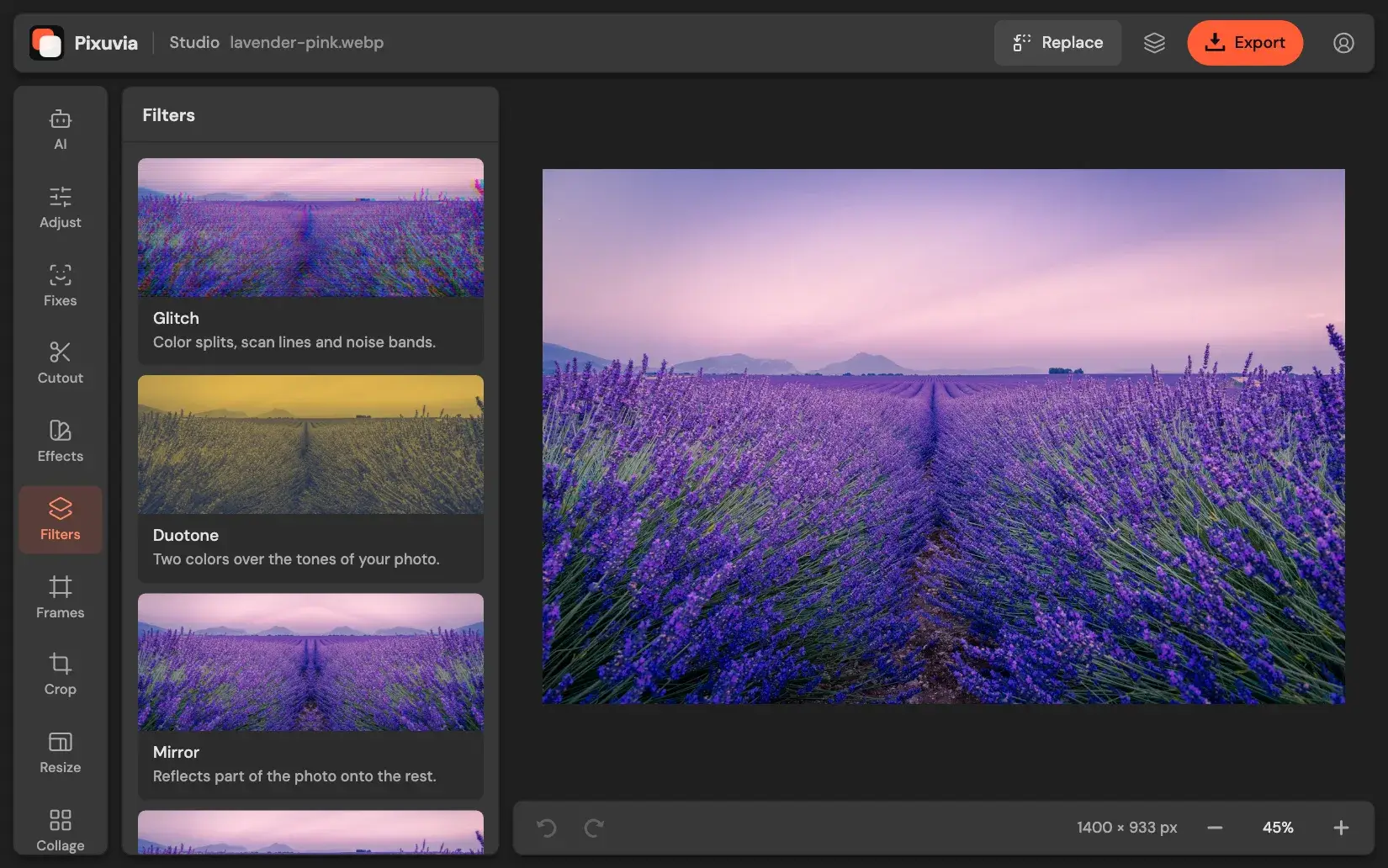
Editor
Layers, masks, selections, retouching, adjustment layers and text. It opens layered PSD files and saves them back as PSD.
Editor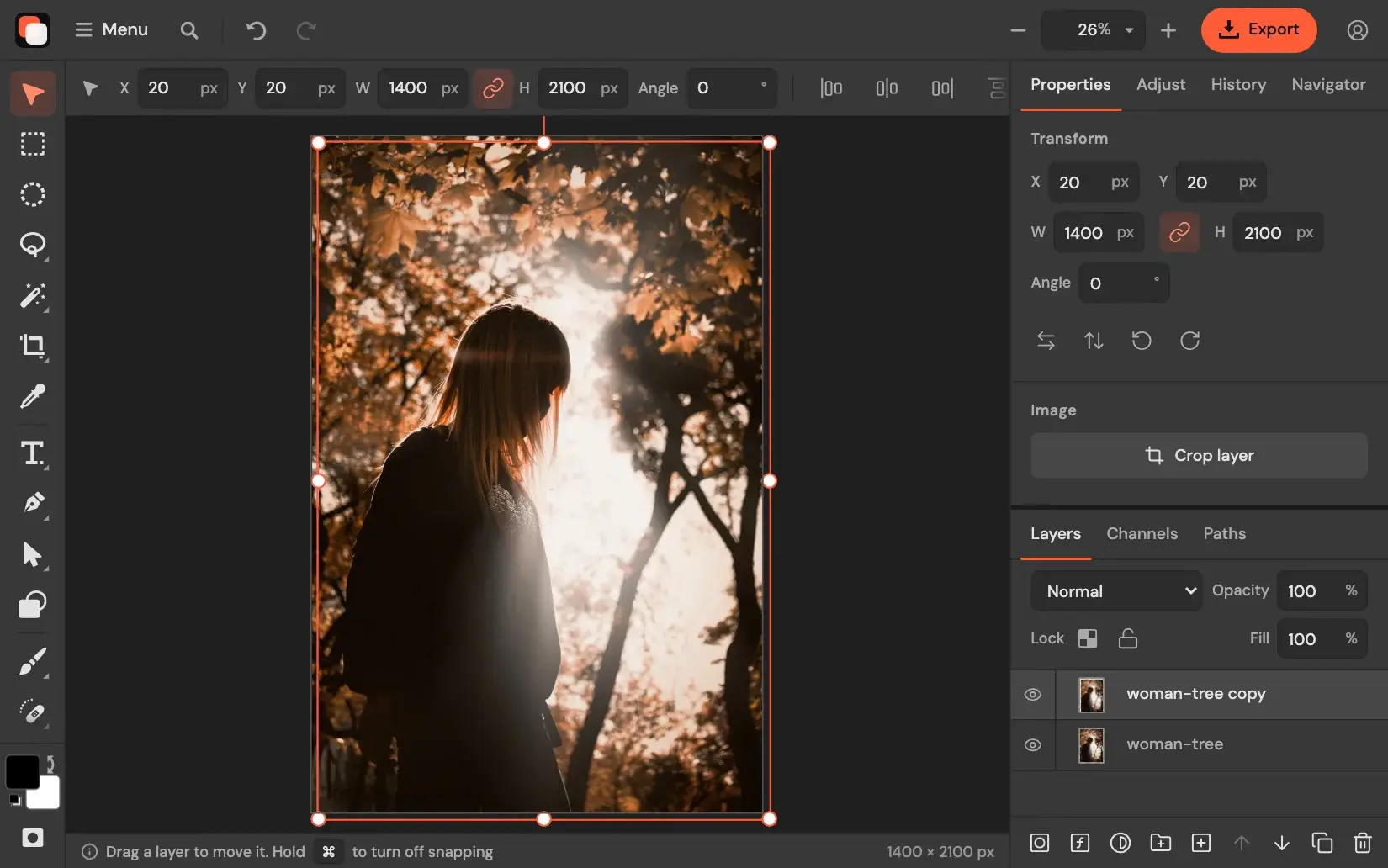
AI tools
Generate an image from words, edit by description, remove objects, extend, upscale and sharpen. Each run uses credits, and you see the cost before you press the button.
See plans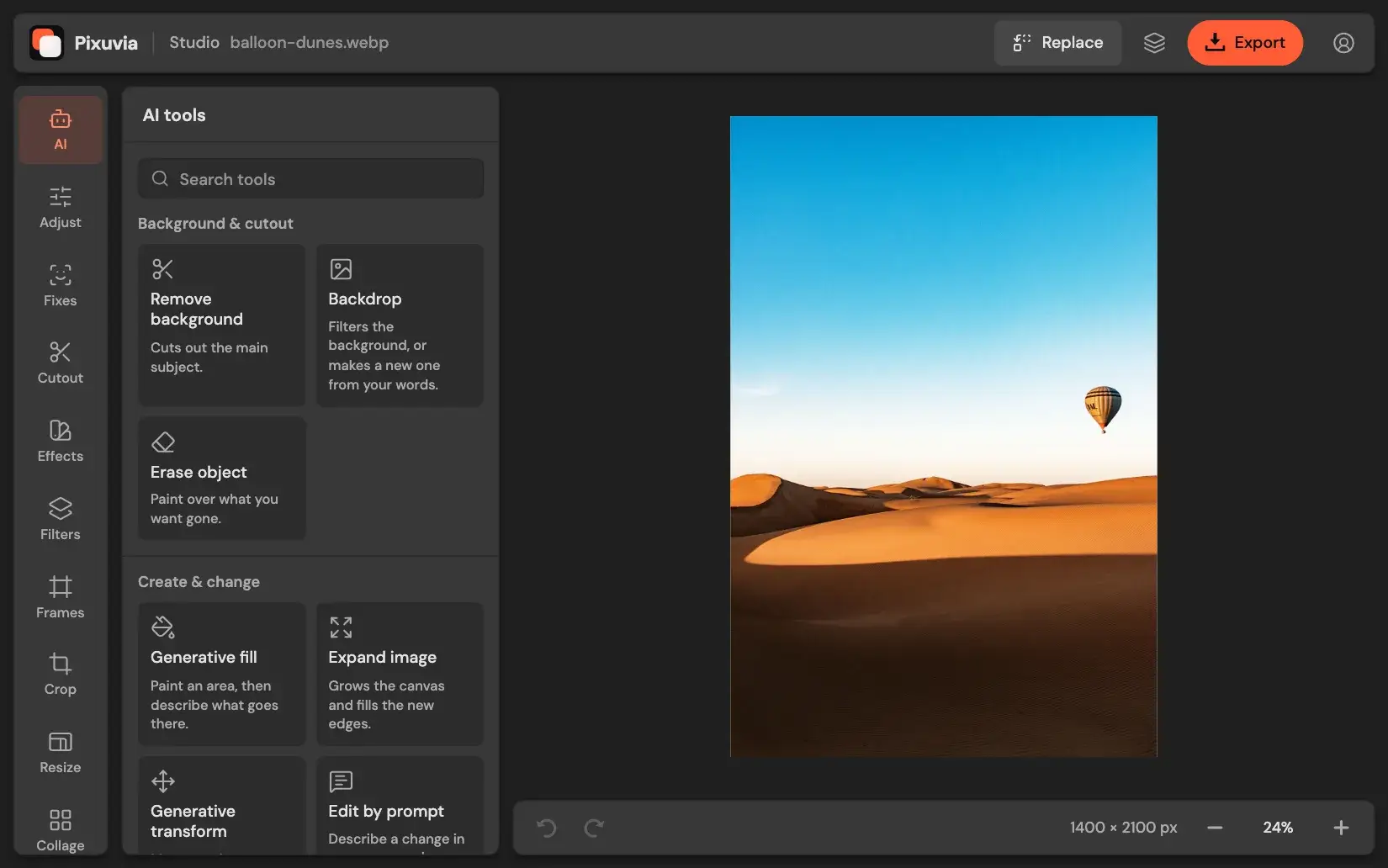
What it does
- Studio: one-tap filters and effects, crop, text, frames, collages and quick edits
- AI tools: generate an image from words, edit by description, remove objects, extend, upscale and sharpen
- Selections from the marquee and lasso to Select Subject, refined with Select and Mask
- Retouching with Spot Healing, Patch, Clone Stamp and the Remove tool
- Crop, perspective crop, free transform, warp, puppet warp and Liquify
- Adjustment layers, blend modes, layer styles and filters
- Text with warp, shapes, brushes and the pen tool
- Opens PSD files with their layers, groups, masks, text and adjustment layers, and saves them back as PSD
Where it works
It runs in a modern browser on Windows, macOS, Linux, Android, iPhone and iPad, with nothing to install. On a phone the tools sit in a dock under your thumb and panels slide up from the bottom. The site and the Editor are available in 14 languages.
How it works
Heavy pixel work such as filters runs in WebAssembly in background workers, so the page stays responsive on large images. Your current document is saved in the browser as you work, so it is waiting when you come back on the same device. AI tools that work on a photo send a copy of it to an AI provider, as the Privacy page explains.
Contact
Questions, feedback and reports of misuse: [email protected].