Photo editing basics
What the terms and settings in a photo editor mean, and how to choose between them. For the steps themselves, see the tutorials; these guides explain the why.
Inpainting vs outpainting: what AI fill and expand actually do
Inpainting vs outpainting explained: how AI fills a selected area or extends a photo past its edges, what each is good at, where it fails and how to steer it.
Destructive vs non-destructive editing: what is the difference?
Destructive vs non-destructive photo editing explained: adjustment layers, masks and keeping the original, so any change can be undone or tweaked later.

DPI vs PPI: what resolution do you need for printing?
DPI vs PPI explained: why 300 DPI is really about pixels per inch, how big a photo prints at its pixel size, and a print-size table for common photo sizes.
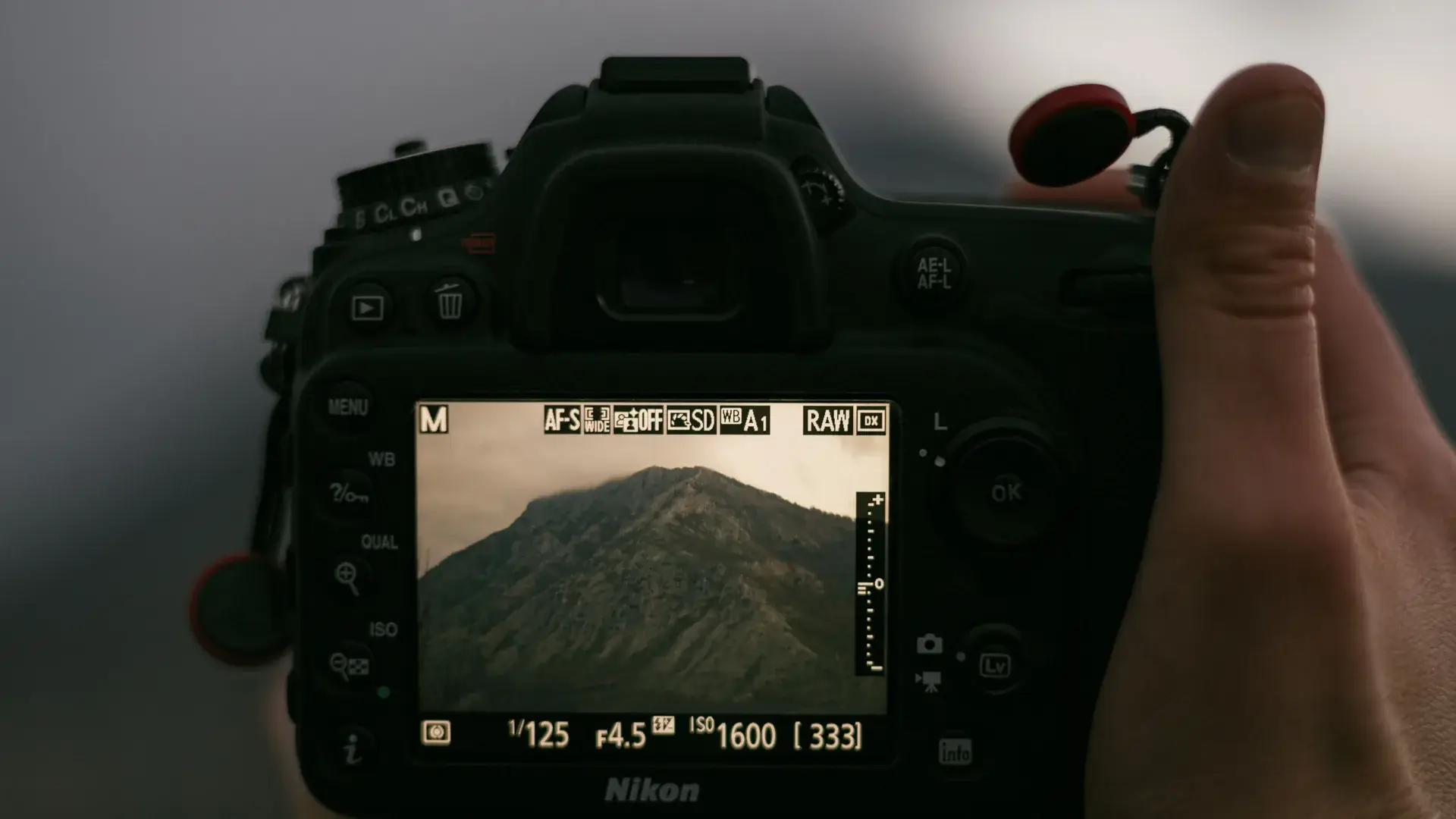
How to read a histogram in photo editing
Learn to read a photo histogram: what the graph shows, how dark, bright and flat photos look in it, clipping, color channels and when an odd histogram is fine.
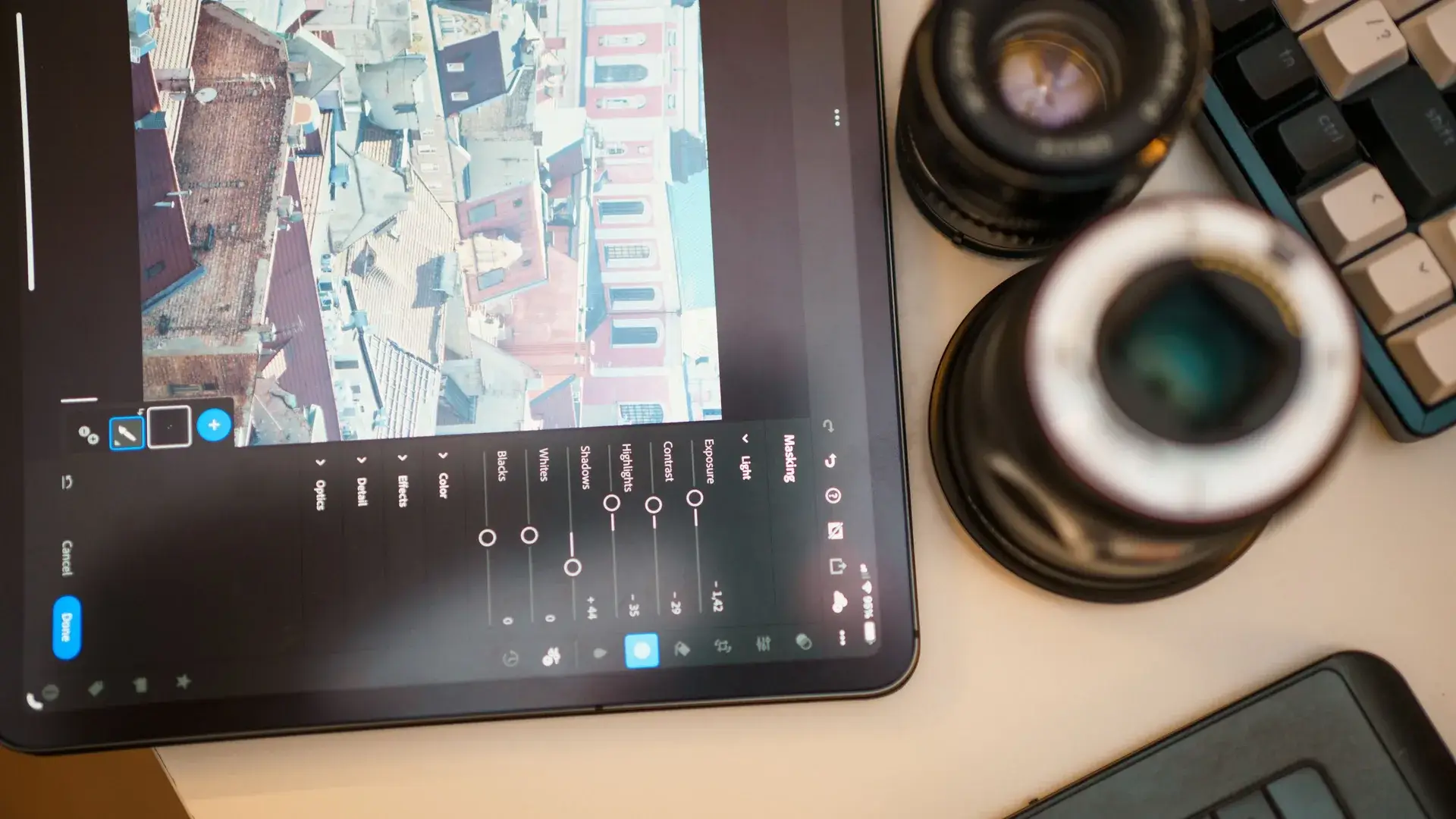
Curves vs Levels: what is the difference, and which should you use?
Curves vs Levels explained with the same photo fixed both ways: what each adjustment changes, when Levels is enough and when only Curves can do the job.
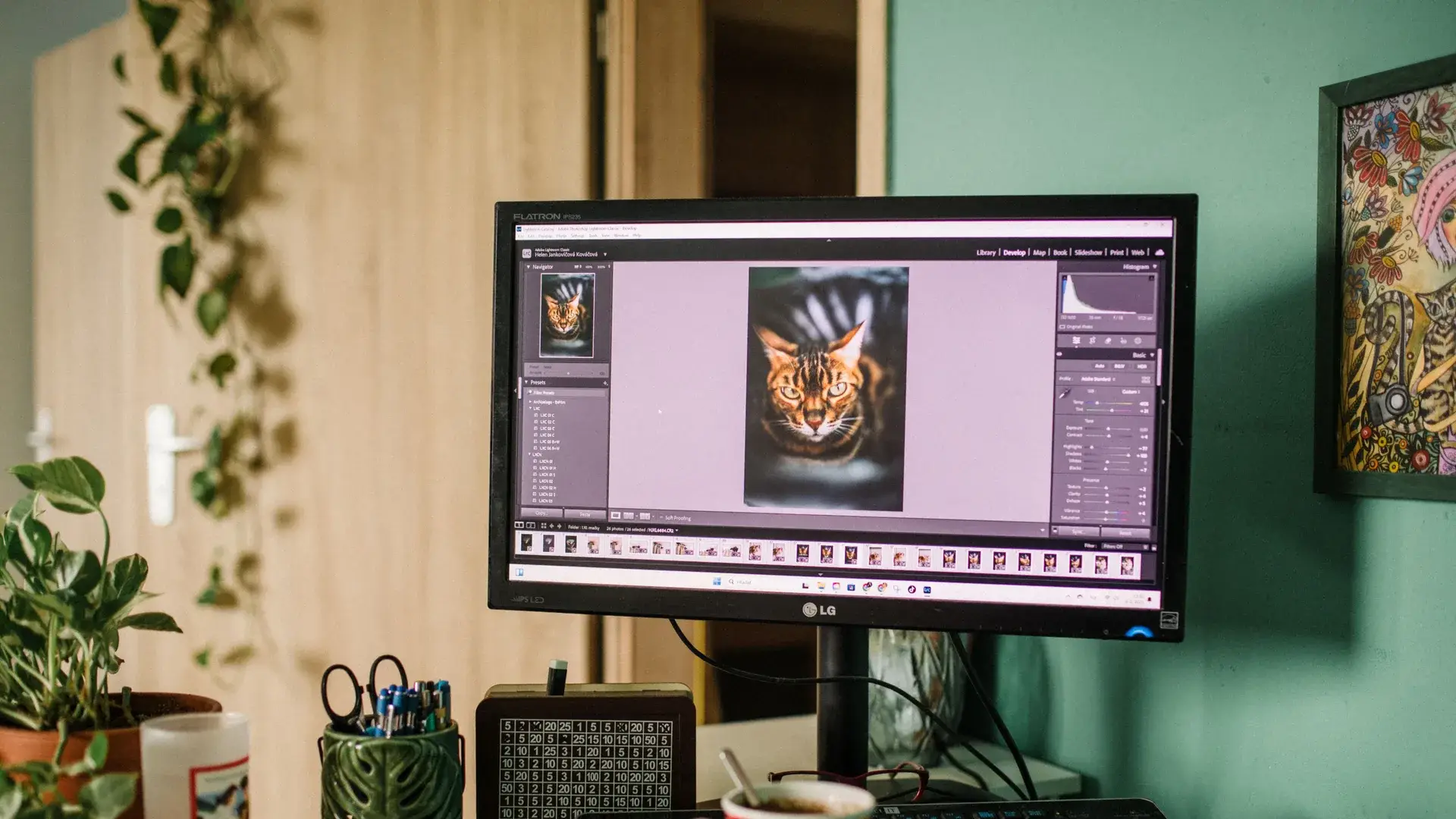
Photo editing terms, explained in plain words
A plain-language glossary of photo editing terms: exposure, contrast, white balance, curves, levels, histogram, layers, masks, resolution and AI editing words.