Edit PSD files online
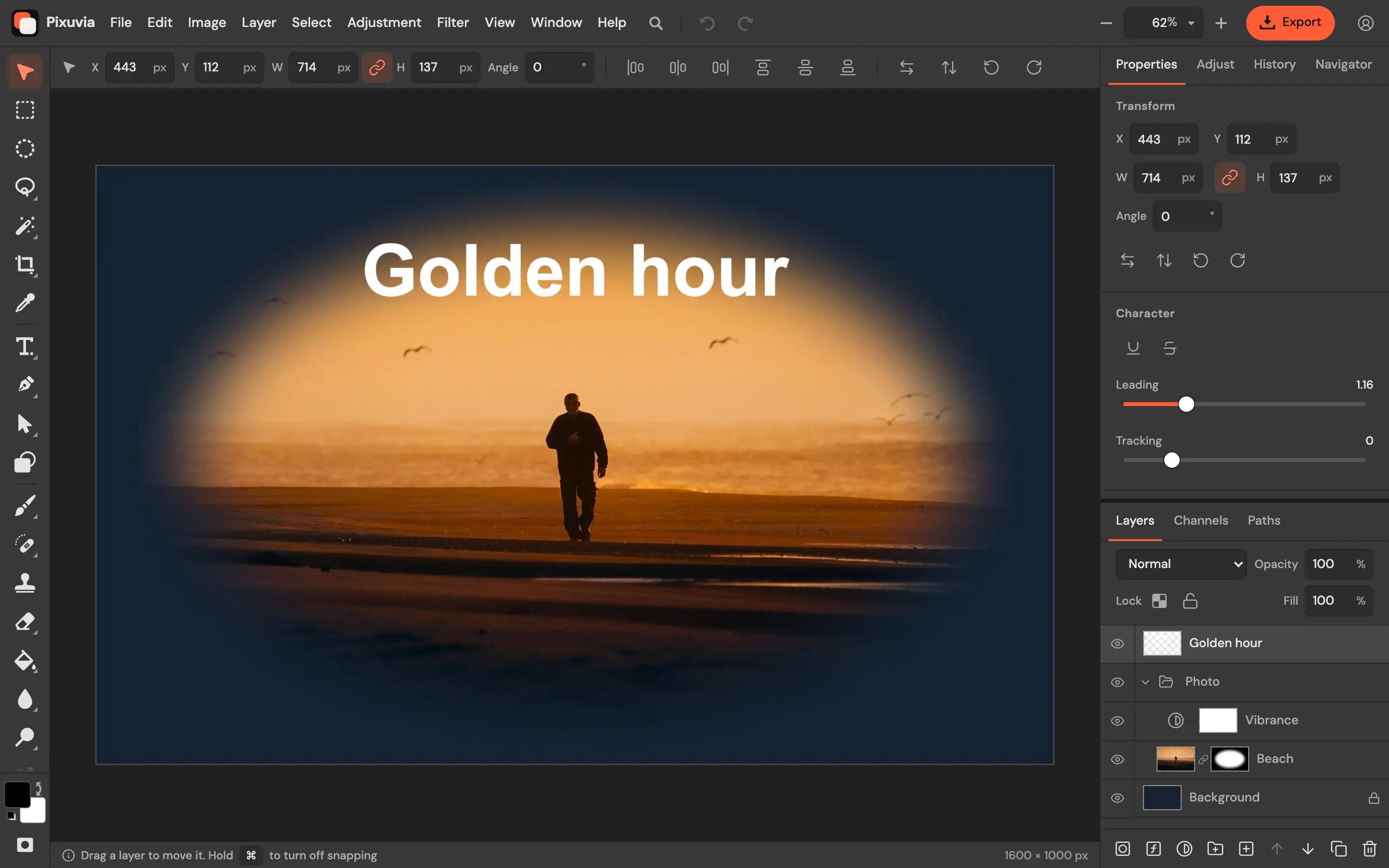
Drop a PSD file on the Editor and it opens with its layers, groups, masks, text and adjustment layers in the Layers panel. Edit any layer, then use Export to save it back as a layered PSD, or as a flat PNG, JPG or WebP.
Drop a photo or PSD file here
This browser could not pass the file on. Open the Editor and choose it there.
Pixuvia is an online photo and image editor with AI tools: a classic editor for detailed work and PSD files, and a modern studio for one-tap edits. It runs in your browser on a computer, tablet or phone.
How to do it
Open the Editor and drop your PSD file on it, or pick it from your files.
Find the layer you want in the Layers panel. Click the eye to hide or show it, or click a text layer with the Text tool to edit its words.
Make your changes: paint, retouch, add adjustment layers or new text.
Click Export, choose PSD to keep the layers, or PNG, JPG or WebP for a flat image.
What opens with the file
Layers and nested groups with their visibility, opacity and blend modes, layer masks, adjustment layers, editable text and shape layers, smart objects, fill layers and guides.
What changes
Masks and effects on groups are not kept. Warped or linked smart objects open as pixels, and an adjustment type the Editor lacks is skipped with a notice.
Size limits
PSD files up to 60 MB open. A PSD longer than 8192 px on a side opens scaled down to 8192 px, or to 4096 px on a phone or tablet, with every layer scaled to match.
Color modes
RGB, CMYK and grayscale PSDs open, in 8 or 16 bits per channel, and are edited and saved as 8-bit RGB. CMYK colors are converted without the file’s color profile, so they can shift. Lab, duotone and multichannel files do not open.
Questions
Do I need to install anything to edit a PSD?
No. Drop the PSD on the Editor in your browser and it opens with its layers, groups, masks and text, on a computer, tablet or phone. For a flat image without editing, use PSD to PNG.
Can I save my changes as a PSD again?
Yes. Export with the PSD format and the file keeps its layers, groups, masks, text and adjustment layers, so you can keep working on it later or hand it to someone else.
Are text layers still editable?
Yes, when the font and settings can be read. Click the text with the Text tool to change its words, font or size. Text on a path opens as pixels.
What happens to fonts I do not have?
The text layer keeps its font name and stays editable. If that font is not installed on your device, the browser draws the text in a fallback font until you pick another one in the options bar.
Can I open PSB files?
No. Only PSD files open, so save the document as PSD in the app that made it first.
More tools
 Remove the background with a layer maskMask out the background and save a transparent PNG.
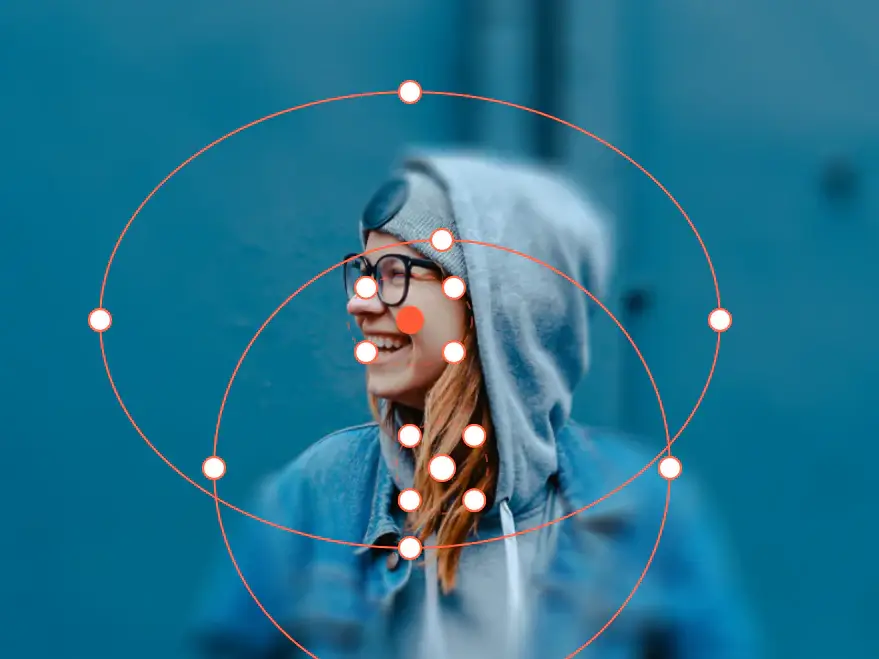 Blur the background of a photoKeep the subject sharp and soften the rest.
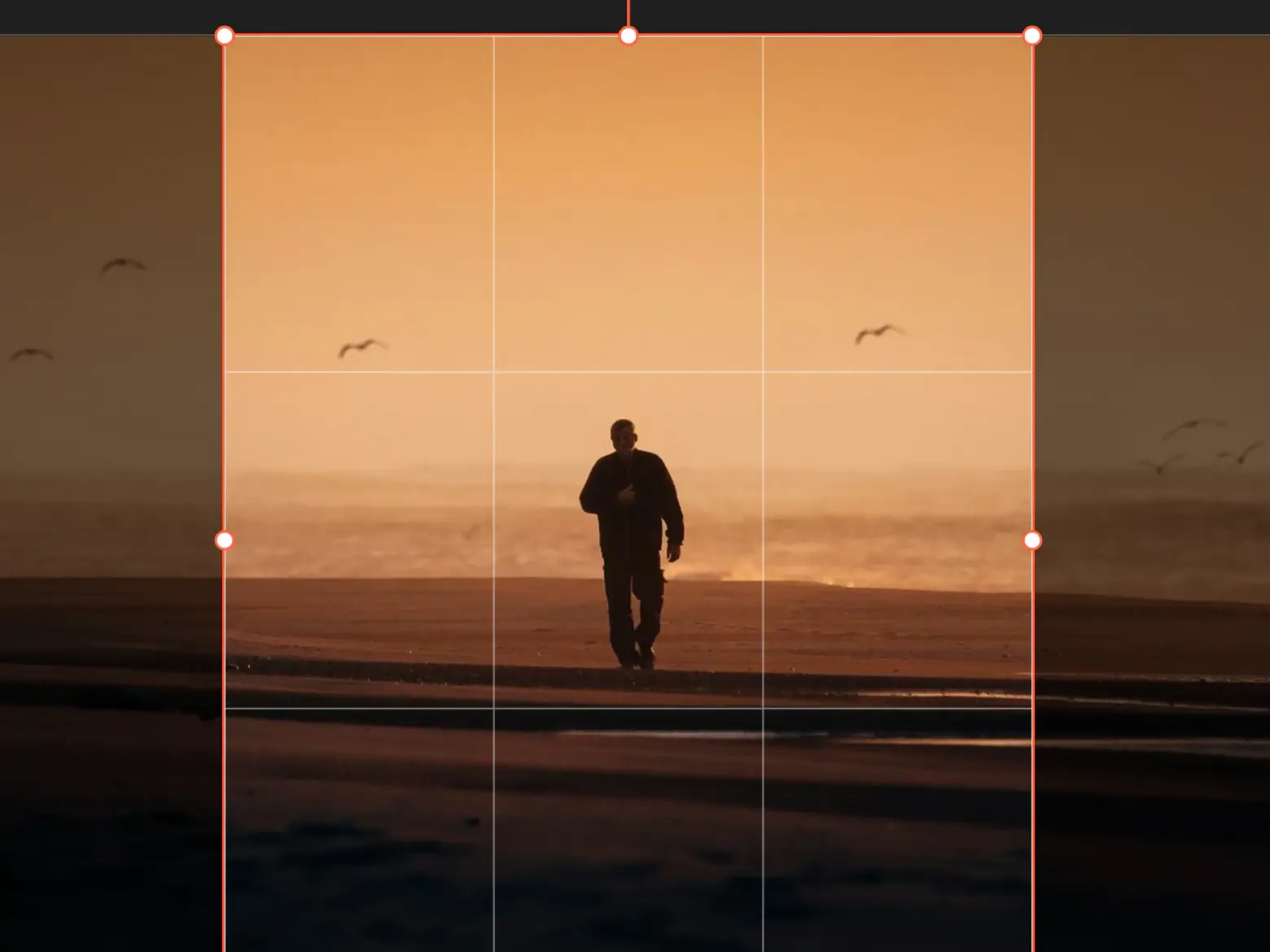 Crop a photo for social mediaCrop to 1:1, 4:5, 16:9 or 9:16 for any post.
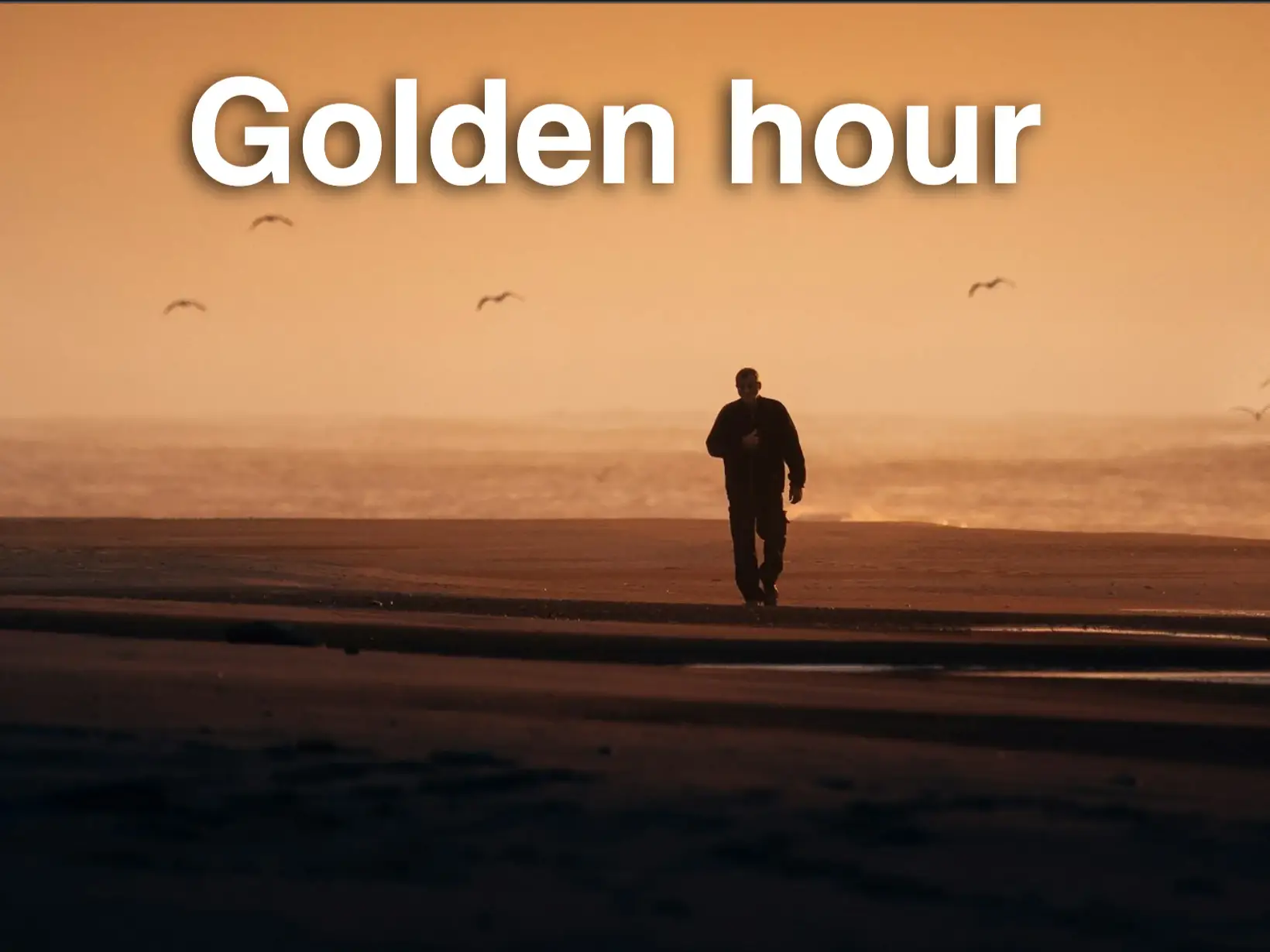 Add text to a photoType on a photo, style it and keep it editable.
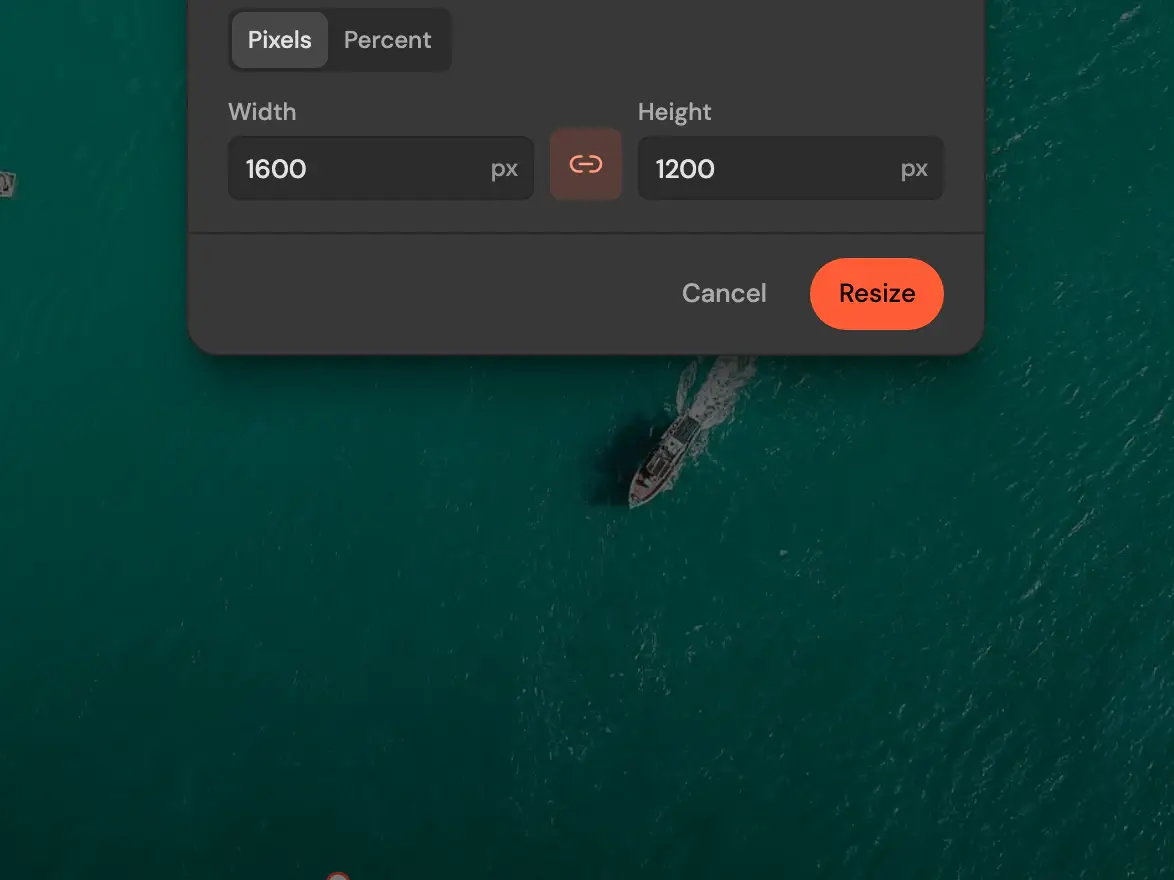 Resize an imageSet exact pixels or a percentage, ratio linked.
 Liquify a photo onlinePush, bloat, pinch and swirl pixels, then restore.
 Edit PSD files on your phoneOpen a layered PSD on Android, iPhone or iPad.
Ready to create? Open a photo and make it better.
Start editingDrop it on the Editor, paste it, or pick it from your phone's photos.