Image upscaler
Make a small image larger online, at 2x or 4x. Use Standard with no credits, or AI for sharper detail on faces, fur and textures.
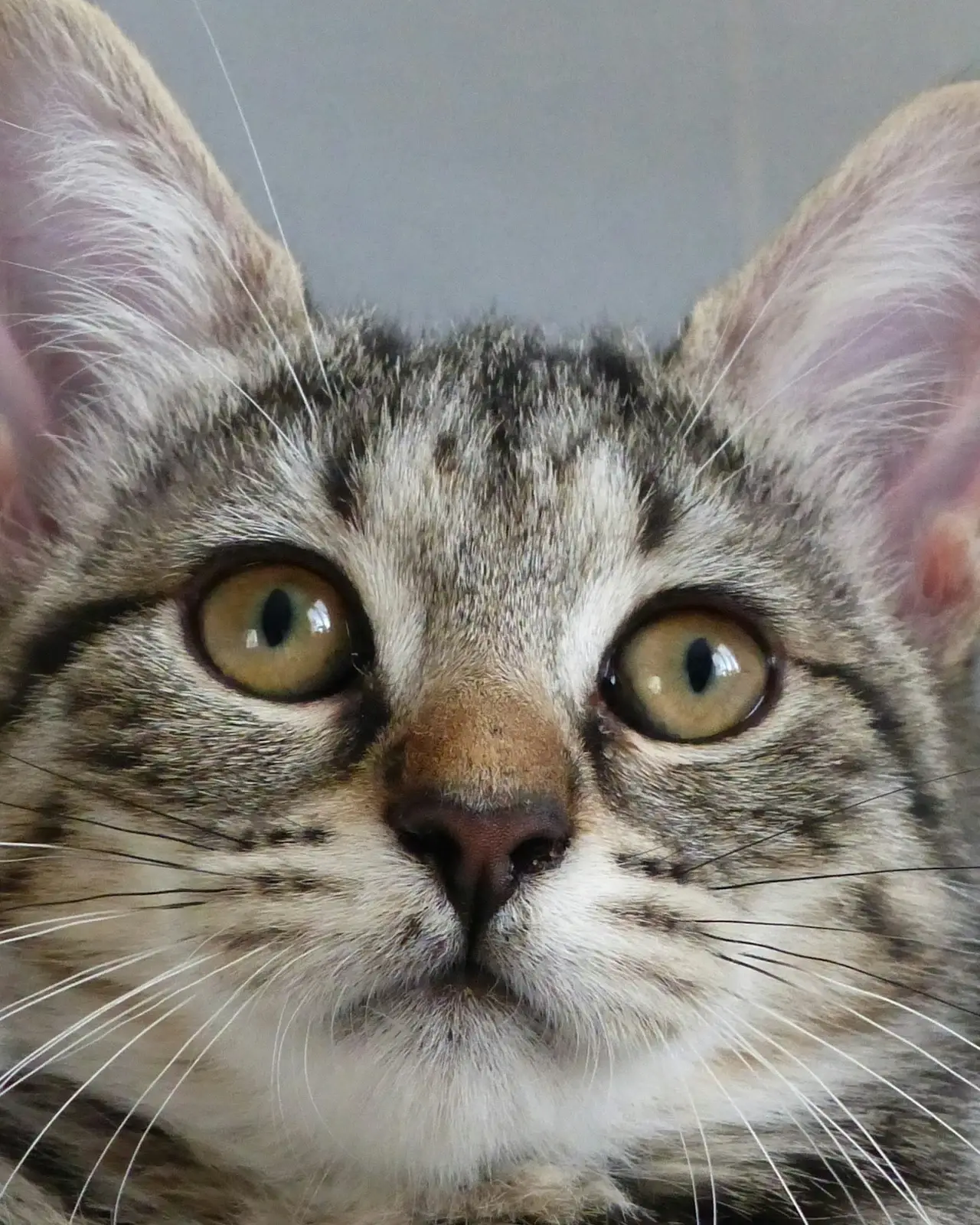
 BeforeAfter
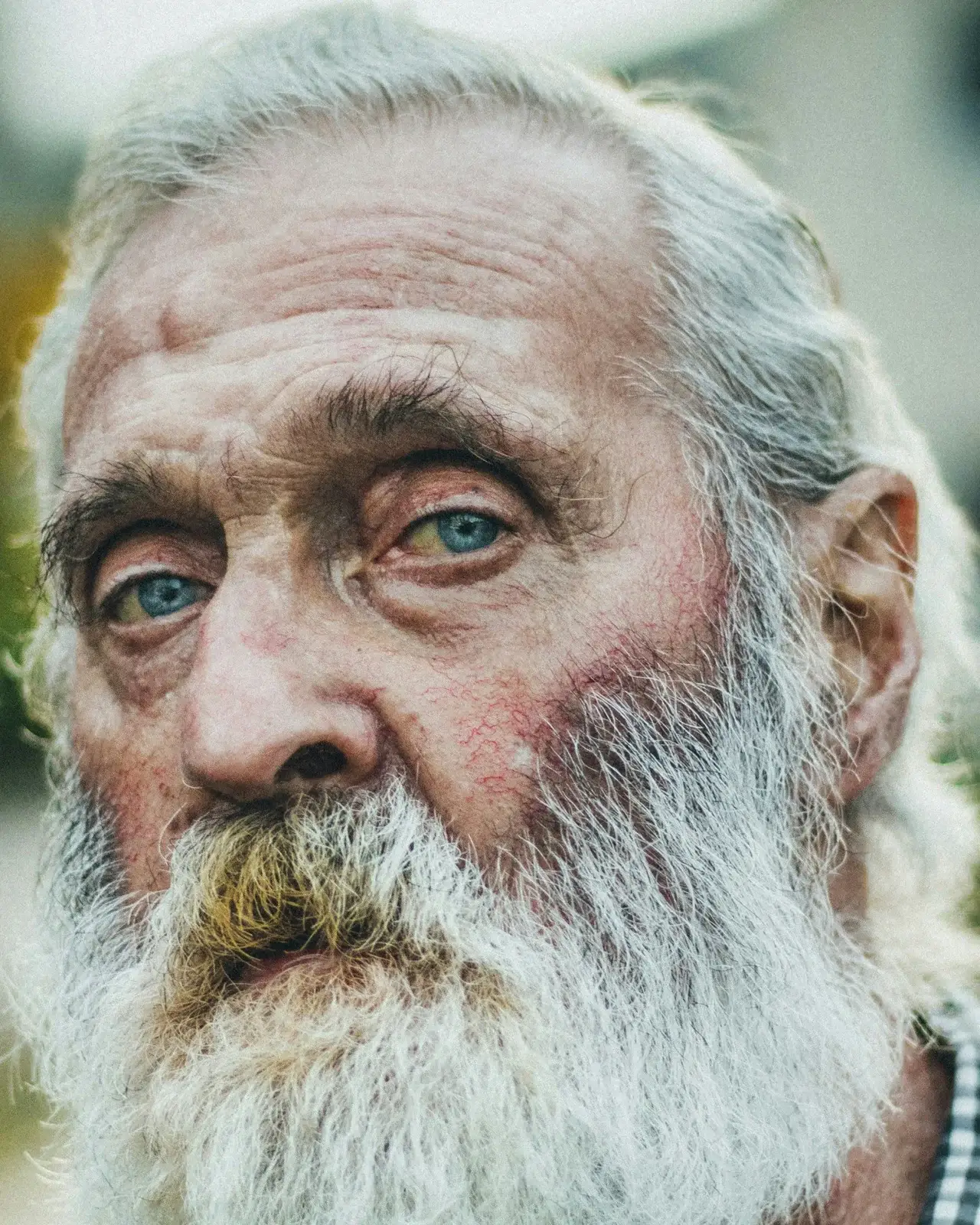
 BeforeAfter
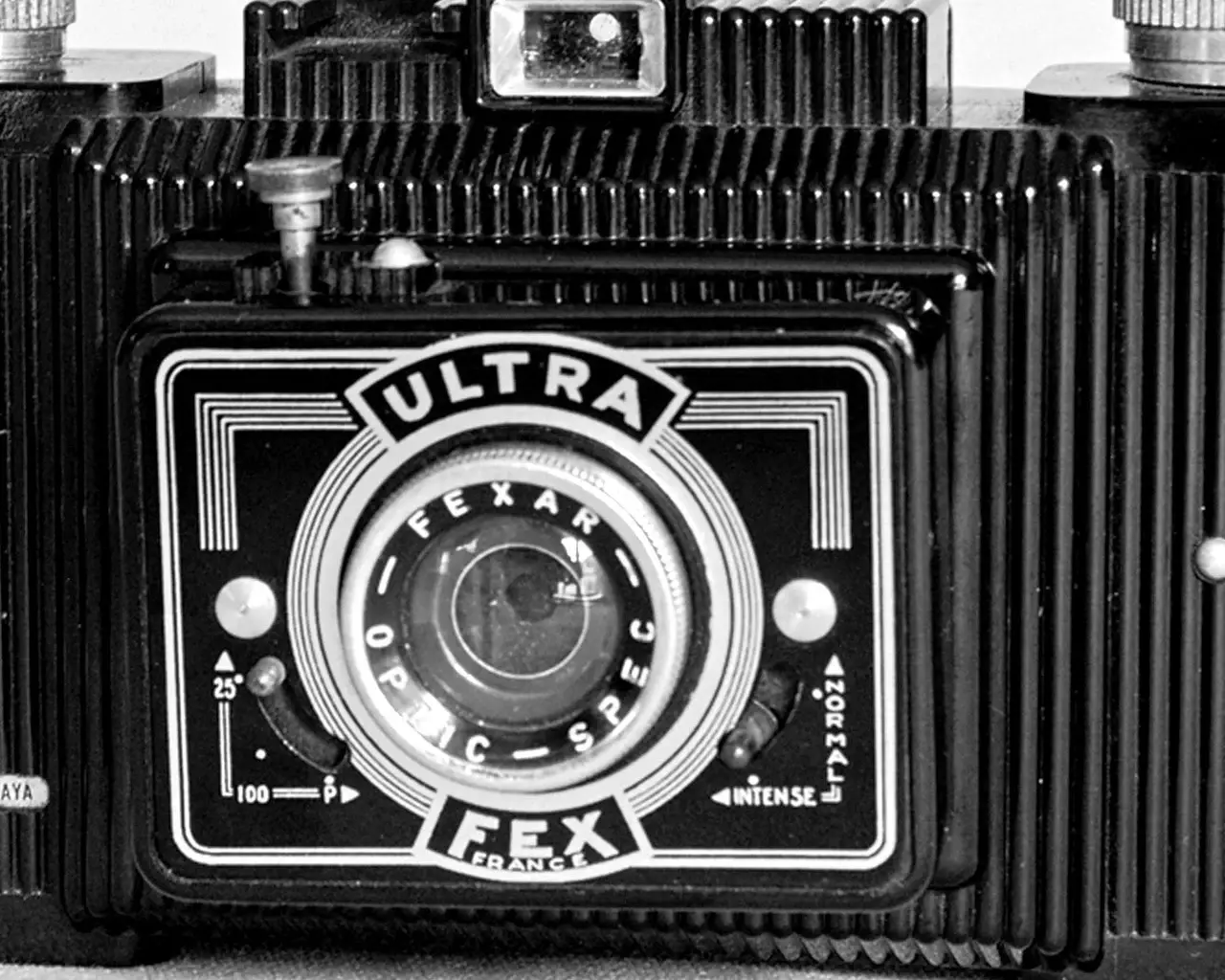
 BeforeAfter
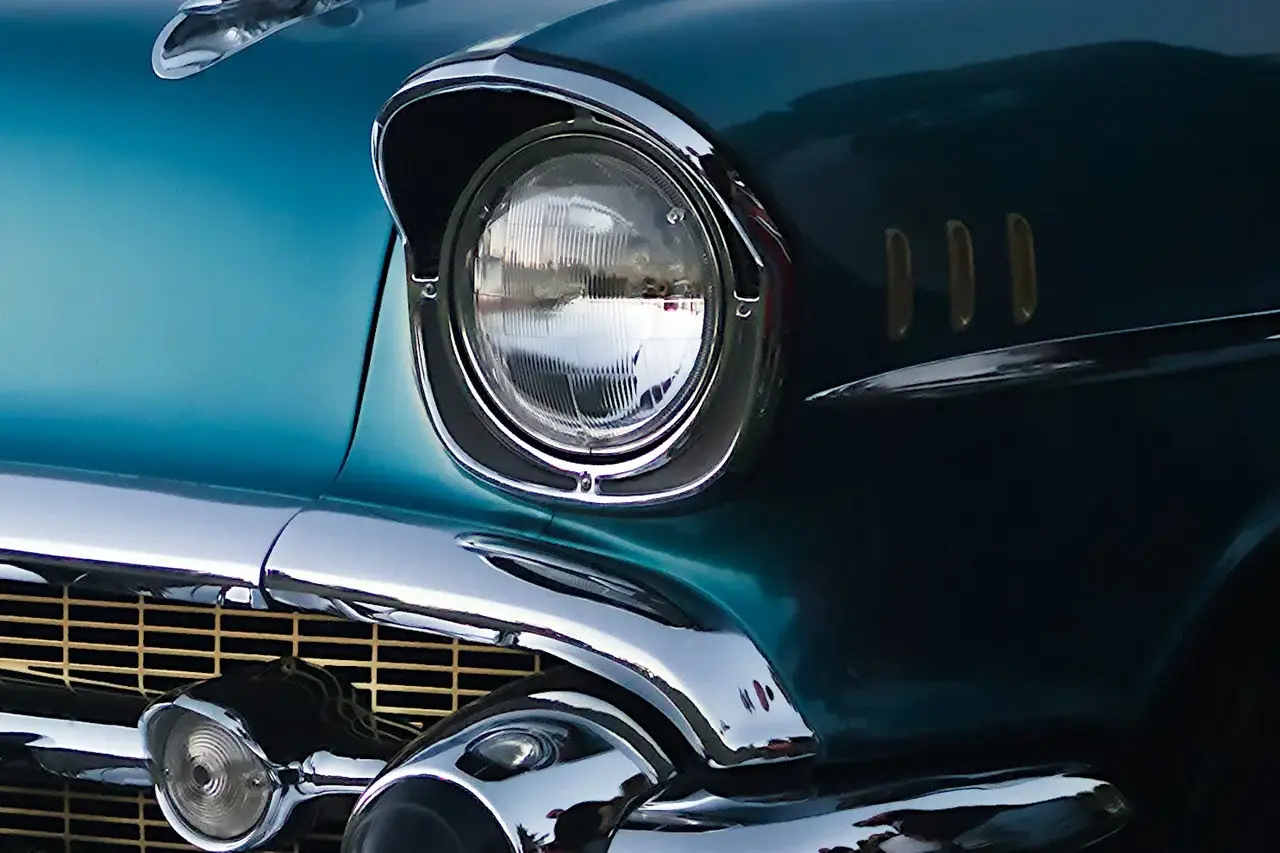
 BeforeAfter
Enlarge at 2x or 4x
Pick a scale and see the final size in pixels before you start.
Sharper detail with AI
AI draws new fine detail in faces, fur and textures as it enlarges.
Download or keep editing
Save the larger image as a PNG, or open it in Studio.
What upscaling can look like
Drag the slider to compare a small image with a sharp one. Examples are for illustration; your result depends on your photo.
BeforeAfterBeforeAfterBeforeAfterBeforeAfter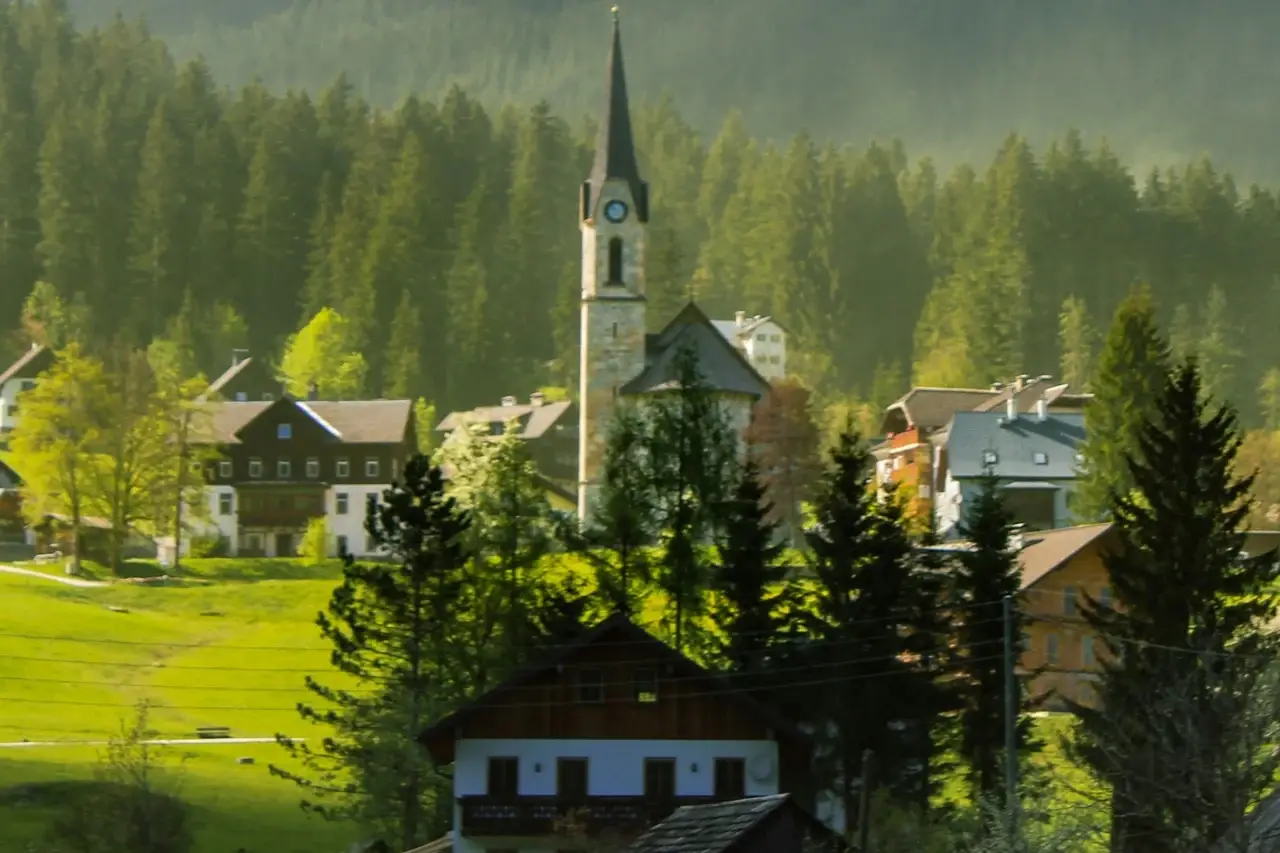
 BeforeAfter
Examples are illustrations.
New detail with AI
AI draws new detail as it enlarges, so edges and textures stay crisp at the larger size. You need to be signed in, and the cost shows beside each model.
Try it nowBeforeAfterNo credits with Standard
Standard enlarges the image smoothly and sharpens it a little. It adds no new detail, so it suits images that are already clear.
Try it now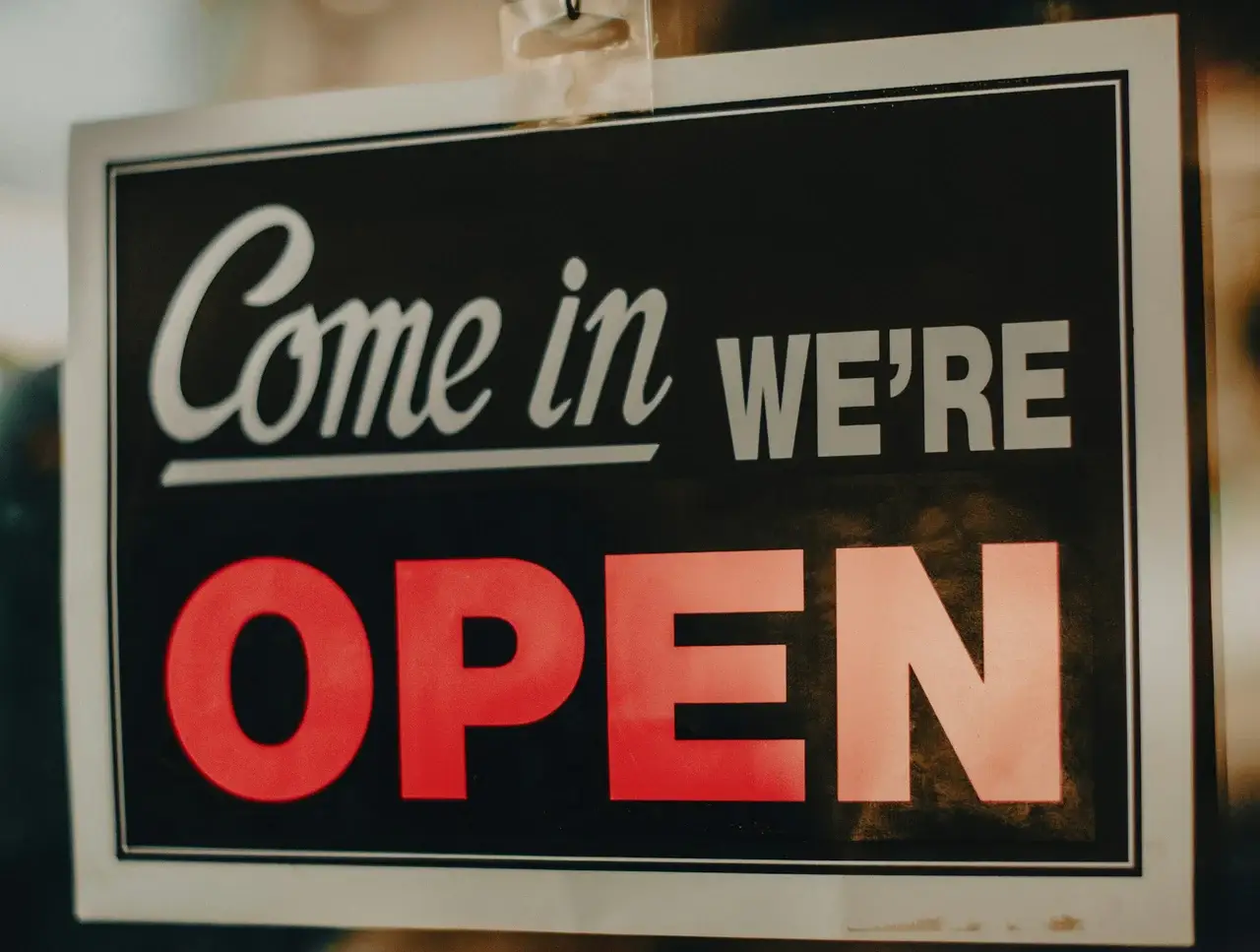
 BeforeAfter
How to upscale an image
Drop or choose an image. PNG, JPG, WebP and more all work.
Pick 2x or 4x, then Standard or an AI model.
Drag the slider to compare, then download the larger image or keep editing it in Studio.
Want to keep editing after upscaling? Open Studio
Questions about upscaling images
Can I upscale an image without credits?
Yes. Standard uses no credits. It makes the image larger and a little sharper, but adds no new detail. To sharpen a soft photo without enlarging it, use Unblur image.
What does AI do differently?
AI draws new fine detail as it enlarges, so small or soft photos look sharper. It uses credits, shown beside each model, and you need to be signed in.
Should I choose Fast or Pro?
Fast is quick and costs less, and suits most photos. Pro costs more and draws finer detail, but the enlarged image must be at least 1 megapixel, so it skips very small images.
Will AI change my photo?
It can. AI draws new fine detail, so small features such as faces or text may look slightly different. Drag the slider to check.
How large can the result be?
AI works from a copy of up to about 4 megapixels, so a larger photo is reduced first. The final size is shown before you start, and a photo that can't get any larger is refused.
Which files can I open?
PNG, JPG, WebP, GIF, AVIF, BMP and SVG, such as a small web picture or an old scan. The larger image is saved as a PNG.
Does it work on a phone?
Yes, with a lower size limit on phones and tablets, so the largest photos are refused there. The final size shows before you start.