Photo editing tutorials
Techniques you can learn once and use on every photo, each shown step by step with the Studio's AI tools or in the Editor.
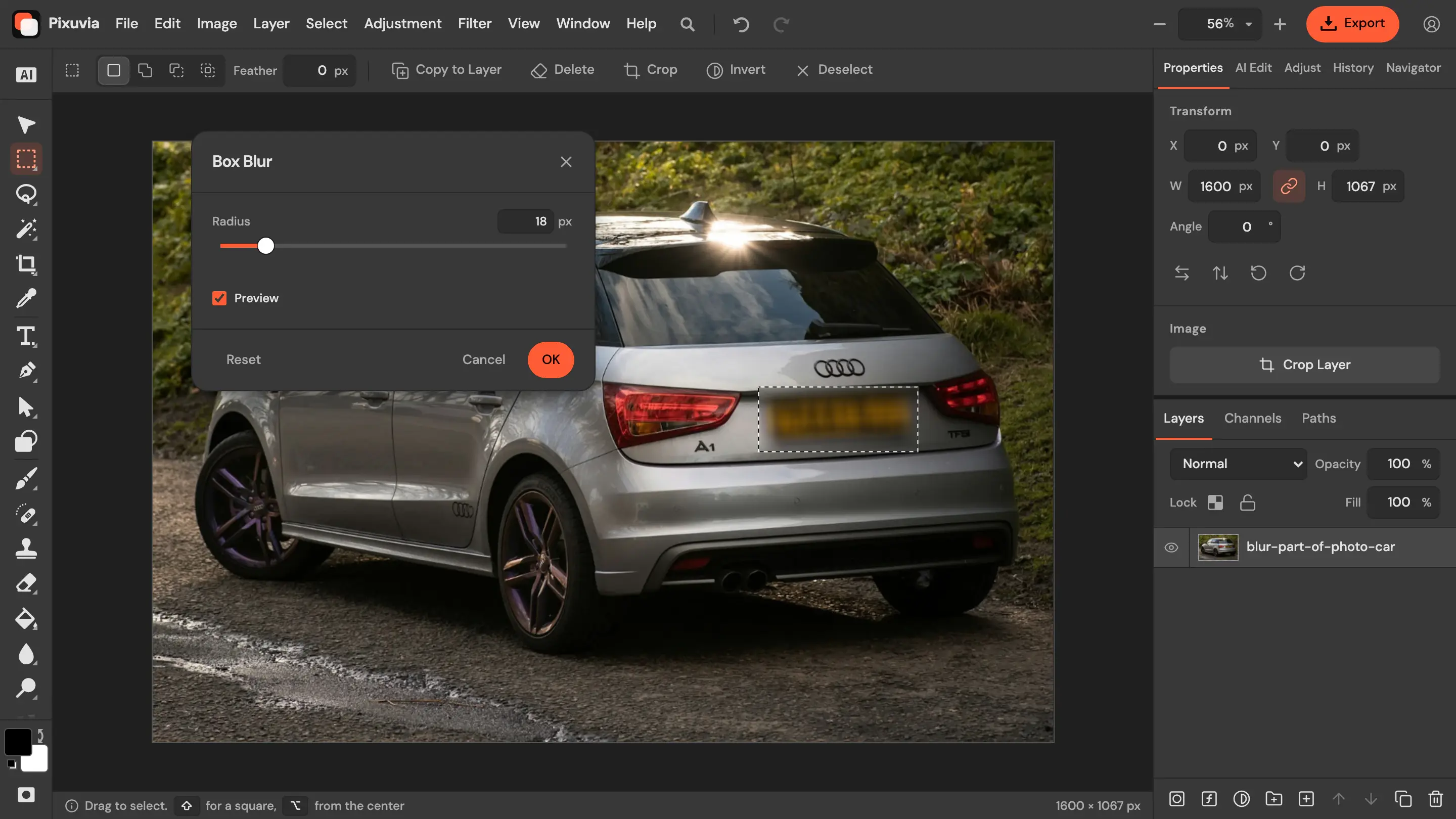
How to blur part of a photo
Blur, pixelate or black out part of a photo: a face, a license plate or text. Which technique to use, and why a light blur can still be read back.
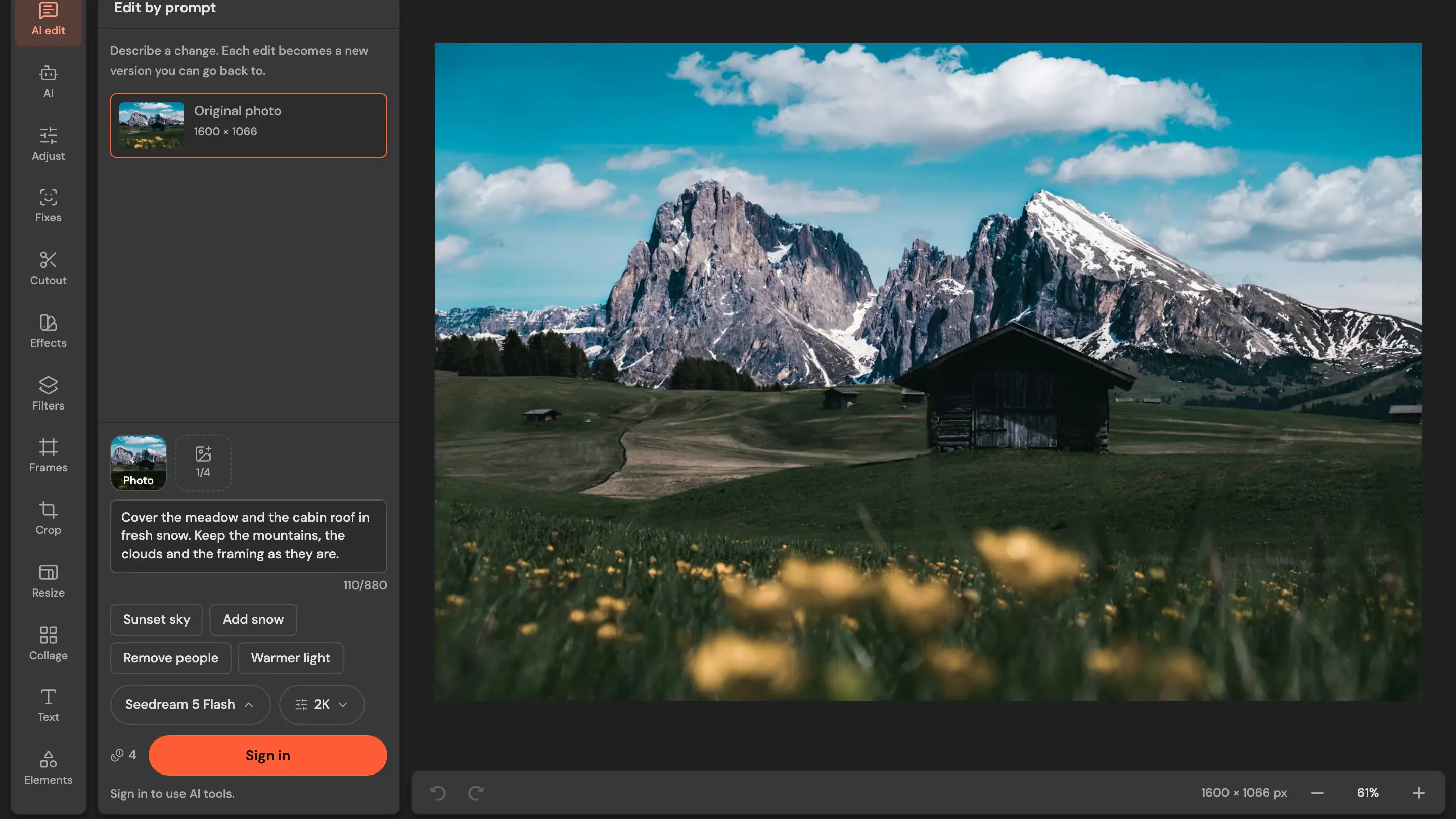
How to edit a photo with AI
Edit a photo with a text prompt in the Studio: how to write prompts that work, examples by goal, which model to pick, and fixes when the AI changes too much.
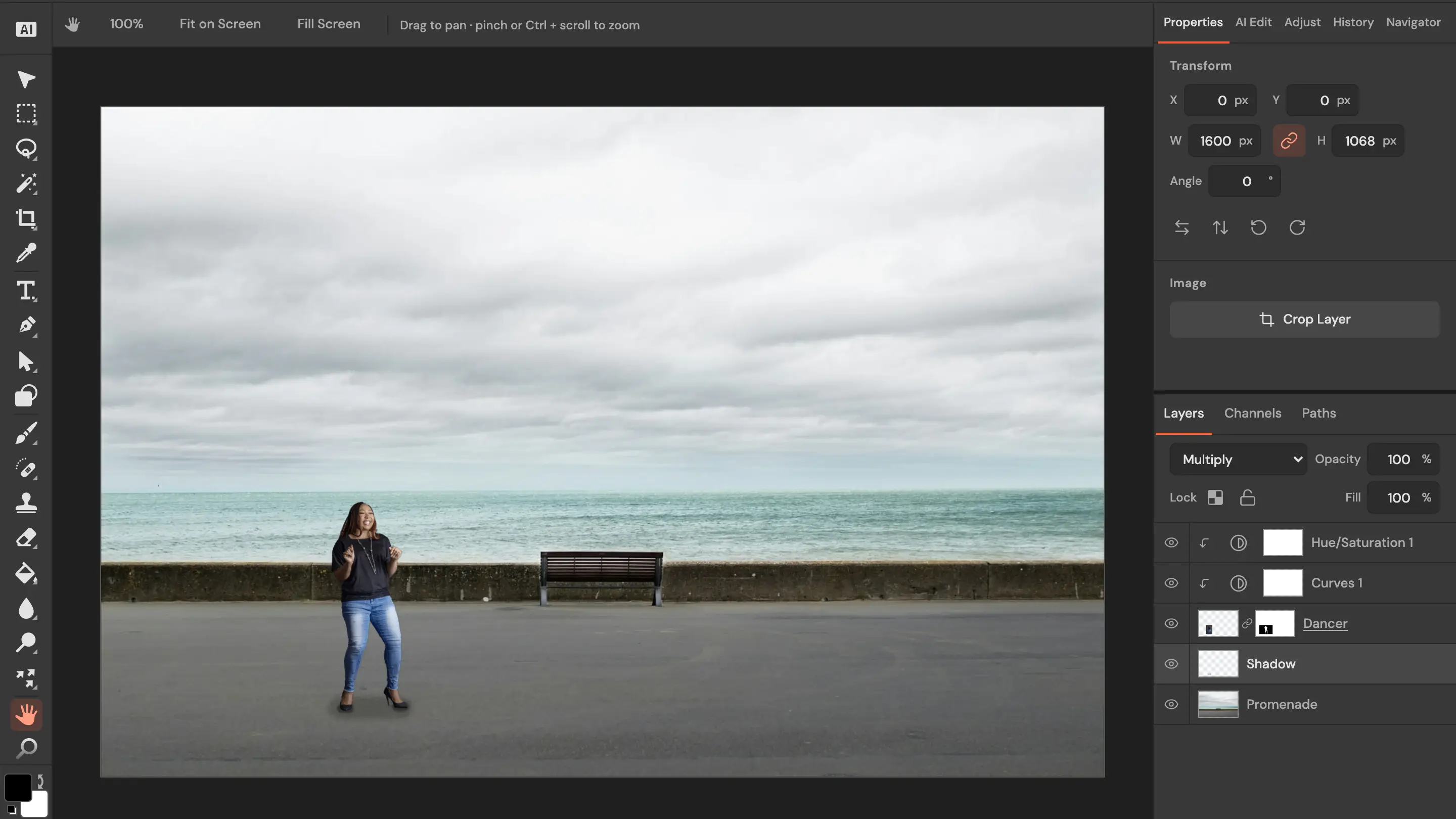
How to combine two photos into one
Combine two photos into one: cut a person from one photo, place them in another scene, then match size, color and light and add a shadow.
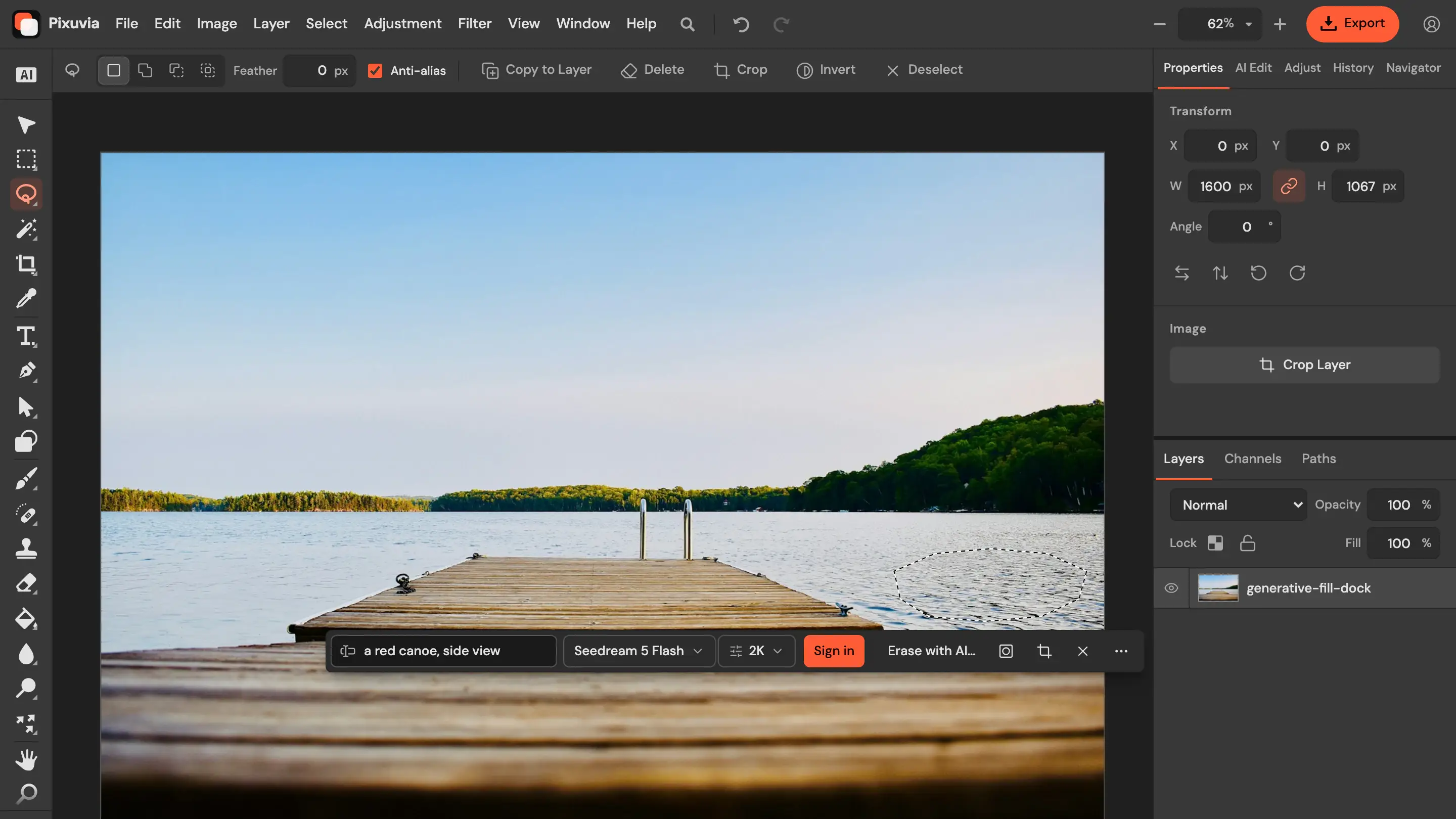
How to use generative fill online
Learn how to use generative fill online: draw the right selection, describe what goes there, then mask, compare or delete the result layer in the Editor.

How to resize an image for social media
Social media image sizes for Instagram, Facebook, YouTube, TikTok, LinkedIn and X from each platform's help pages, and how to resize a photo to fit them.
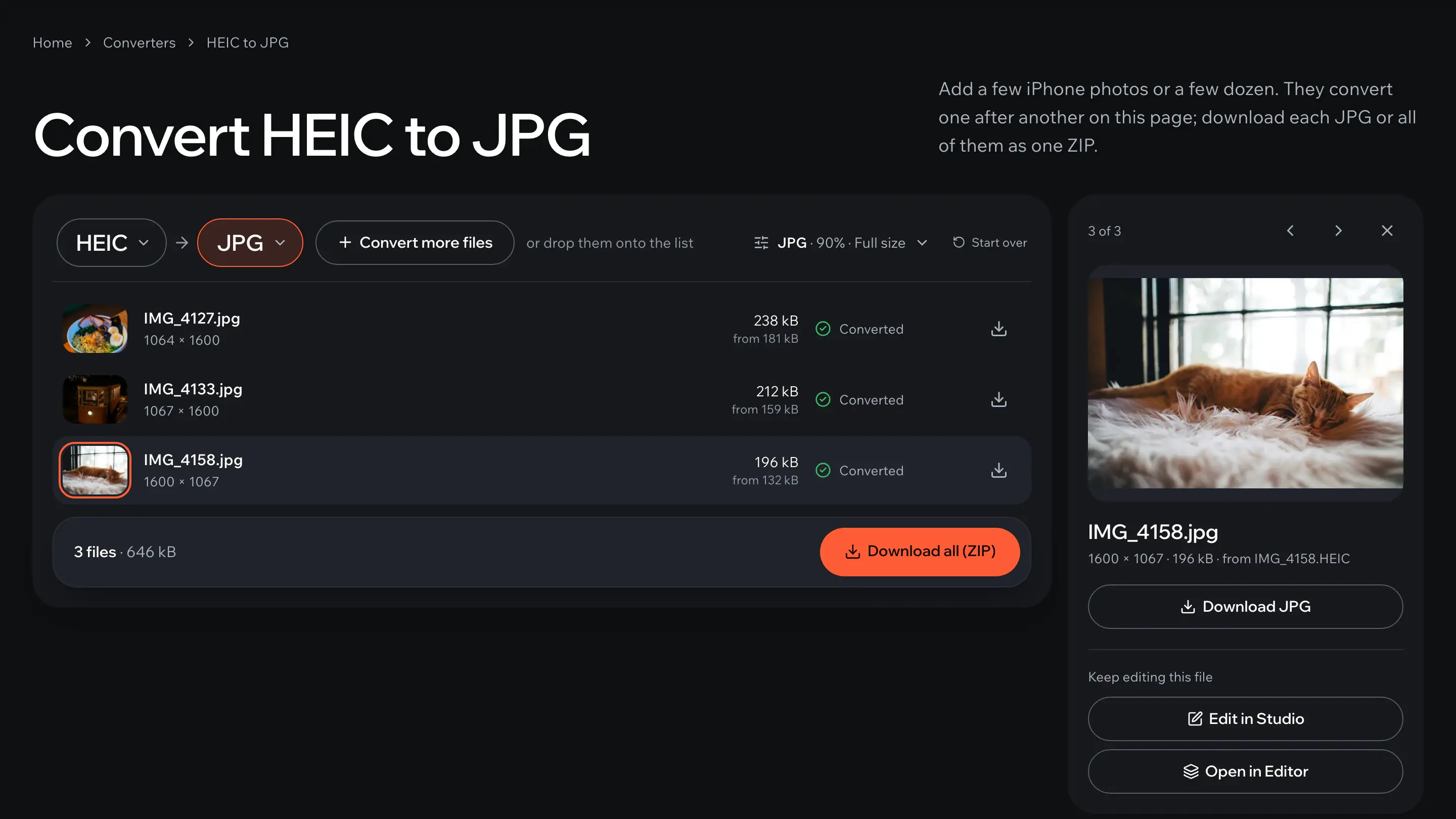
How to convert HEIC to JPG on Windows, Mac and iPhone
How to convert HEIC to JPG on Windows 11 or 10, a Mac or an iPhone with built-in tools, with steps from Microsoft and Apple, plus a browser route for batches.
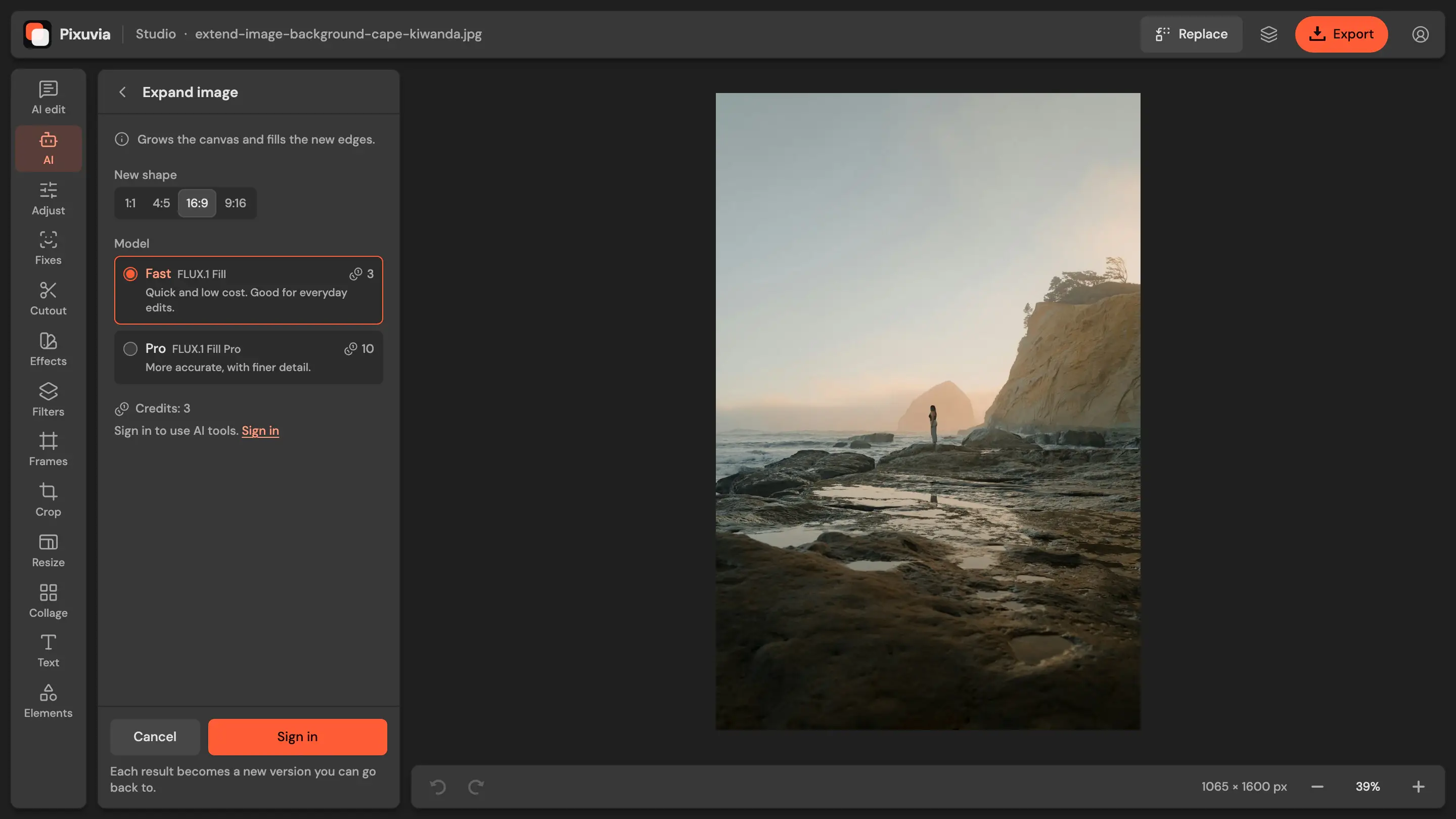
How to extend the background of a photo
Make a photo wider or taller without cropping: pick a new shape, let AI paint the extra space, and see which photos and shapes extend without a seam.
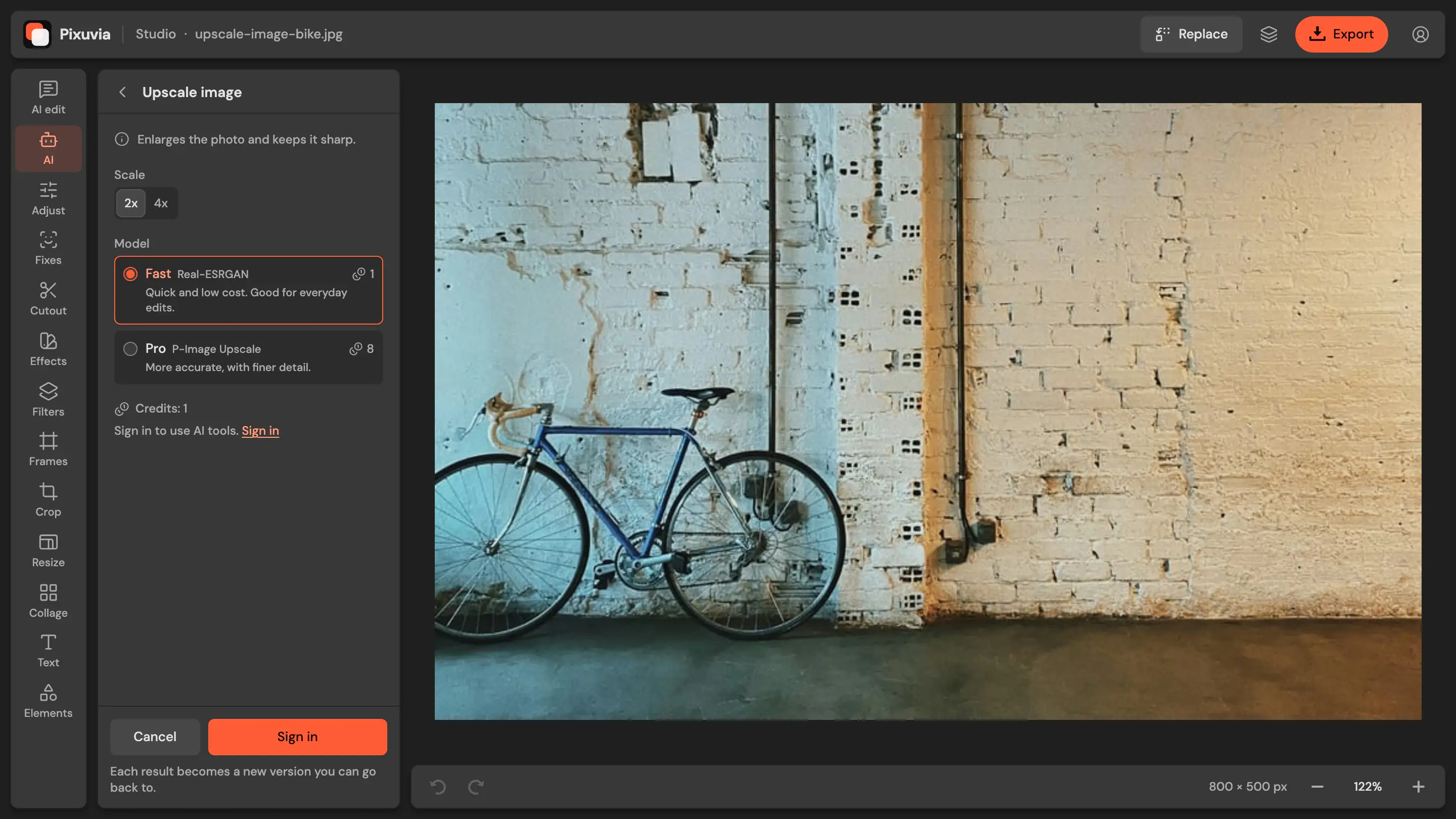
How to upscale an image without losing quality
Upscale an image to the size you need: the pixels for print or screen, a real same-zoom test of plain enlarging, and when AI detail is worth it.
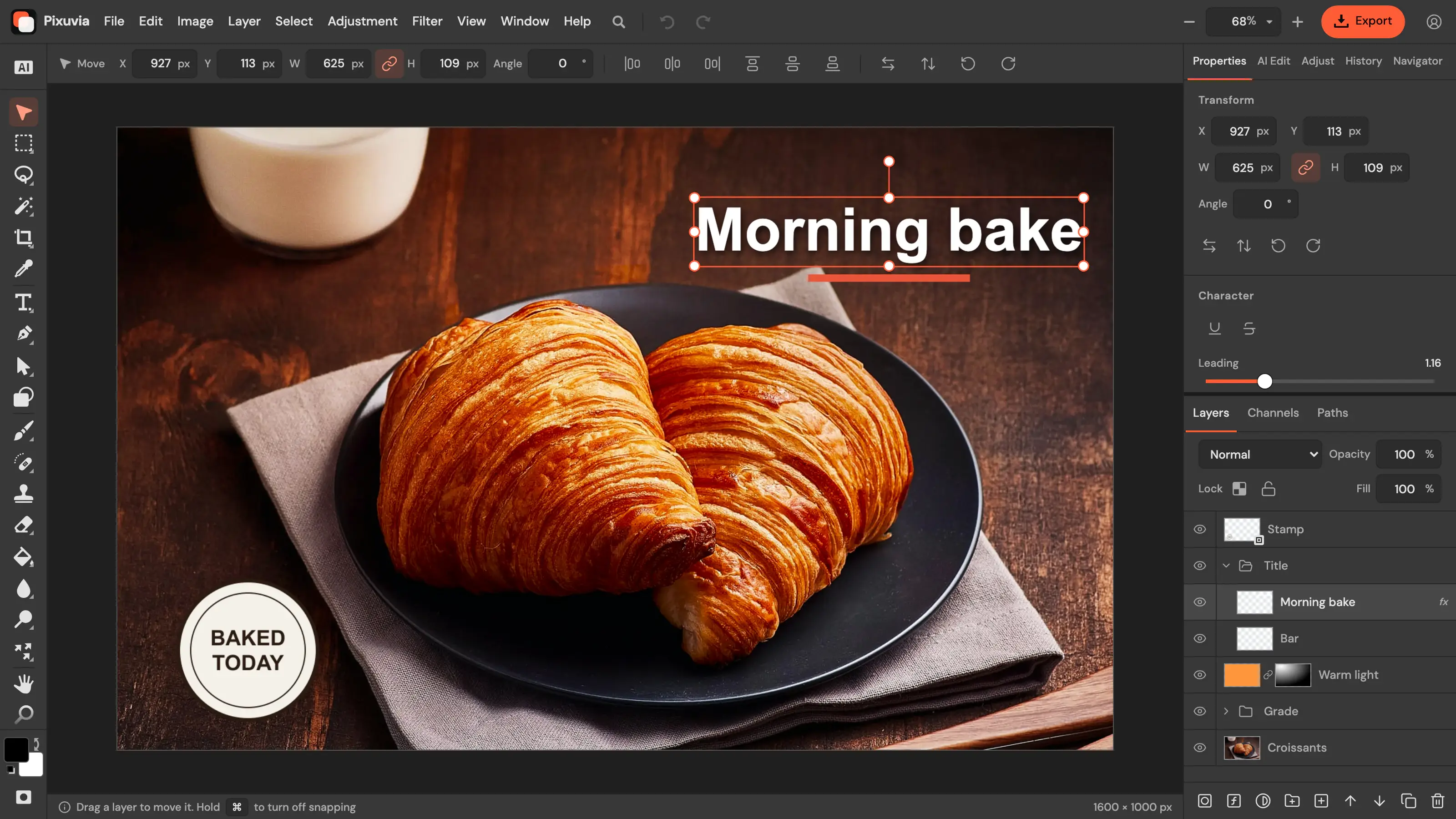
How to open a PSD file without Photoshop
Open a layered PSD in your browser, see what happens to its masks, text, smart objects and styles, edit it and save it back as a PSD Photoshop can open.
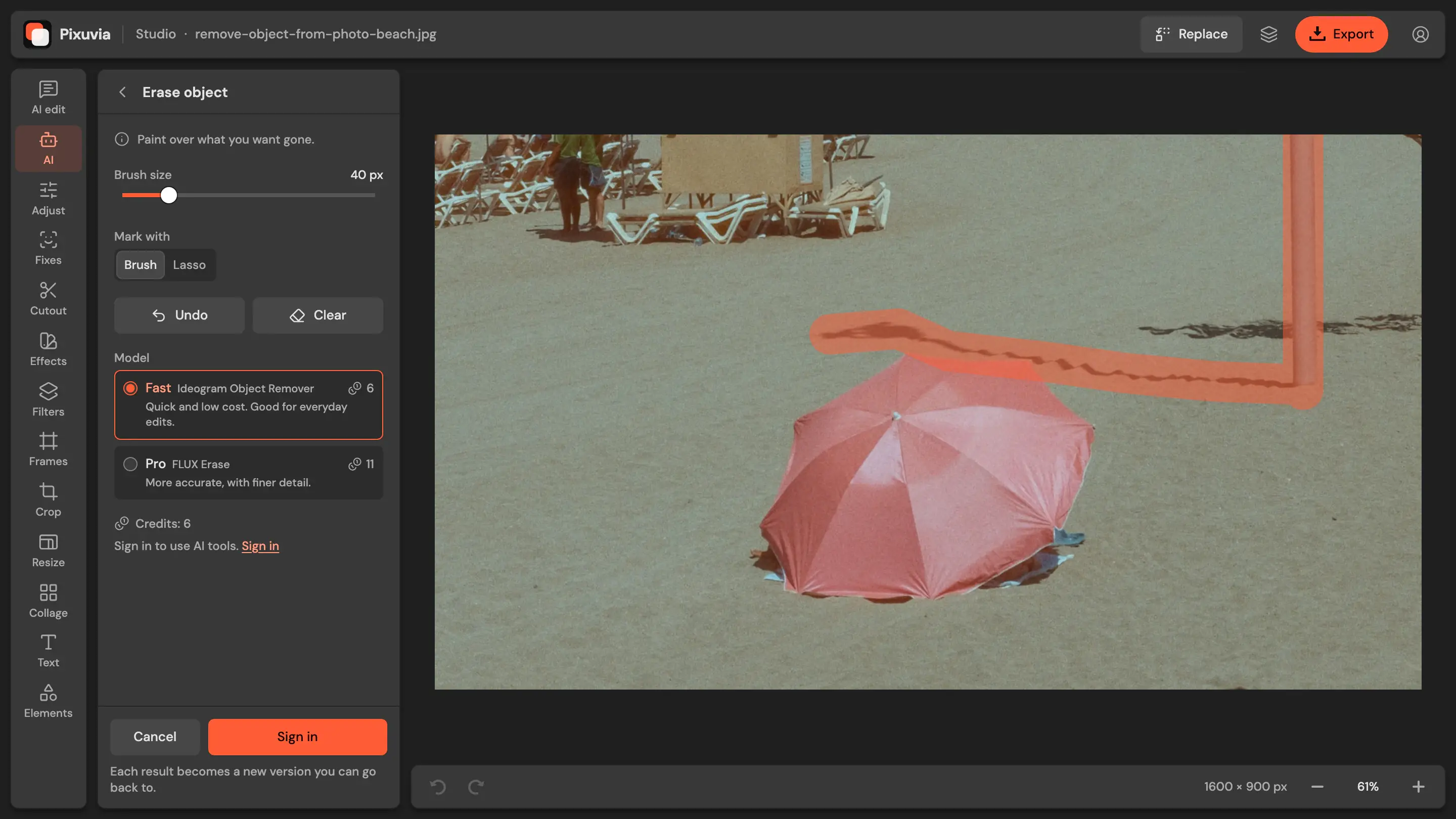
How to remove an object from a photo
Remove an object, a person or clutter from a photo: paint over it and its shadow in the Studio, pick an AI model and fix fills that look wrong.
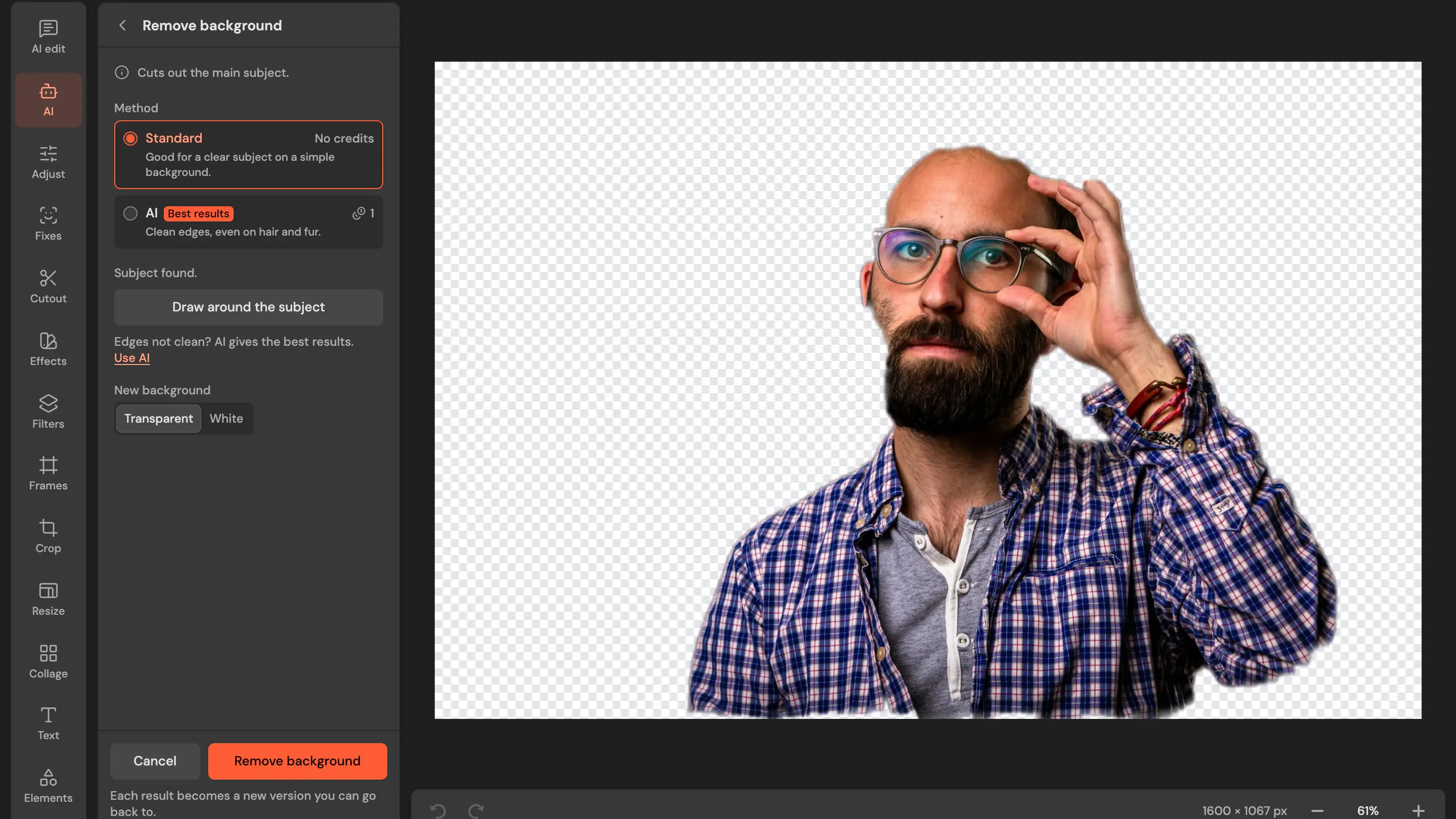
How to remove the background from a photo
Remove the background from a photo step by step: cut out the subject, check its edges, fix a missed cutout and save a transparent PNG with no credits needed.
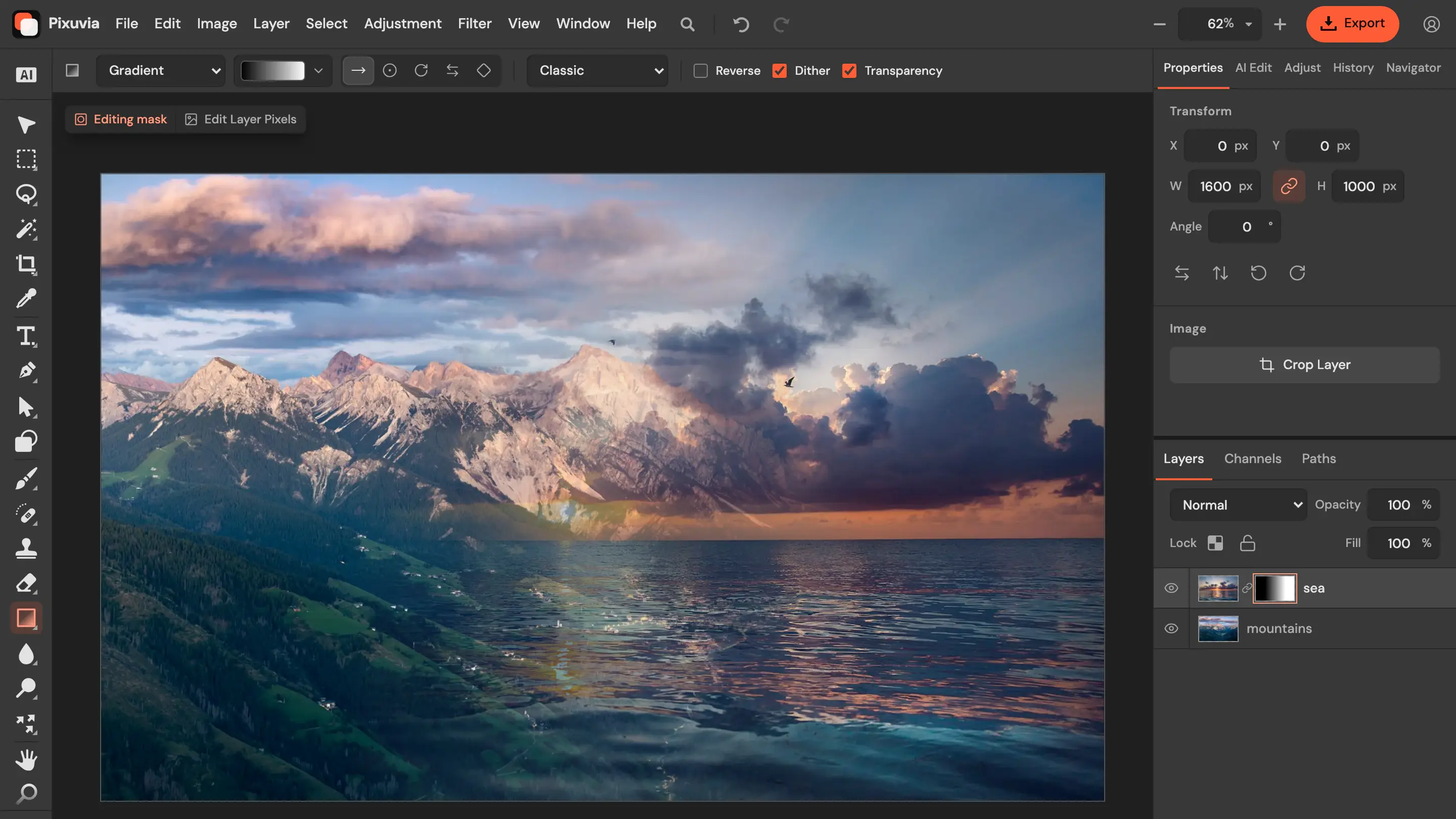
How to use layer masks
Learn how layer masks hide and reveal parts of a layer without erasing pixels: add a mask, paint it in black and white, blend two photos and fix edges.
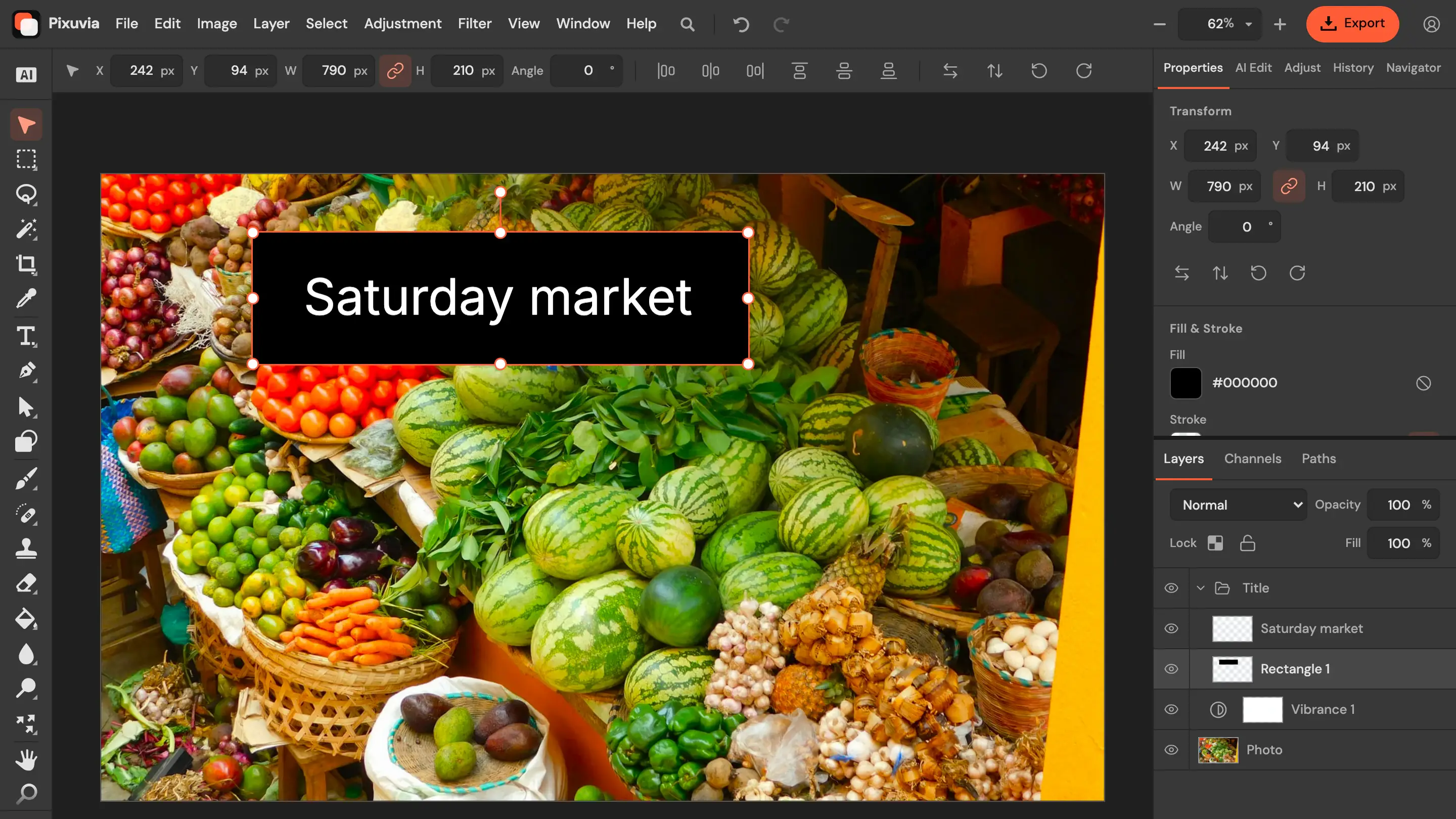
What are layers in photo editing? A beginner's guide
Learn what layers in photo editing are: how a layer stack works, every Layers panel control, the seven layer types and five hands-on exercises.