AI image generator
Describe an image and generate it with your choice of AI model. Pick the shape and quality, then edit the result in Studio.
Pick the model for the job
Each model has its own strengths: quick drafts, realistic photos, text inside images or design work.
Square, portrait or wide
Pick a shape for where the image goes, from a square post to a story, a banner or a wide header. Then pick the quality: a larger size or a finer finish, depending on the model.
Start from your own pictures
Add up to 4 reference images to guide the subject or the style, then say in your words what to take from them. Most models accept them.
Keep editing in Studio
Open any result in Studio to crop it, add text, change the background or remove what you don’t want, or download it as it is.
Images made with AI
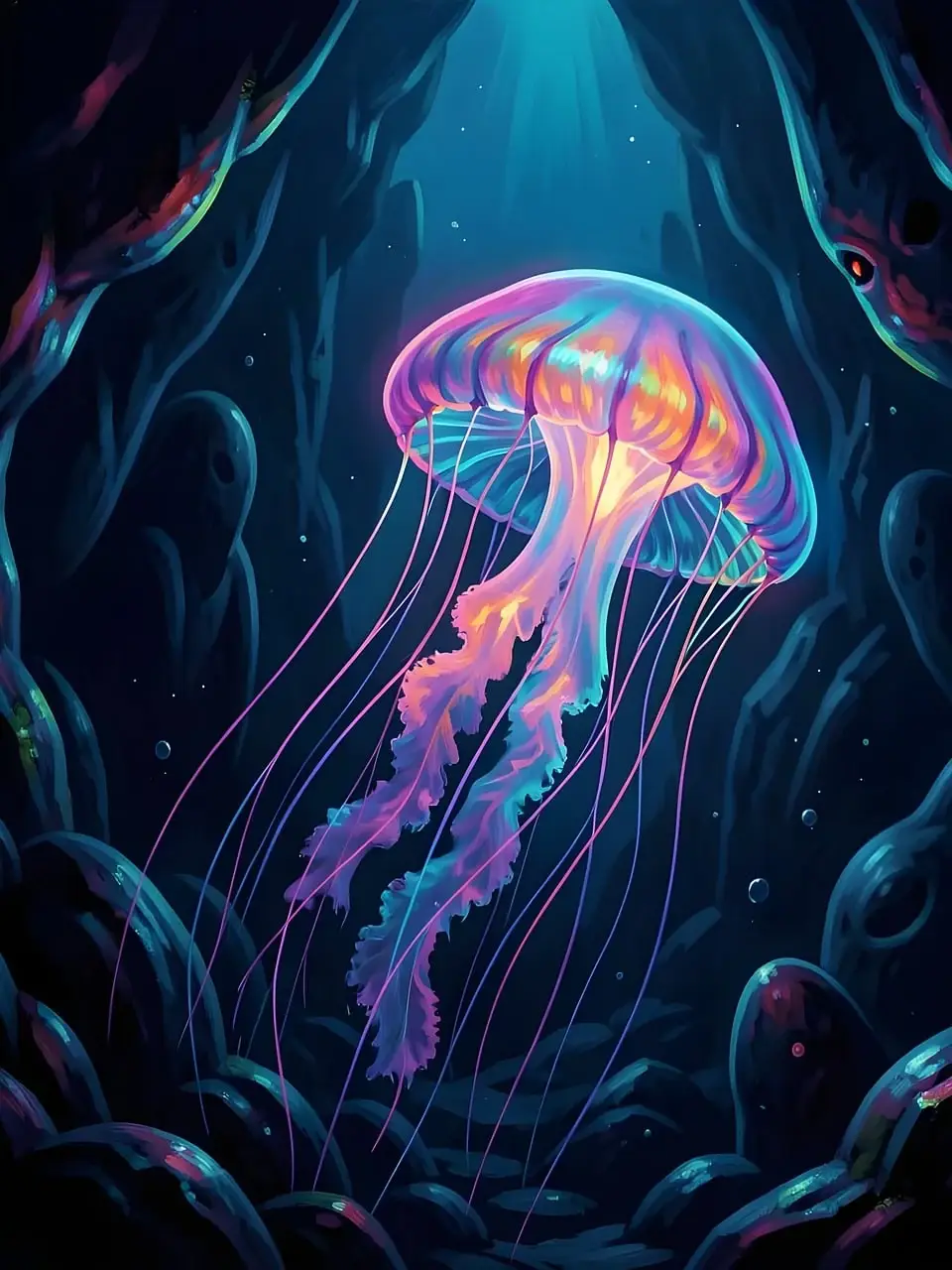
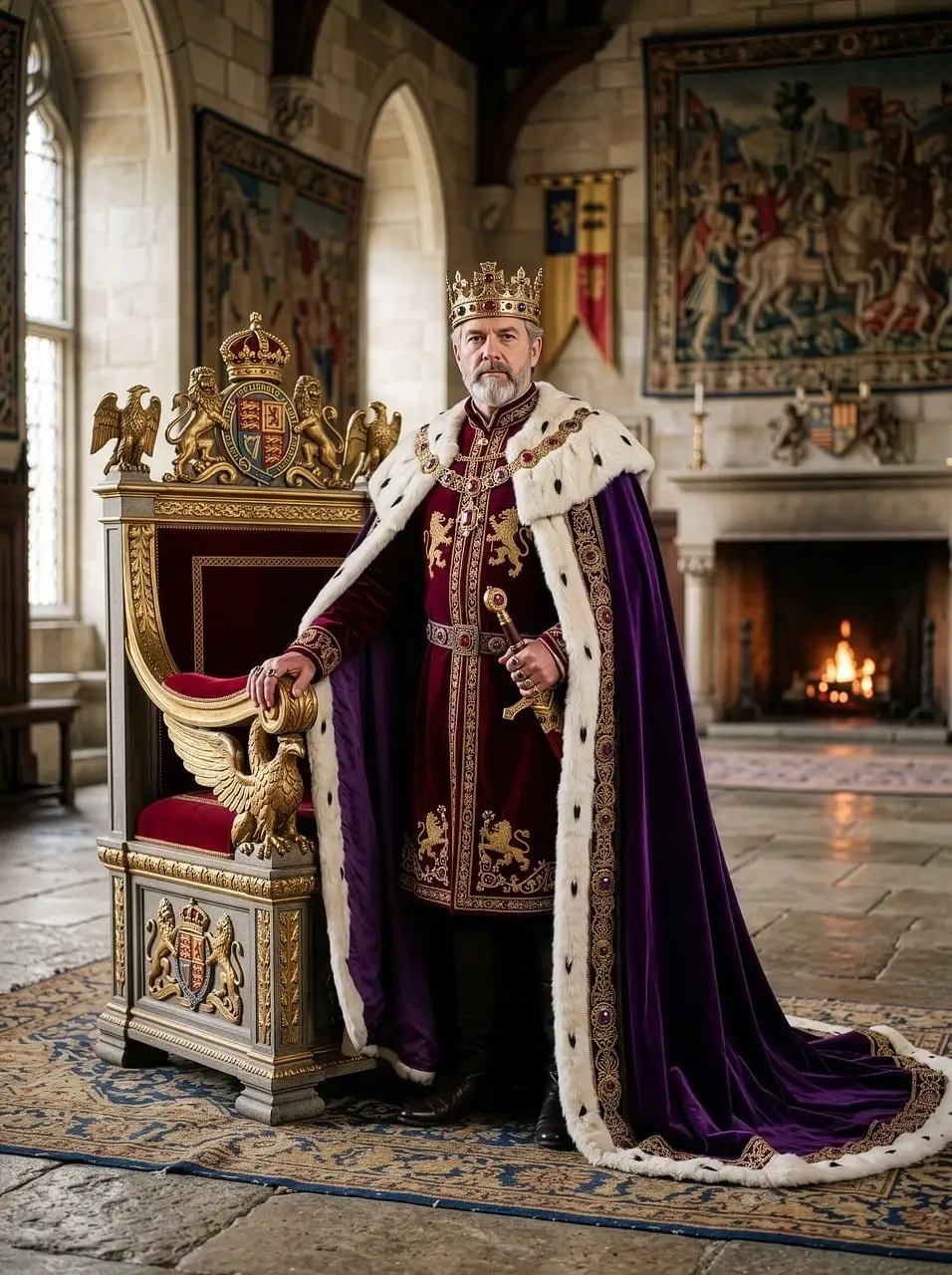
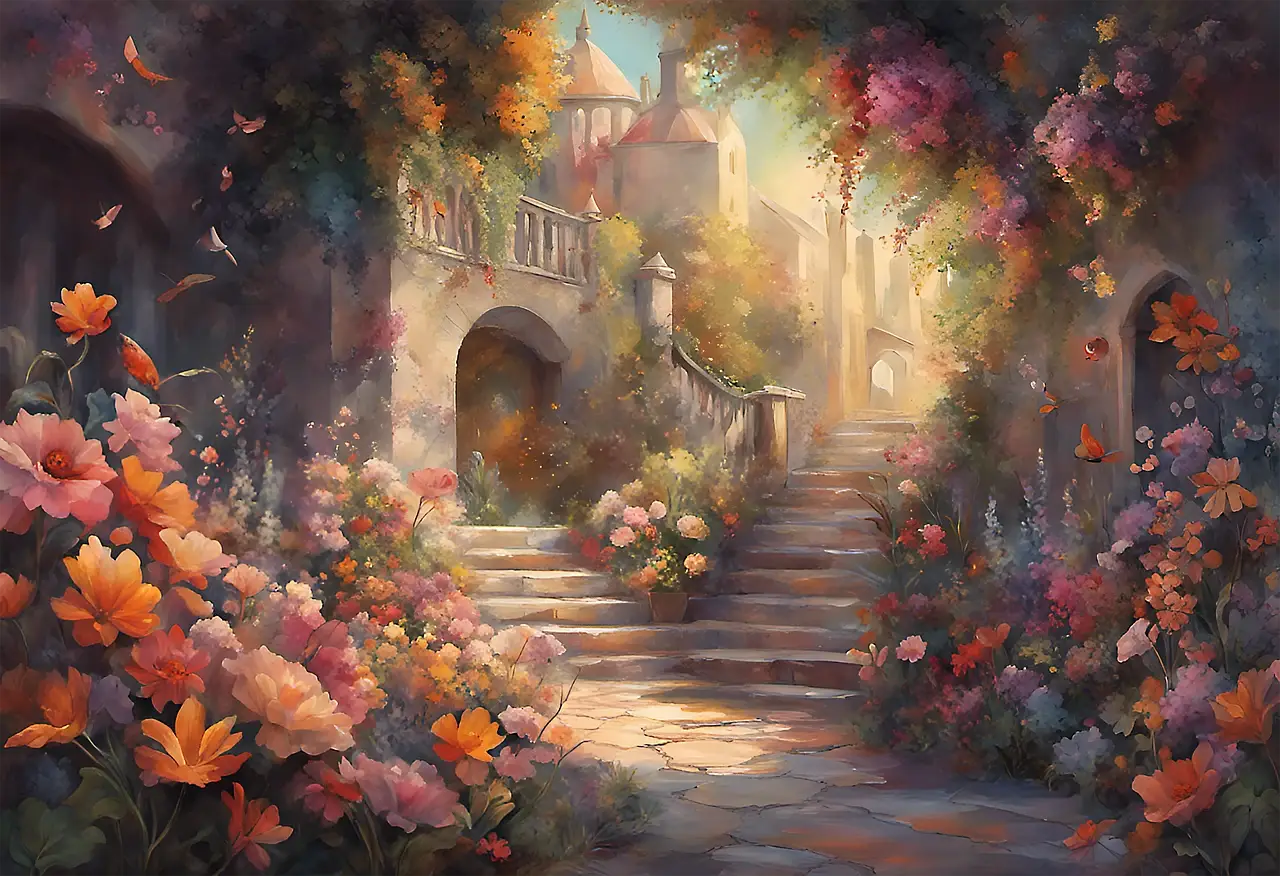
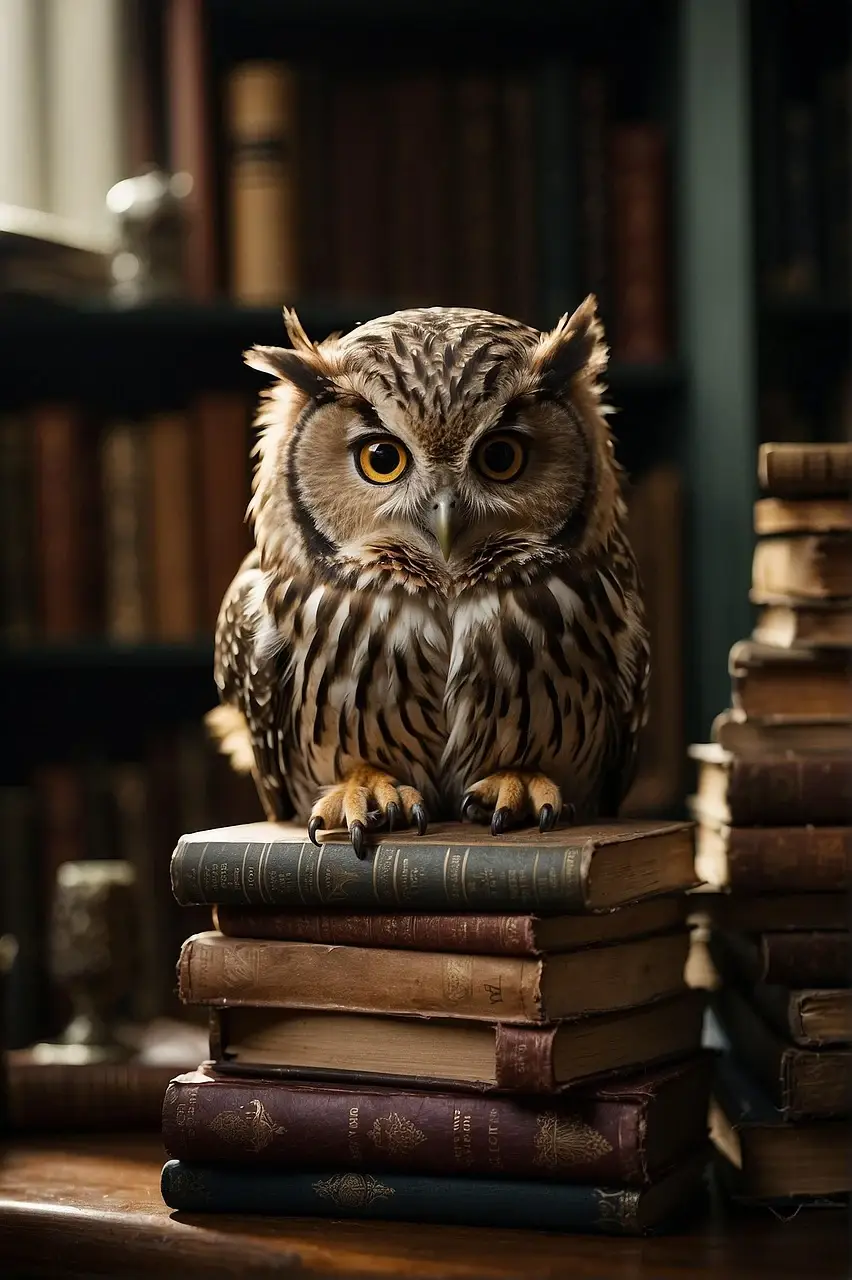
Examples by other creators, made with AI image models and shown for illustration. What you get depends on the model you pick and the words you write.
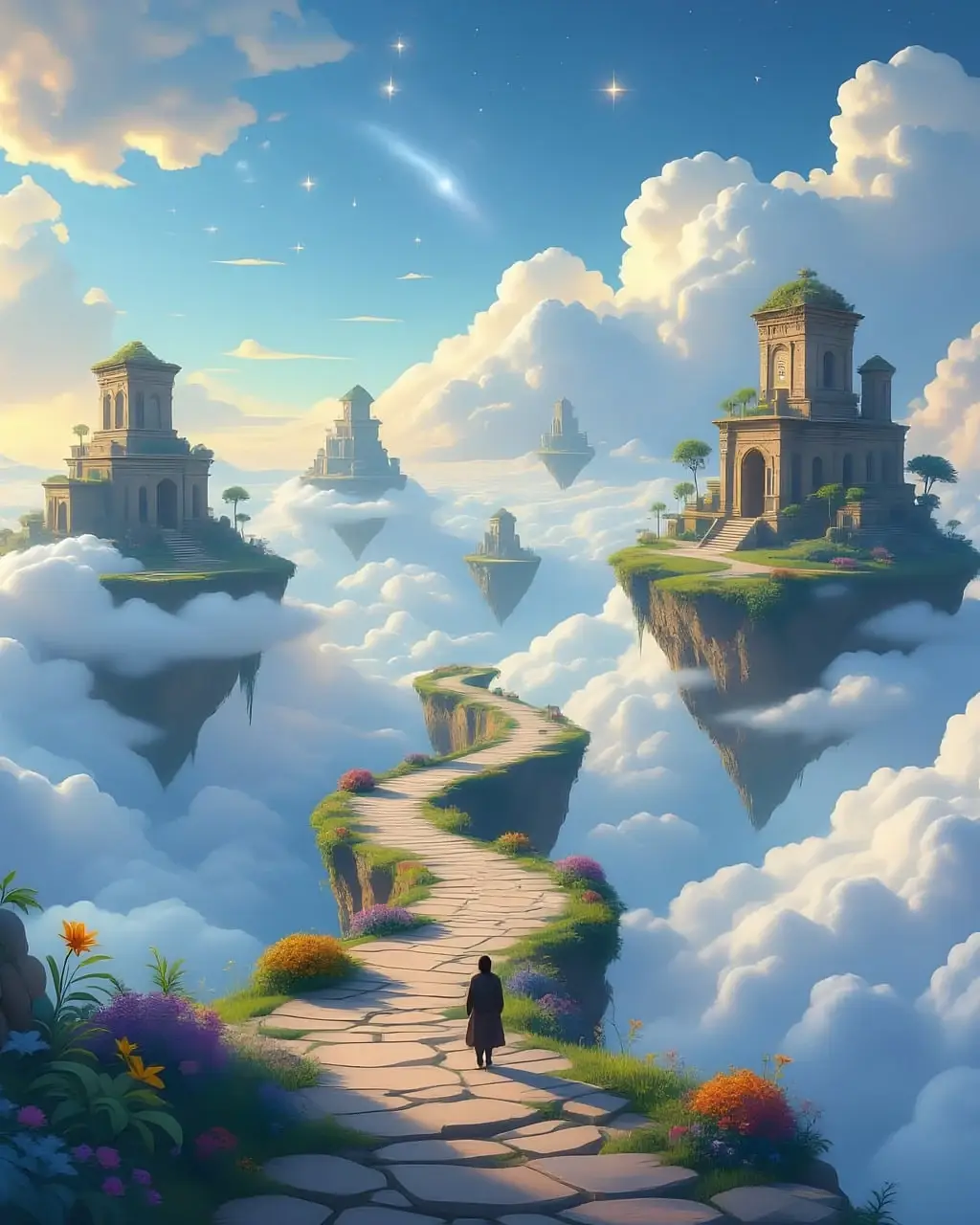 Castles floating in the clouds
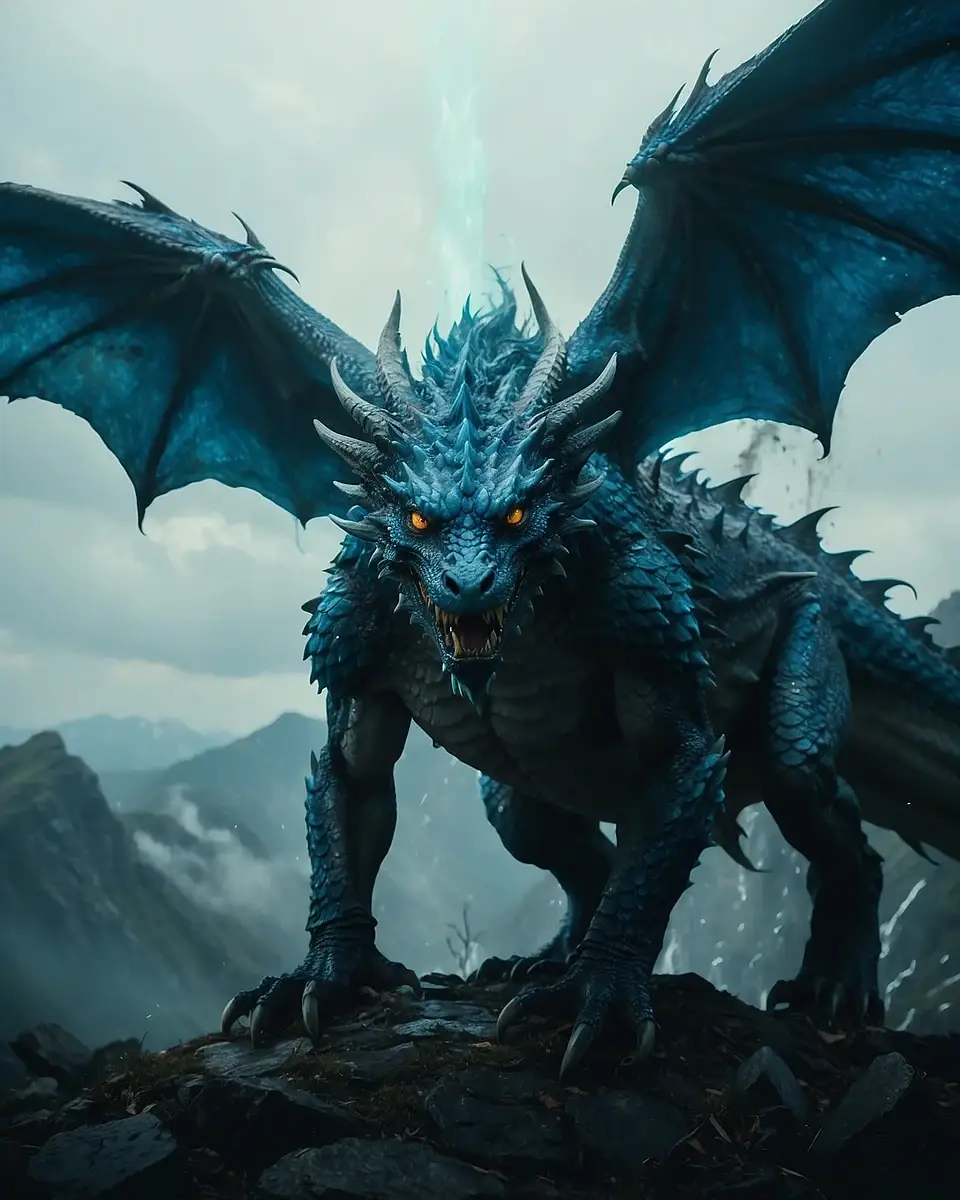 A dragon on a mountain cliff
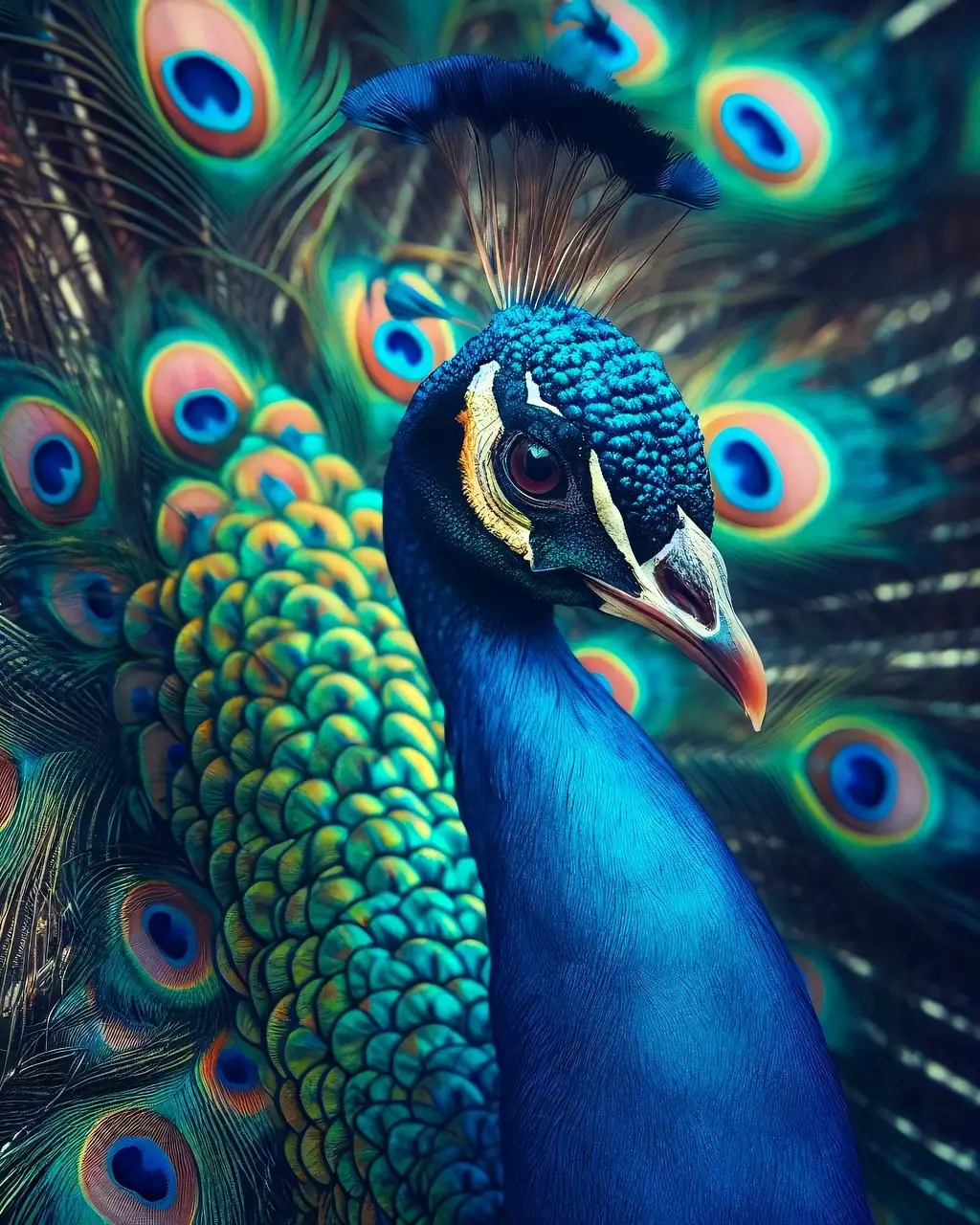 A peacock in full color
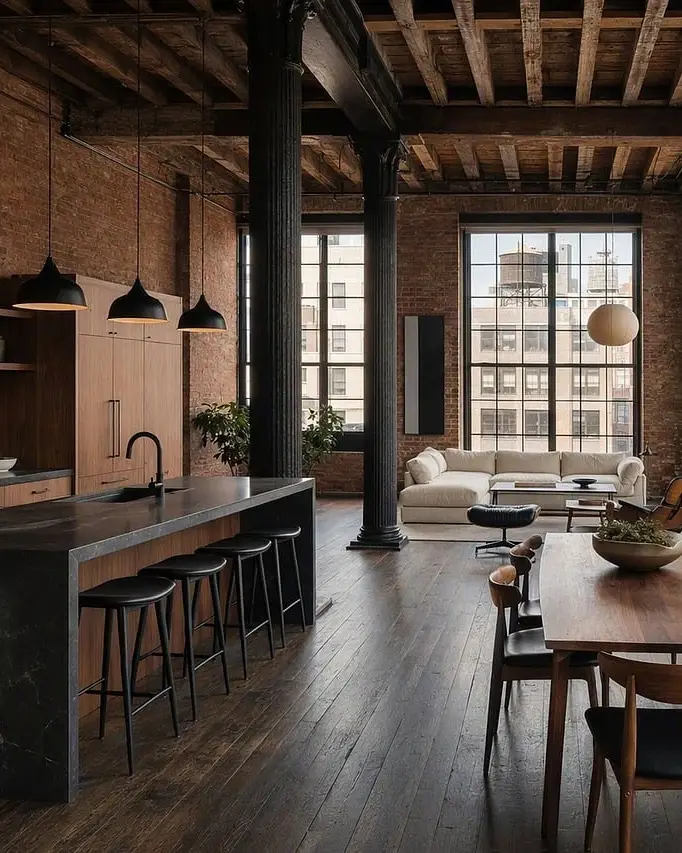 A loft kitchen in daylight
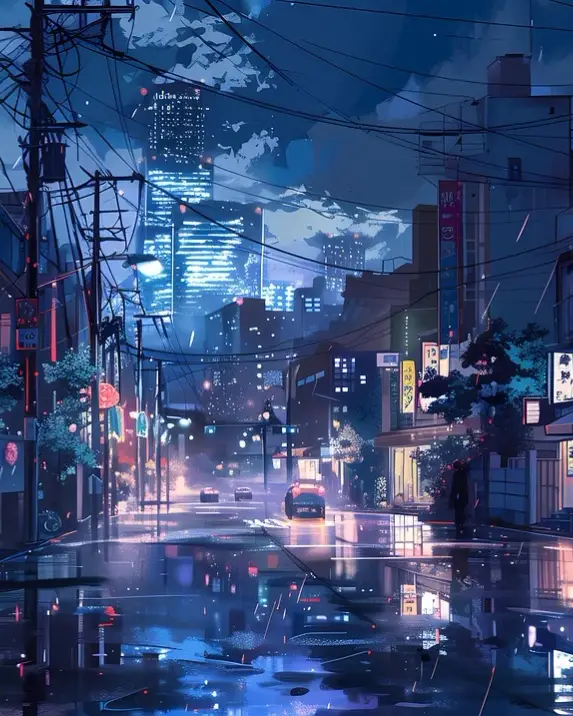 A rainy city street at night
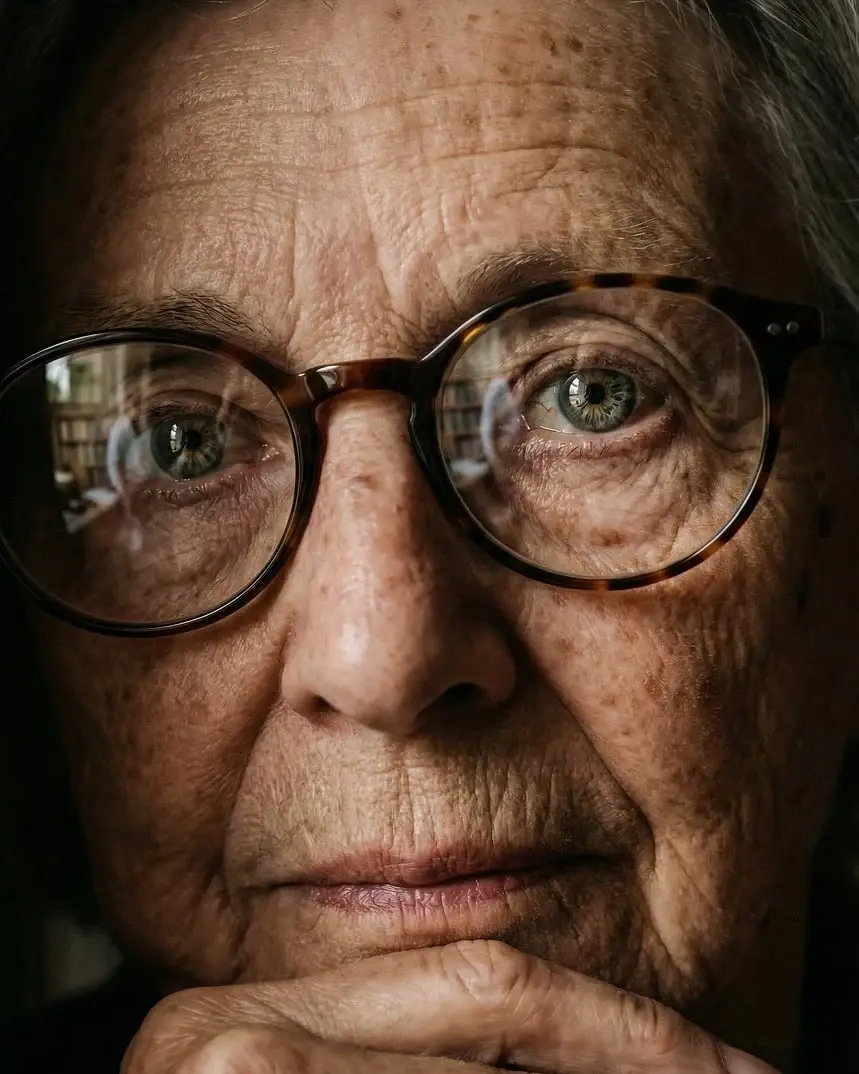 A close-up portrait
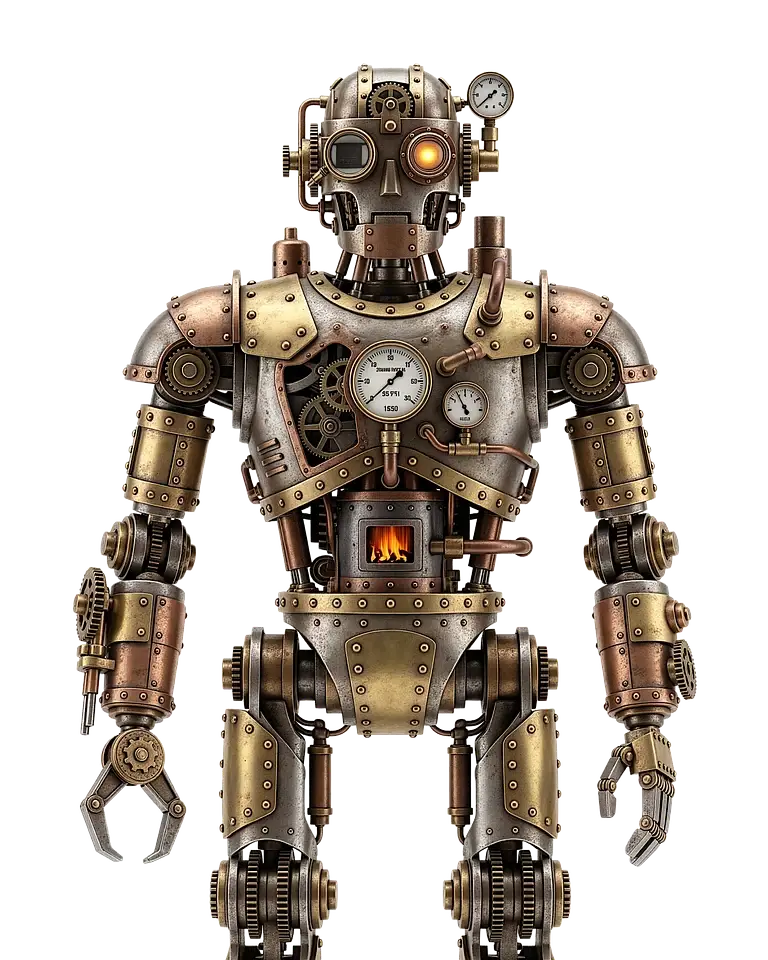 A steampunk robot
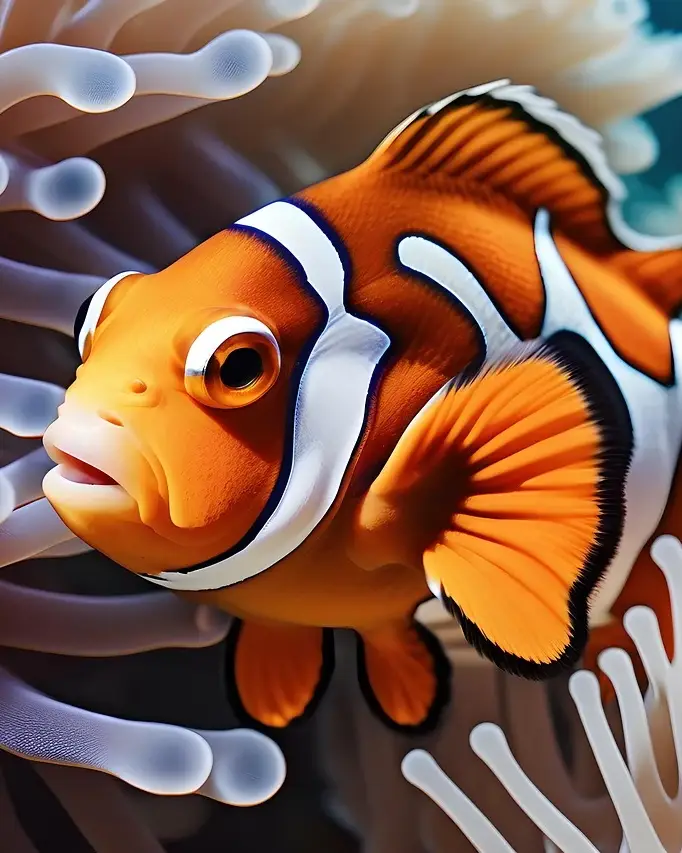 A clownfish in its anemone
 A gift by the fireplace
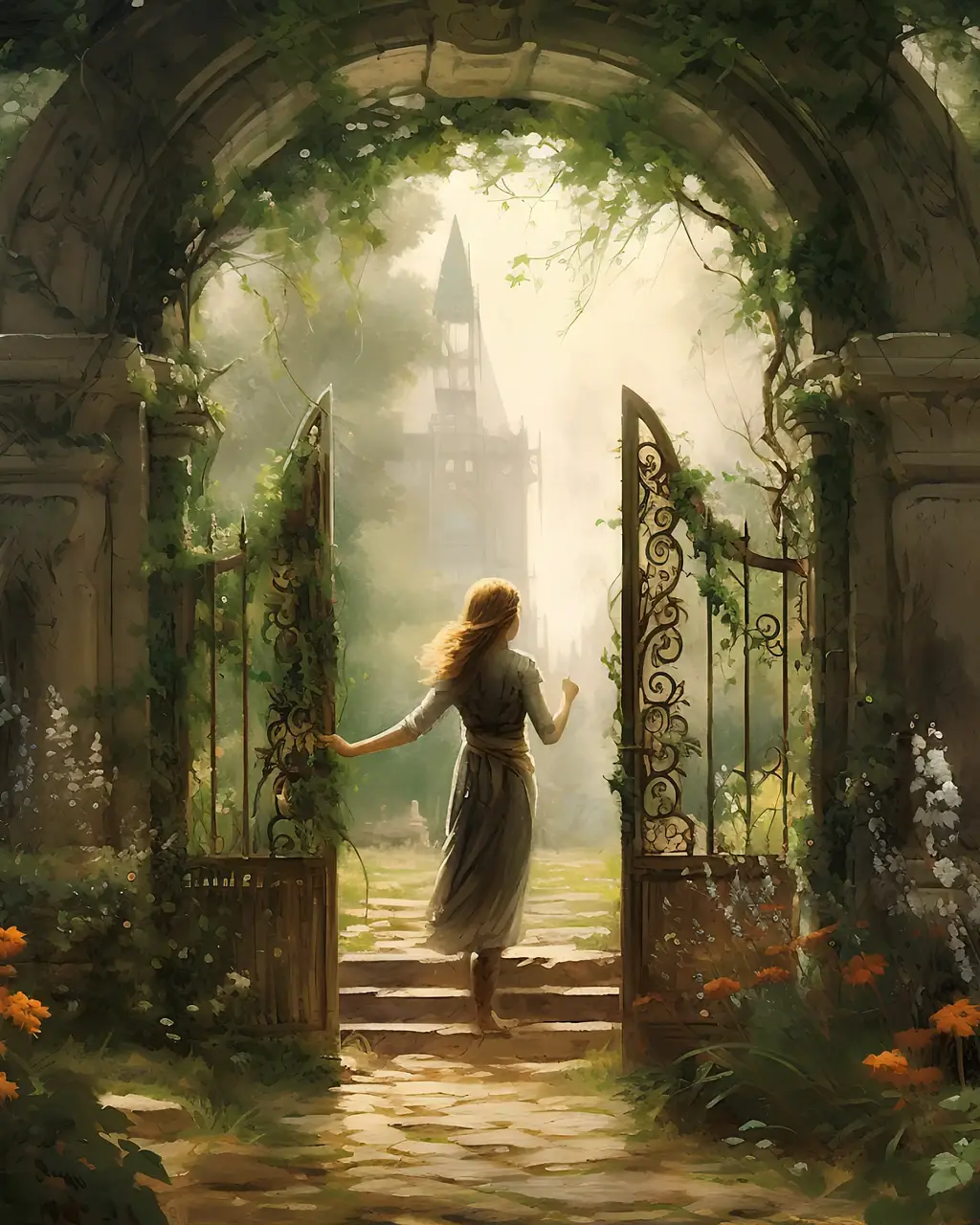 Through the garden gate
How to make an image from text
Describe the image you want, in a few words or a few sentences.
Pick a model, then a shape and a quality in Settings.
Press Generate. Most images are ready in seconds; a few models can take a few minutes.
Download the image, or open it in Studio to keep editing.
Questions about the AI image generator
Do I need an account?
Yes. Sign in to generate images.
Can I use my own pictures as a reference?
Yes, on most models. Add up to 4 images and describe what to take from them, such as a style, a person or a product.
Where do my images go?
They are listed on this page in this browser, so they are still there when you come back on the same device. Download the ones you want to keep.