ChatGPT Images 2.6: what changed for editing photos
By Pixuvia · · Updated
OpenAI released ChatGPT Images 2.6 on November 4, 2026, in ChatGPT, Codex and its API. For editing photos, three things changed: images come back about 50% faster, edits keep details such as a character's outfit more consistent from one round to the next, and the markup feature that lets you draw on a photo to show what to change now works in the API too. ChatGPT also gained animated GIFs with adjustable playback speed.
Here is what is new, what the names mean, how marking an area differs from classic inpainting, and the limits worth knowing before you rely on it, from OpenAI's own announcement and documentation.
On this page
What's new in ChatGPT Images 2.6?
- Speed: OpenAI says Images 2.6 "generates images 50% faster than before". In the API, the Flare model can return an image "in as little as six seconds" at low quality.
- Consistency across edits: the release notes say the model is "better at preserving details across edits, like a character's outfit when you change the background".
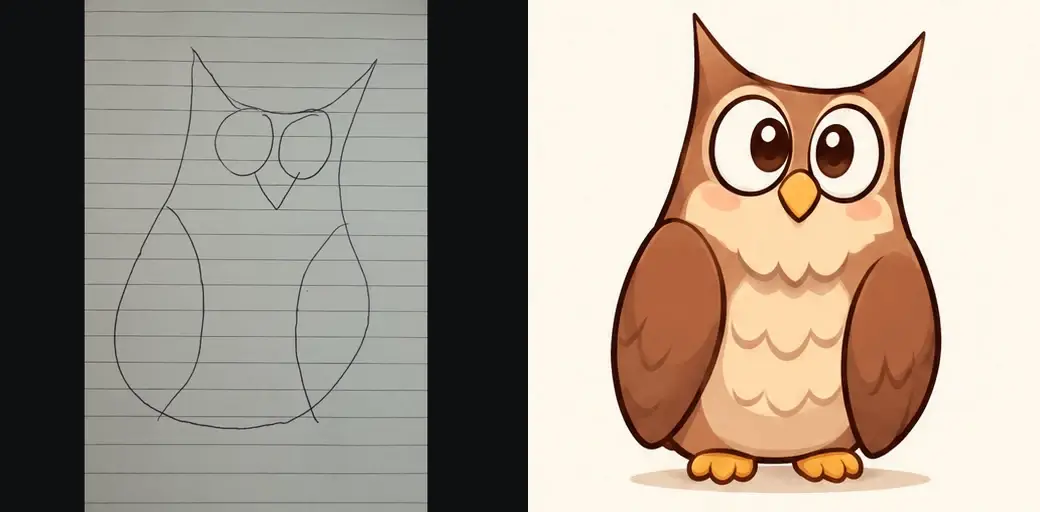
- GIFs: ask ChatGPT for a looping animation, or upload a sketch or still image and ask it to move. You can adjust the playback speed, save and share the result.
- Saved reference images: save a photo once, for example of your dog, and refer to it by name in later chats.
- For developers: image markup, animated GIF output, SVG export and a new complexity setting that trades planning effort for speed.
Is it Images 2.6 or GPT Image 2.6?
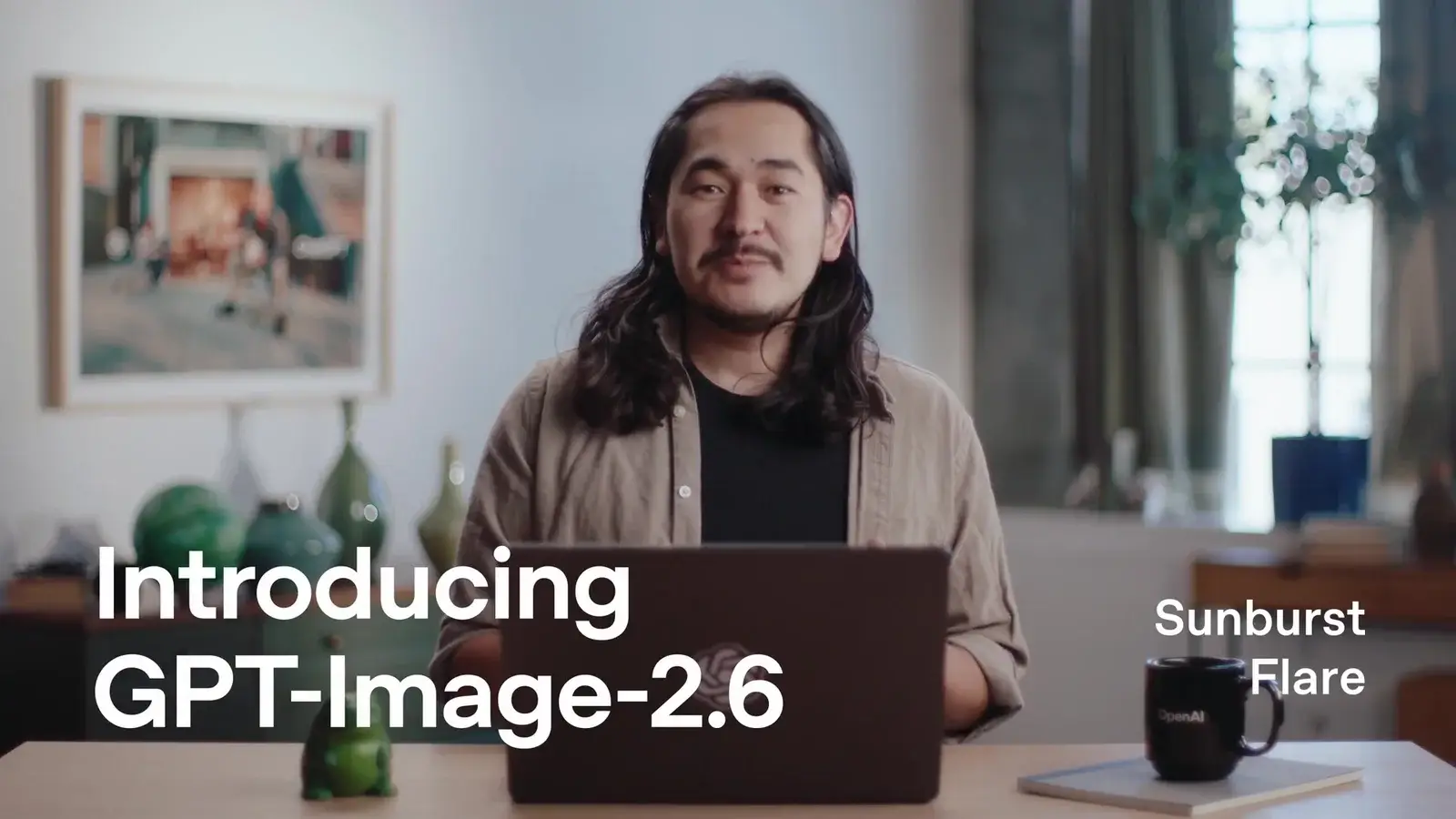
Reports use both names, and both are OpenAI's. The announcement is titled "Introducing Images 2.6", and ChatGPT's release notes and Help Center call the feature "ChatGPT Images 2.6". In the API, the same release is two models, GPT-Image-2.6 Sunburst and GPT-Image-2.6 Flare, which is where "GPT Image 2.6" comes from. Sunburst aims at detail and consistency across edits at medium or high quality; Flare at speed, with better layouts for posters and product images.
What changed for editing photos in ChatGPT?
In ChatGPT you can edit a picture in two ways: describe the change in the chat, or open the editor, highlight part of the image with the selection tool and describe what should happen there. Images 2.6 does not add a new editing screen to ChatGPT. What changes is the model behind it: faster answers and, by OpenAI's account, fewer unwanted changes between rounds of edits.
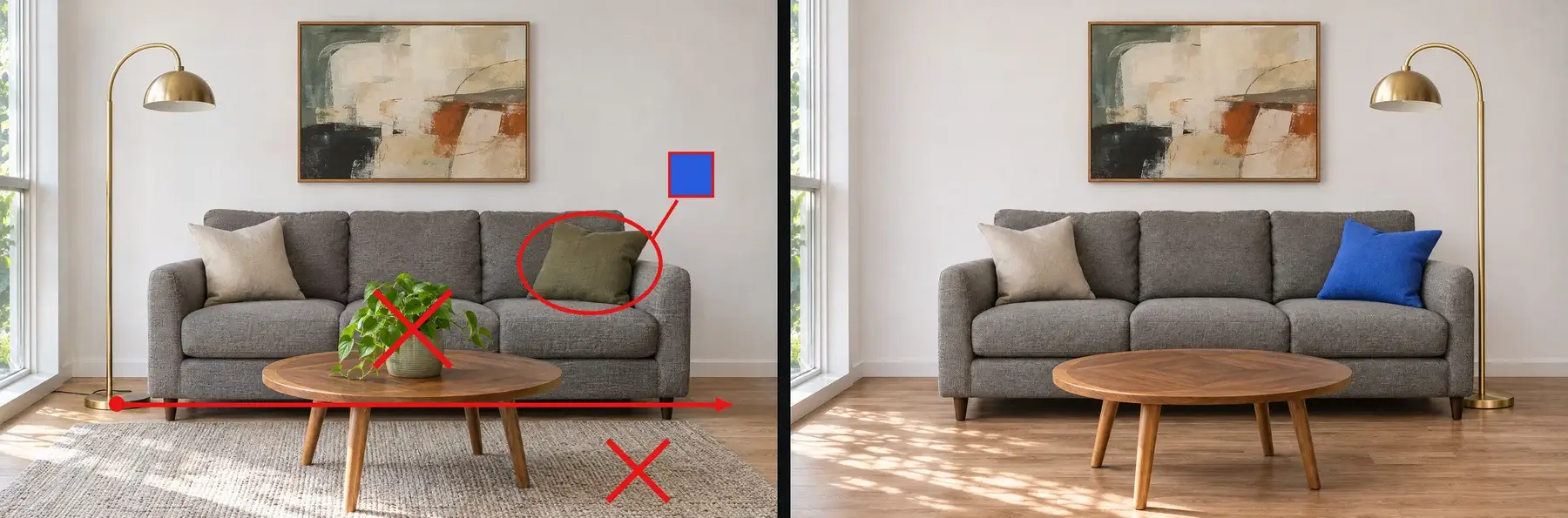
The markup feature goes further than a highlight. You draw on the photo itself, with marks, arrows or notes that say what to do at each spot, and the model applies every instruction and removes the marks. OpenAI's announcement says markup was "already available in ChatGPT" and now "comes to the API"; its system card describes the release as adding photo markup in both ChatGPT and the API.
Is marking an area the same as inpainting?
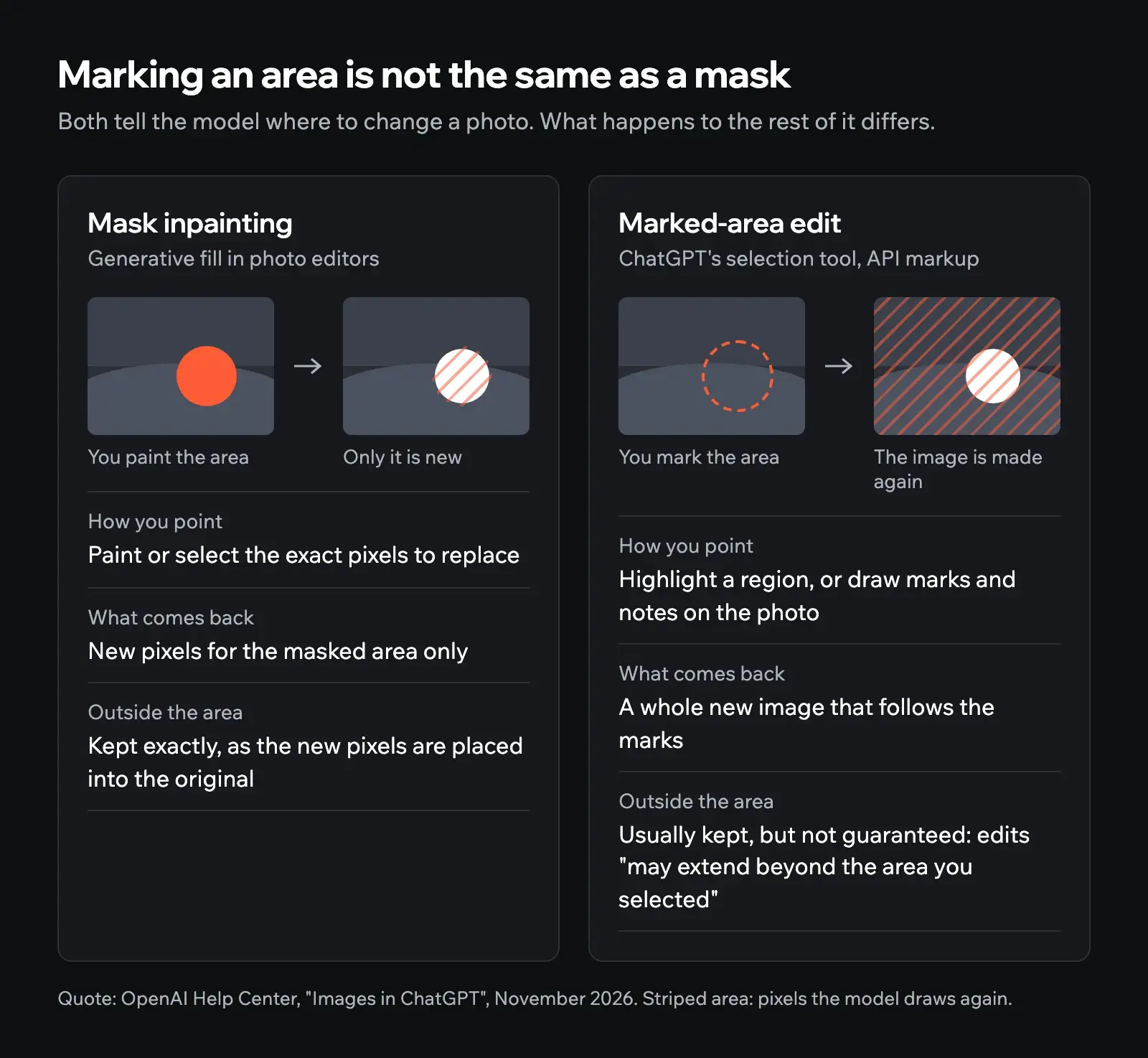
No. Marking an area looks like inpainting, the classic way to replace part of a photo, but it works differently. In inpainting you paint a mask over the exact pixels to replace, the model fills only that area, and everything outside stays as it was. Generative fill in photo editors works this way. (For how inpainting differs from outpainting, which extends a photo past its edges, see inpainting vs outpainting.)
A highlight or markup in ChatGPT is a pointer, not a mask. The model reads it, then draws a whole new image. OpenAI's Help Center says so plainly: "Highlights are not always precise, and edits may extend beyond the area you selected." Most of the photo usually comes back close to the original, but faces, small text and fine textures outside the marked area can shift. When the rest of the photo must stay exactly the same, a masked fill is the safer tool.
Can ChatGPT make animated GIFs?
Yes, though GIF creation was still rolling out in ChatGPT at launch. You describe what should move, or upload a still image or a sketch and ask ChatGPT to animate it, then change the GIF by describing the edit. Opening the GIF lets you adjust its playback speed, save it or share it. ChatGPT cannot edit an animated GIF you upload. OpenAI's safety notes add GIF-specific checks, because movement across frames can carry meaning a single still does not.
What are the limits of Images 2.6?
- Provenance: OpenAI keeps C2PA metadata on Images 2.6 output and adds Google DeepMind's SynthID, an invisible watermark, across ChatGPT, Codex and the API. Its public verification tool checks files for these signals, and social platforms such as Instagram read signals like these to label AI images.
- Access: available in ChatGPT and Codex on all subscription tiers, on desktop, mobile and web. GIFs were still rolling out at launch.
- Precision: selections and marks guide the model but do not lock the rest of the image, as above.
- API pricing: billed per token, not per image. Text in, images in and images out each have their own rate per million tokens, so larger, higher-quality images cost more. Repeated input is cheaper when cached, and batch jobs cost less in exchange for slower delivery. OpenAI's image generation guide has a calculator for estimates.
How to edit a photo by prompt in Pixuvia
Pixuvia's AI tools do not use Images 2.6. Our AI image generator offers two of OpenAI's earlier models, GPT Image 2 and GPT Image 2.5 Flare, among models from other makers, and the same models are available for Edit by prompt in the Studio and the Editor. These are paid with AI credits.
- Edit by prompt describes a change to the whole photo; the steps are in how to edit a photo with AI. In the Editor, the AI edit panel can limit the result to a selection with a mask, and the bar under a selection takes a prompt too; each result is a new layer.
- Generative fill is mask inpainting: select an area, describe what goes there, and only the selection changes. See how to use generative fill.
Questions
Is it called Images 2.6 or GPT Image 2.6?
Both, for different things. OpenAI announced "Images 2.6", and ChatGPT calls the feature "ChatGPT Images 2.6". The models in the API are named GPT-Image-2.6 Sunburst and GPT-Image-2.6 Flare, so developers and API resellers tend to say "GPT Image 2.6".
Which ChatGPT plans get Images 2.6?
OpenAI says Images 2.6 is available globally in ChatGPT and Codex "across all subscription tiers" on desktop, mobile and web. GIF creation was still rolling out at launch, so not every account had it on day one.
Can ChatGPT edit only one part of my photo?
You can point to one part with the selection tool, but OpenAI's Help Center says highlights are not always precise and edits may extend beyond the selected area. The model draws the image again, so check the rest of the photo after each edit.
Do ChatGPT images have a watermark?
Not a visible one. OpenAI says Images 2.6 output carries C2PA metadata and an invisible SynthID watermark across ChatGPT, Codex and the API, and it offers a public tool to check files for these signals.
Can ChatGPT edit an animated GIF I upload?
No. According to OpenAI's Help Center, ChatGPT can animate a still image you upload and change GIFs it made itself, but it cannot edit an animated GIF you upload.