AI photo editor
Describe the change you want and AI edits your photo. Change the light, the season, the colors or the mood, then keep editing in Studio.

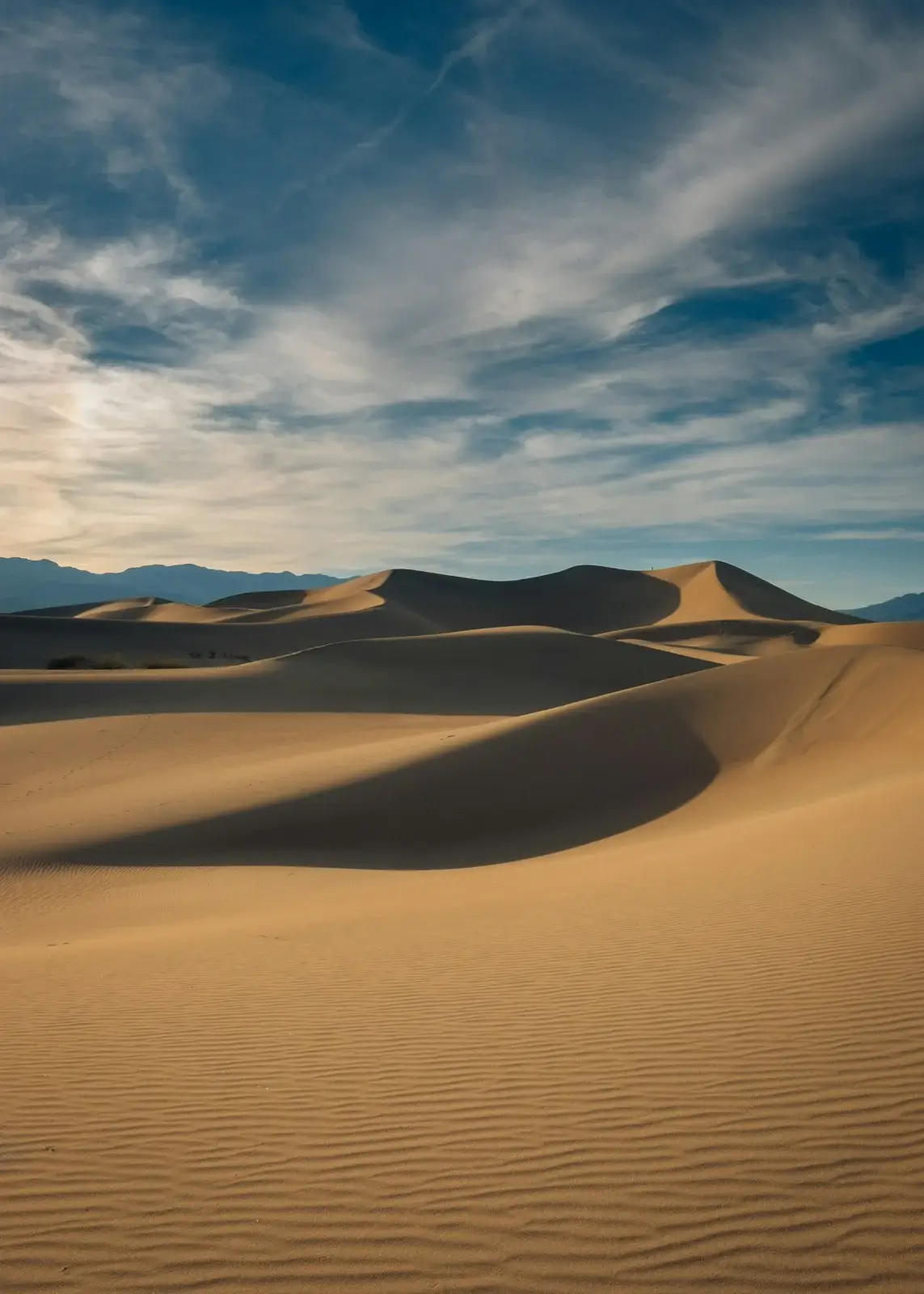 BeforeAfter
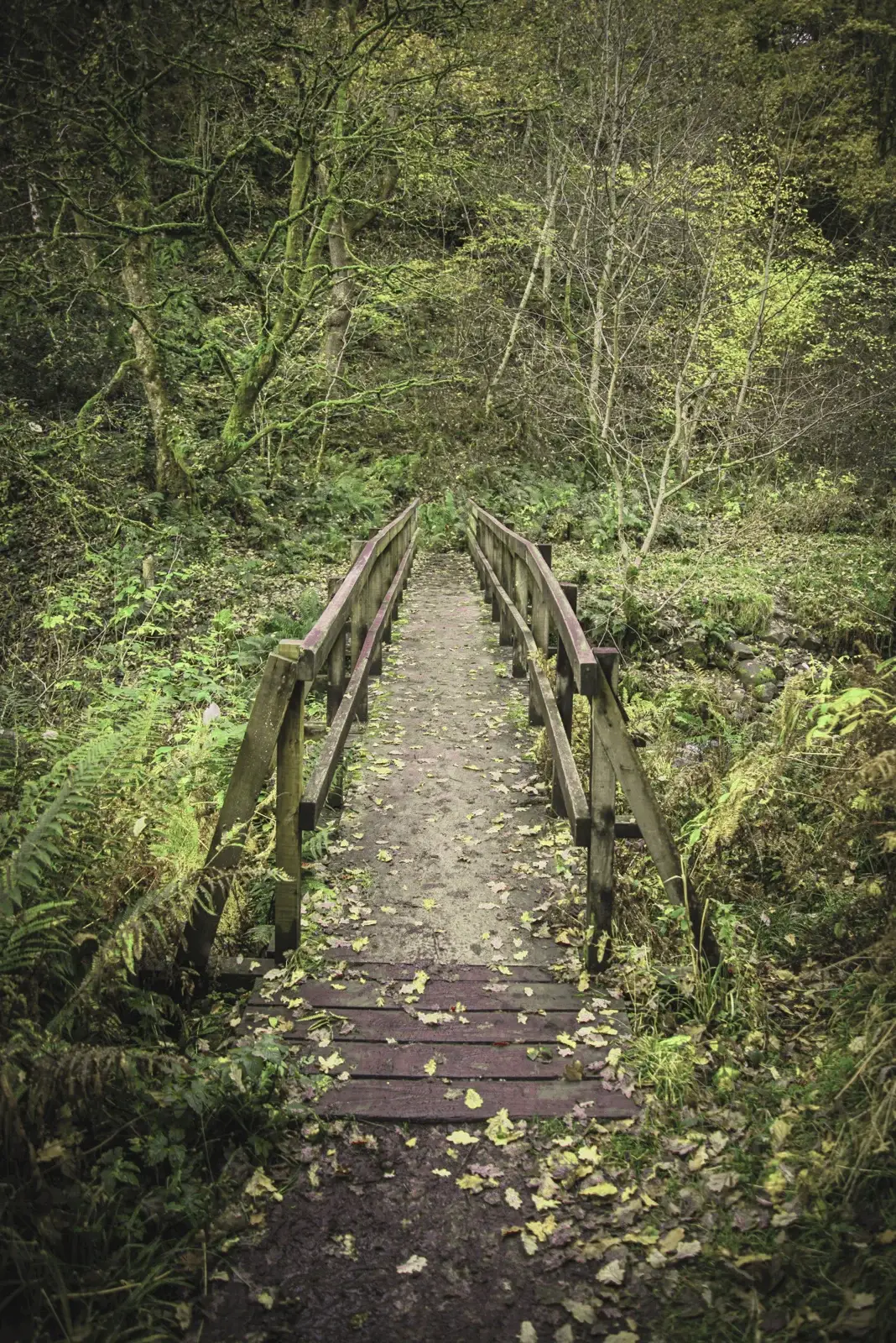
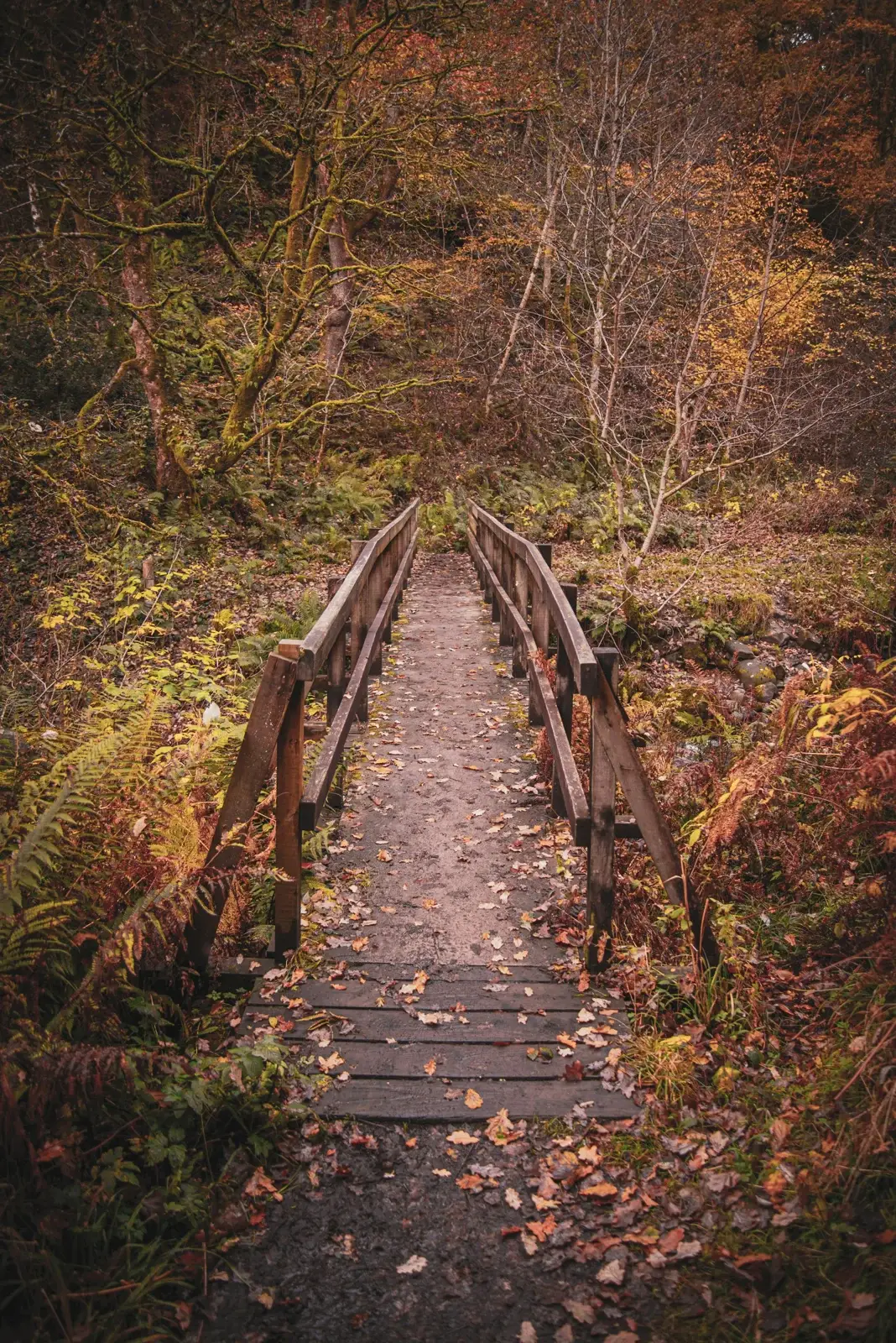 BeforeAfter
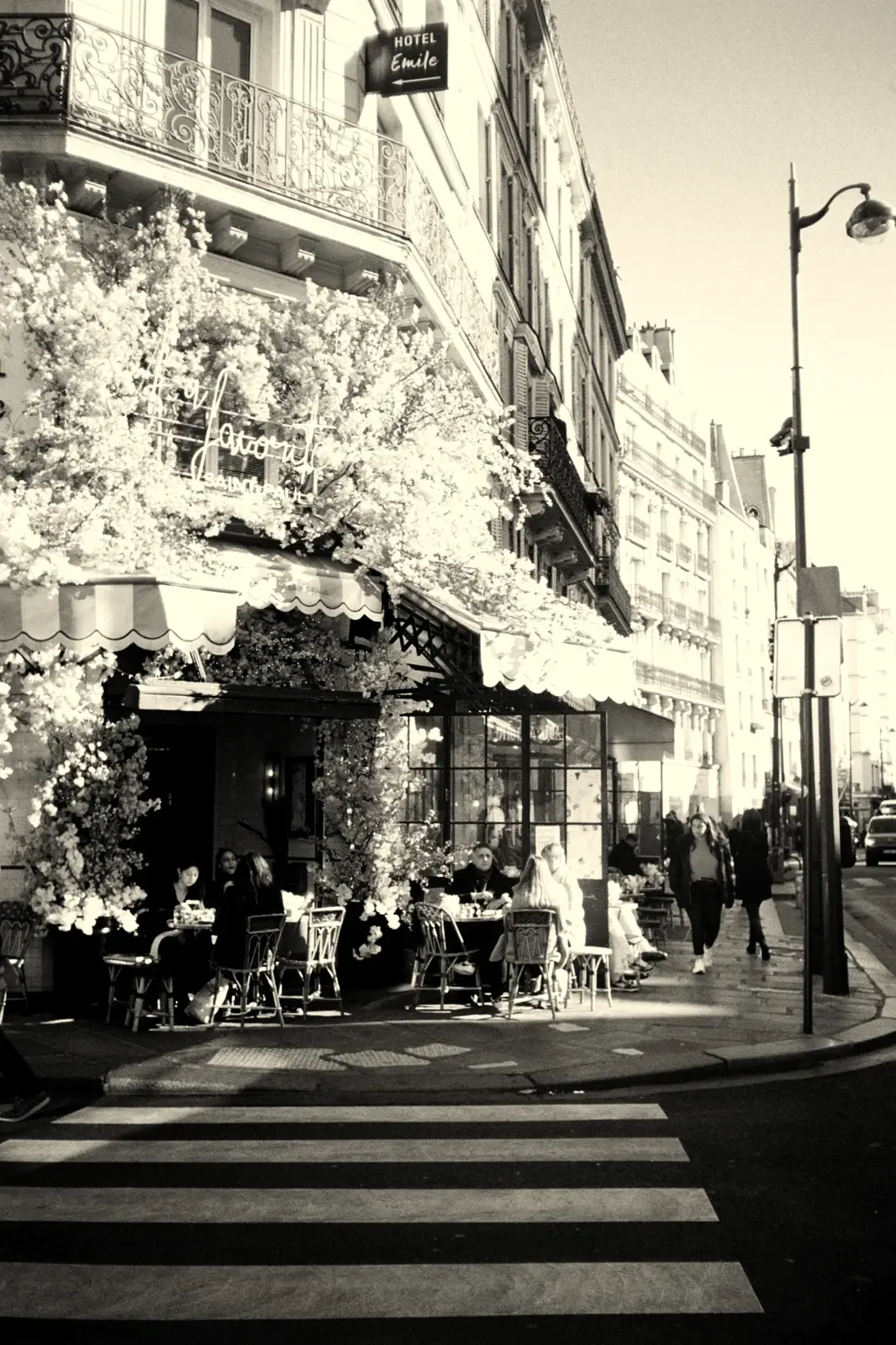
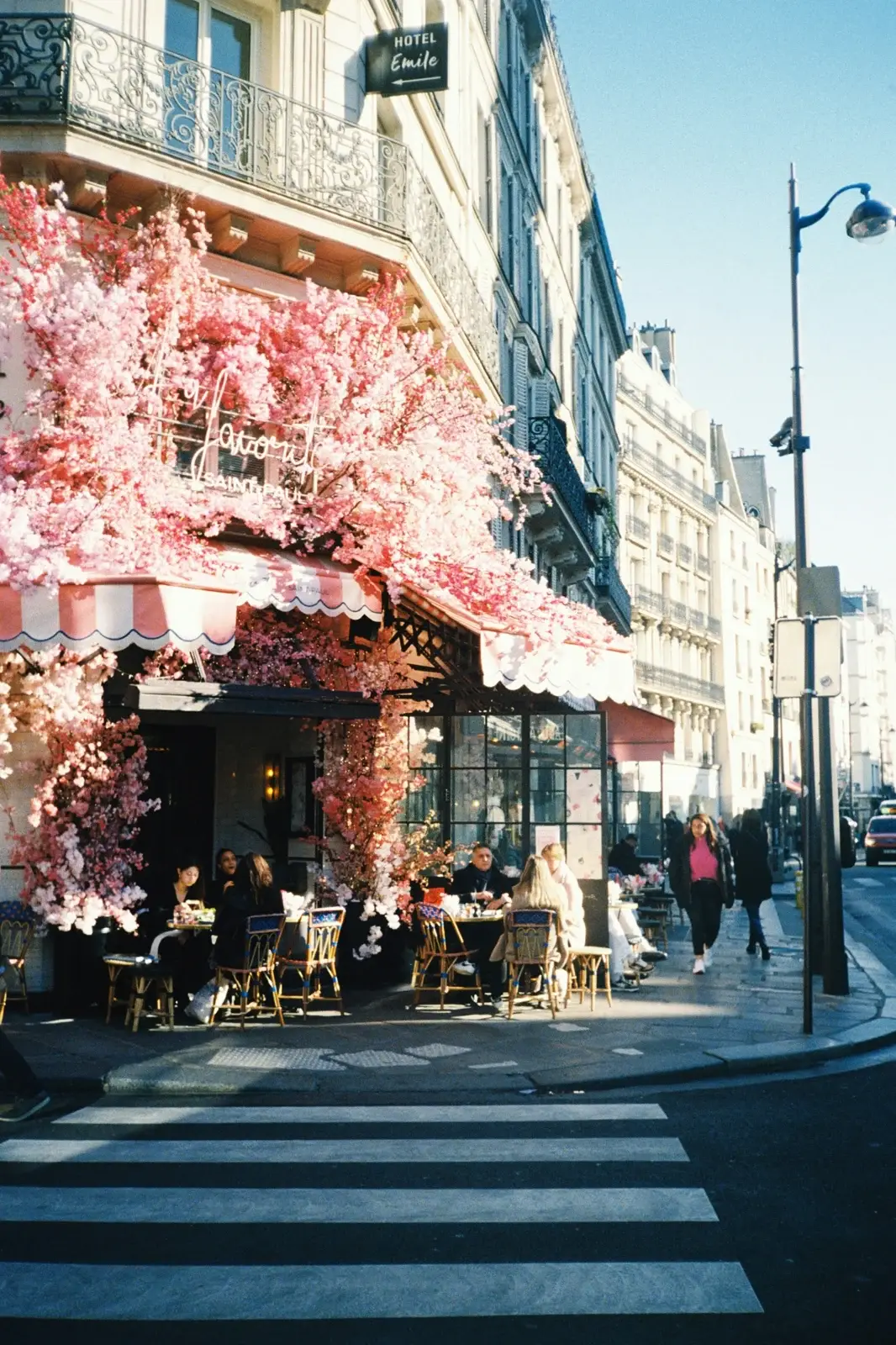 BeforeAfter
Say it in your own words
Type what should change, such as "make the sky warmer". There are no settings to learn.
A choice of models
Pick Fast for everyday edits, or Pro and Ultra for difficult ones.
All of Studio around it
Your photo opens in Studio, with filters, text, crop and more AI tools.
See what you can ask for
Drag the slider to compare each photo with the change. Examples are for illustration; your result depends on your photo and your words.
BeforeAfterBeforeAfterBeforeAfterExamples are illustrations.
Describe it, see it
Ask for a warmer sky, an evening look or a different season. You need to be signed in, and the cost shows beside each model.
Try it nowBeforeAfterMore tools in Studio
Remove objects, change the background, extend the edges or enlarge the photo, all from the same place.
Try it nowBeforeAfterHow to edit a photo with AI
Drop or choose an image. It opens in Studio.
Describe your change and pick a model.
Compare the result, then export it or keep editing.
Prefer to start from nothing? AI image generator
Questions about the AI photo editor
What can I ask for?
Changes to the whole photo work best, such as the light, the colors, the season or the style. To remove something, the object remover is more exact.
Does it use credits?
Yes. Each edit uses credits, shown beside each model, and you need to be signed in. Filters, text and crop in Studio use none.
Which model should I choose?
Fast suits everyday edits and costs least. Pro and Ultra cost more and suit difficult edits.
Will it keep my photo the same?
Not exactly. AI redraws the whole photo, so details and text can change. Your first version stays in Studio to go back to.
Which files can I open?
PNG, JPG, WebP, GIF, AVIF, BMP, SVG and iPhone HEIC photos.
Does it work on a phone?
Yes. The photo opens in Studio on your phone, where you type the change and pick a model.