HEIC vs JPG: what is the difference and which should you use?
By Pixuvia · · Updated
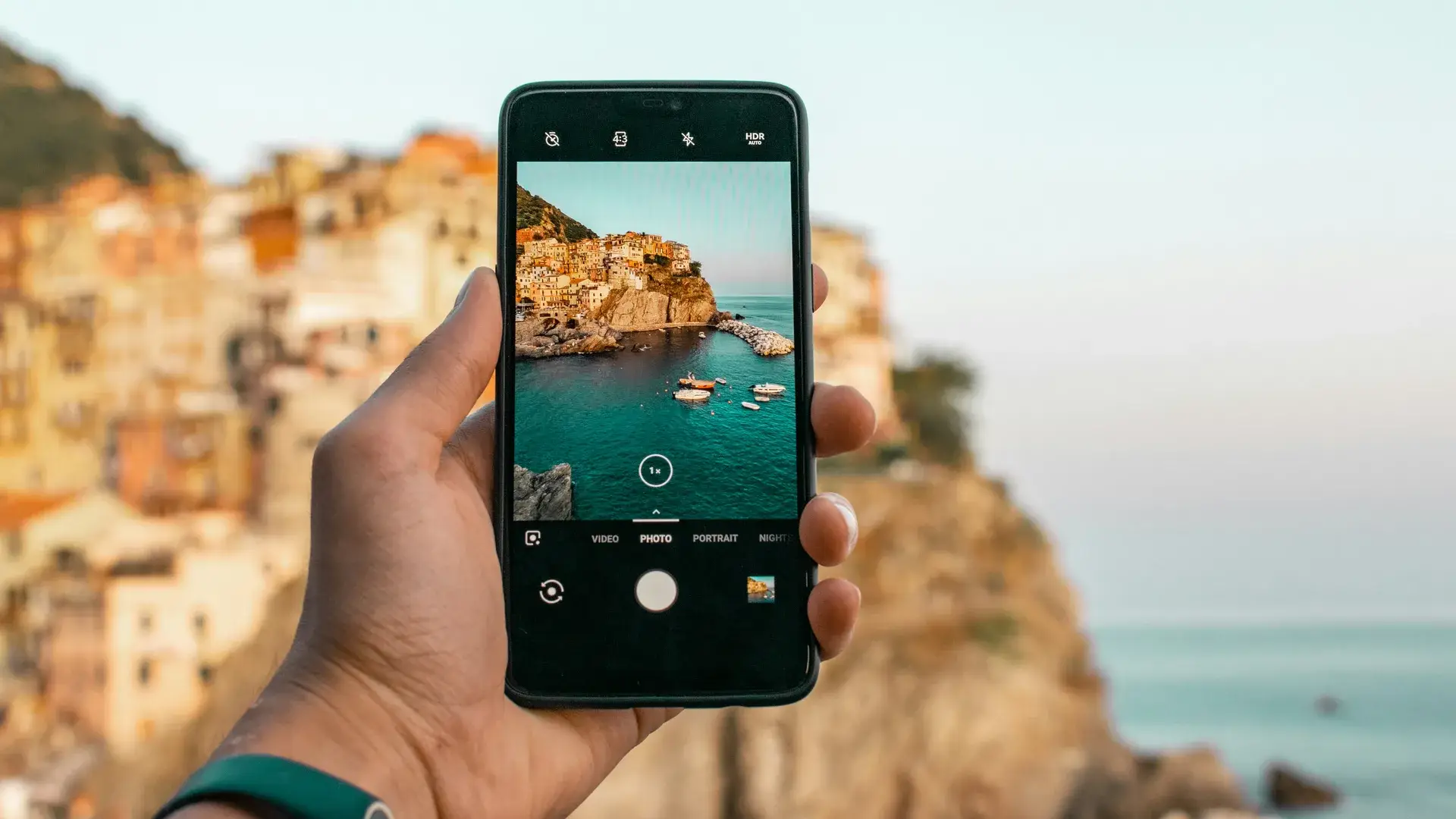
HEIC vs JPG comes down to space against compatibility. HEIC is the format an iPhone uses for photos by default: it holds the same picture in a noticeably smaller file. JPG opens on almost every phone, computer, app and website. Keep HEIC on your iPhone to save storage, and convert to JPG when you need to share a photo with something that cannot open HEIC.
Below are the two formats side by side, what each one is, which to use in common situations, what converting really does to a photo, and the two iPhone settings that hand you JPGs instead.
On this page
HEIC vs JPG at a glance
| Feature | HEIC | JPG (JPEG) |
|---|---|---|
| Full name | HEIF image, compressed with HEVC (High Efficiency Image File Format) | JPEG, after the Joint Photographic Experts Group |
| Compression | Lossy, based on the HEVC (H.265) video codec | Lossy, DCT-based, standardized in 1992 |
| Typical file size | Smaller at the same visual quality | Larger at the same visual quality |
| Color depth | Higher bit depths possible (HEVC goes up to 16 bits per sample) | 8 bits per channel |
| Transparency | Supported by the format (alpha plane) | Not supported |
| Multiple images | Yes: bursts, collections and image sequences in one file | One image per file |
| Where it opens | Apple devices since iOS 11 and macOS High Sierra, Safari 17 and later, Windows with extensions | Practically everywhere |
| Best for | Storing photos on an iPhone or iPad | Sharing, uploading, printing, older software |
What is HEIC?
HEIC is a photo saved in HEIF, the High Efficiency Image File Format, with the picture compressed by HEVC (also called H.265), the same codec many phones use for video. HEIF is an MPEG standard, ISO/IEC 23008-12. Apple adopted it in iOS 11 and macOS High Sierra, and iPhone 7 and later can take photos in it.
HEIF is a container, so one file can hold more than a single picture: a burst of shots, a main image with a depth map or alpha plane, or a short animation. Most apps, converters included, show only the main image of such a file.
What is JPG?
JPG is the short file extension for JPEG, the image format published by the Joint Photographic Experts Group in 1992. JPG and JPEG are the same format; the files differ only in the extension. The committee calls JPEG still the most dominant still image format around, which is why nearly every device, browser and upload form reads it.
JPEG compresses photos well, but it is old: one image per file, 8 bits per channel, and no transparency. The committee itself lists higher bit depths, high dynamic range and alpha channels as needs the original standard does not cover. Newer formats fill some of those gaps: WebP and AVIF store transparency, AVIF stores 10- and 12-bit color (AVIF vs WebP compares them), and JPEG XL supports HDR and high bit depths, as covered in Chrome now opens JPEG XL.
What is the difference between HEIC and JPG?
File size
Apple says HEIF uses less storage than JPEG while keeping the same visual quality. In the comparison published with Nokia's HEIF reference software, JPEG needed on average about 2.4 times the file size of HEVC to reach the same measured quality. Real photos vary, but on a phone full of pictures the saving adds up.
Image quality
At the same file size, HEIC keeps more detail, because its compression is more efficient. At the quality settings your iPhone and most apps actually use, the difference from a well-made JPG of the same shot is usually hard to see at normal size.
Color and HDR
HEVC can store more than 8 bits per sample, and HEIF defines properties for high dynamic range content. JPEG stops at 8 bits per channel, so a JPG made from a richer HEIC keeps the look of the photo but not all of its extra tonal data.
Transparency and multiple images
HEIF can carry an alpha plane and several images in one file. JPG cannot. For transparency outside Apple's apps, people use PNG (the guide to image formats that support transparency compares the options); for bursts, each shot becomes its own JPG.
Compatibility
This is where JPG wins. Safari shows HEIC images from version 17, while Chrome, Edge and Firefox do not display them on web pages, according to Can I use. Windows needs extra extensions from the Microsoft Store, and many upload forms, older apps and print shops accept only JPG or PNG.
HEIC or JPG: which should you use?
- Taking photos on an iPhone: keep HEIC. You fit more photos in the same storage, and Apple devices open it.
- Sending a photo to an iPhone or Mac user: HEIC is fine; Apple devices open it as is.
- Sending to Windows or Android users, or by email: JPG, so it opens with a double-click.
- Uploading to a website, form or online shop: JPG, unless the form says it accepts HEIC.
- Printing: JPG at high quality and full resolution, unless the print service lists HEIC among its accepted files. DPI vs PPI shows how many pixels a print size needs.
- Archiving: keep the original HEIC, the only exact copy.
- Editing further: PNG, so later saves do not add compression loss; PNG vs JPG measures what re-saving a JPG costs.
- Graphics with transparency: PNG, since JPG cannot store it and PNG opens almost everywhere.
Should I convert HEIC to JPG, and what happens to quality?
Convert when the person or app you are sending to cannot open HEIC; otherwise there is no need. Converting decodes the HEIC into pixels and compresses them again as a JPG. That second lossy step can drop a little fine detail, and any detail HEIC already discarded does not come back. A JPG at 90% quality is very hard to tell apart from the original, but it is usually larger than the HEIC.
Three ways to do it:
- In your browser: the HEIC to JPG converter converts one photo or a batch, starts at 90% quality (adjustable from 10% to 100%), turns photos upright and lets you download them one by one or as one ZIP. Photo details such as the date and location are not copied. Need every pixel kept? Use HEIC to PNG instead.
- On a Mac: open the photo in Preview, choose File > Export, pick JPEG in the Format menu and click Save. Preview can export to HEIC, JPEG, PNG, TIFF and a few others.
- On Windows: install the HEIF Image Extension and HEVC Video Extensions from the Microsoft Store. Windows can then read HEIC files, and apps that use its image support can open them.
Other formats, such as PSD to PNG, are on the image converters page, and which image format to use covers WebP, AVIF and the rest.
How to make an iPhone save or share photos as JPG
Two settings stop HEIC files from reaching places that cannot open them:
- Shoot JPG: open Settings, tap Camera, tap Formats, then tap Most Compatible. New photos are saved as JPEG (and videos as H.264). Choose High Efficiency to go back to HEIC. Your existing photos stay as they are.
- Convert when copying to a computer: Apple says photos imported over a cable into Photos, Image Capture or a PC might be converted to JPEG. That happens unless Keep Originals is selected under Settings > Apps > Photos (Settings > Photos on older iOS), so leave Keep Originals off if your computer needs JPGs.
Sharing by AirDrop, Messages or email may also send a more compatible format such as JPEG, according to Apple. That is a "may", so check the received file when the format matters.
Can you edit HEIC photos?
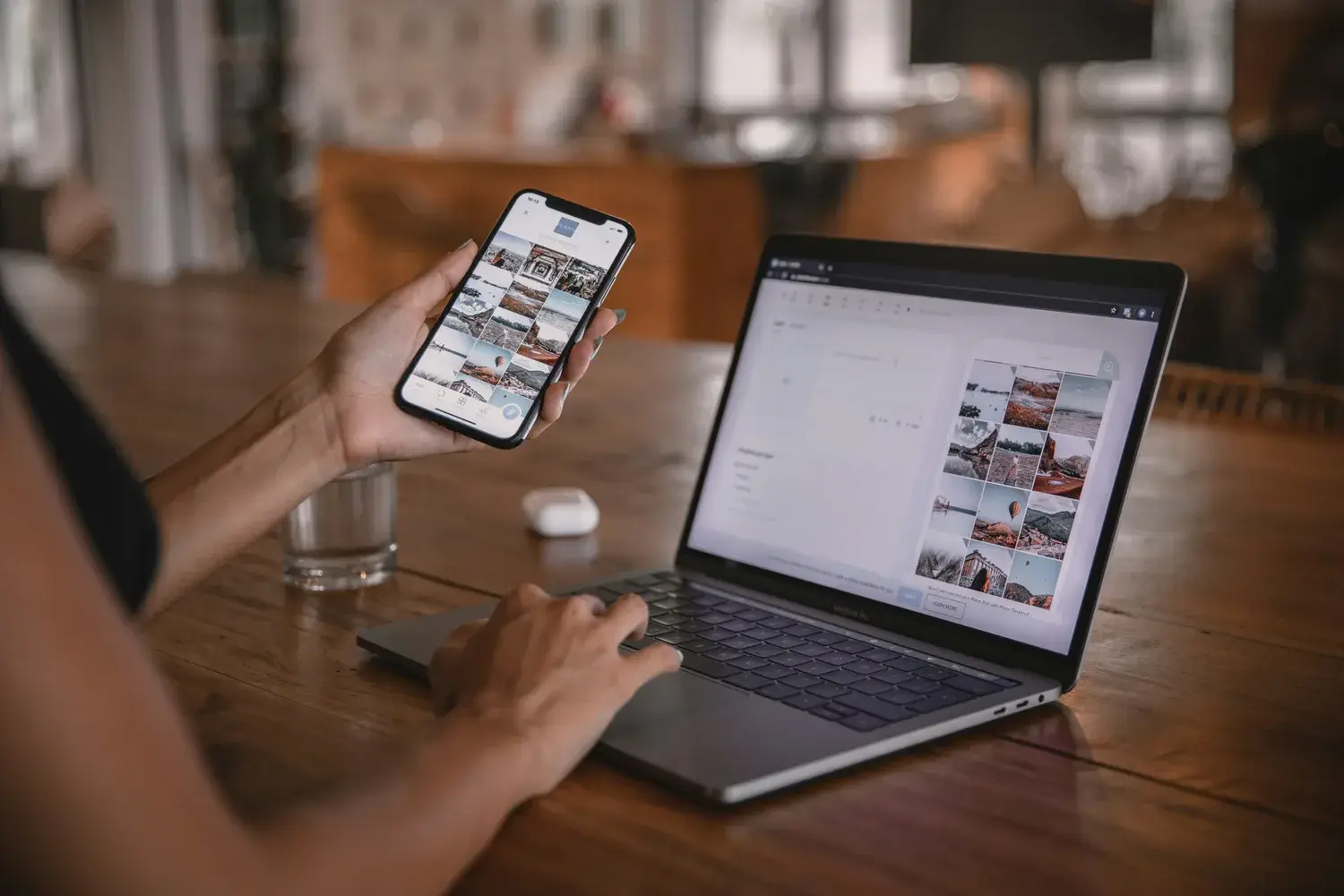
Yes. Apple's Photos and Preview edit HEIC directly, and the Pixuvia online photo editor opens HEIC and HEIF files along with PNG, JPEG, WebP, PSD and more. Edit with layers and adjustments, then save as JPG, PNG, WebP or PSD, so you can skip the separate conversion step.
Questions
Does converting HEIC to JPG lose quality?
A little. The photo is decoded and compressed again as a JPG, which is lossy, so some fine detail can go. At a high quality setting such as 90% the difference is hard to see. Converting to PNG instead keeps every decoded pixel exactly, in a much larger file.
Is HEIC better quality than JPG?
At the same file size, usually yes: HEIC compresses more efficiently, so it keeps more detail per byte. Apple says HEIF keeps the same visual quality as JPEG in less storage. A JPG saved at high quality from the same photo looks almost identical, just larger.
Can Windows open HEIC files?
Yes, with two Microsoft Store add-ons: HEIF Image Extension and HEVC Video Extensions. Microsoft says the HEVC package must be installed to view .heic files. The HEVC package is a paid download. Without them, convert the photos to JPG first.
Is there a difference between JPEG and JPG?
No. JPG and JPEG are two file extensions for the same format, named after the Joint Photographic Experts Group that wrote the standard. A .jpg and a .jpeg file open in the same apps and can be renamed from one to the other.
Can I upload HEIC photos to websites?
Some do, many do not. Most upload forms list JPG and PNG, and only Safari displays HEIC images on a web page by itself. If a site rejects your photo, convert it to JPG and upload that.
Is HEIC or PNG better?
They do different jobs. HEIC keeps photos small on your phone; PNG is lossless, so it suits screenshots, graphics and photos you plan to edit further, at the cost of much larger files. For sharing an ordinary photo, JPG is usually the better pick than either.
Sources
- Apple: Using HEIF or HEVC media on Apple devices
- Apple: Convert image file types using Preview on Mac
- JPEG committee: Overview of JPEG 1
- JPEG committee: JPEG XT
- MPEG: MPEG-H Part 12, image file format (HEIF)
- Nokia Technologies: HEIF technical information
- Microsoft Store: HEIF Image Extension
- Microsoft Store: HEVC Video Extensions
- Can I use: HEIF/HEIC image format