Background remover
Remove the background from an image online and download a transparent PNG. Use Standard with no credits, or AI for clean edges on hair and fur.
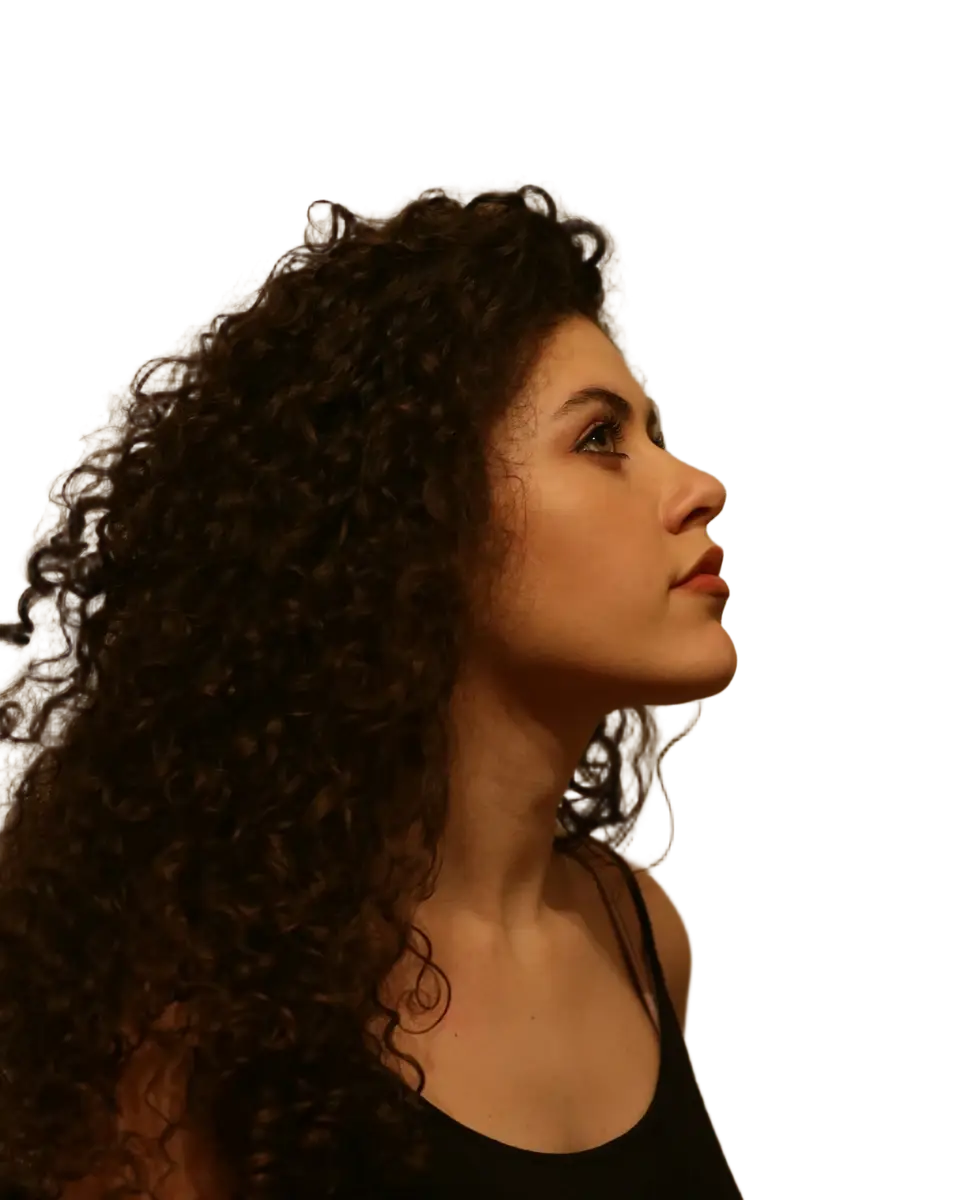
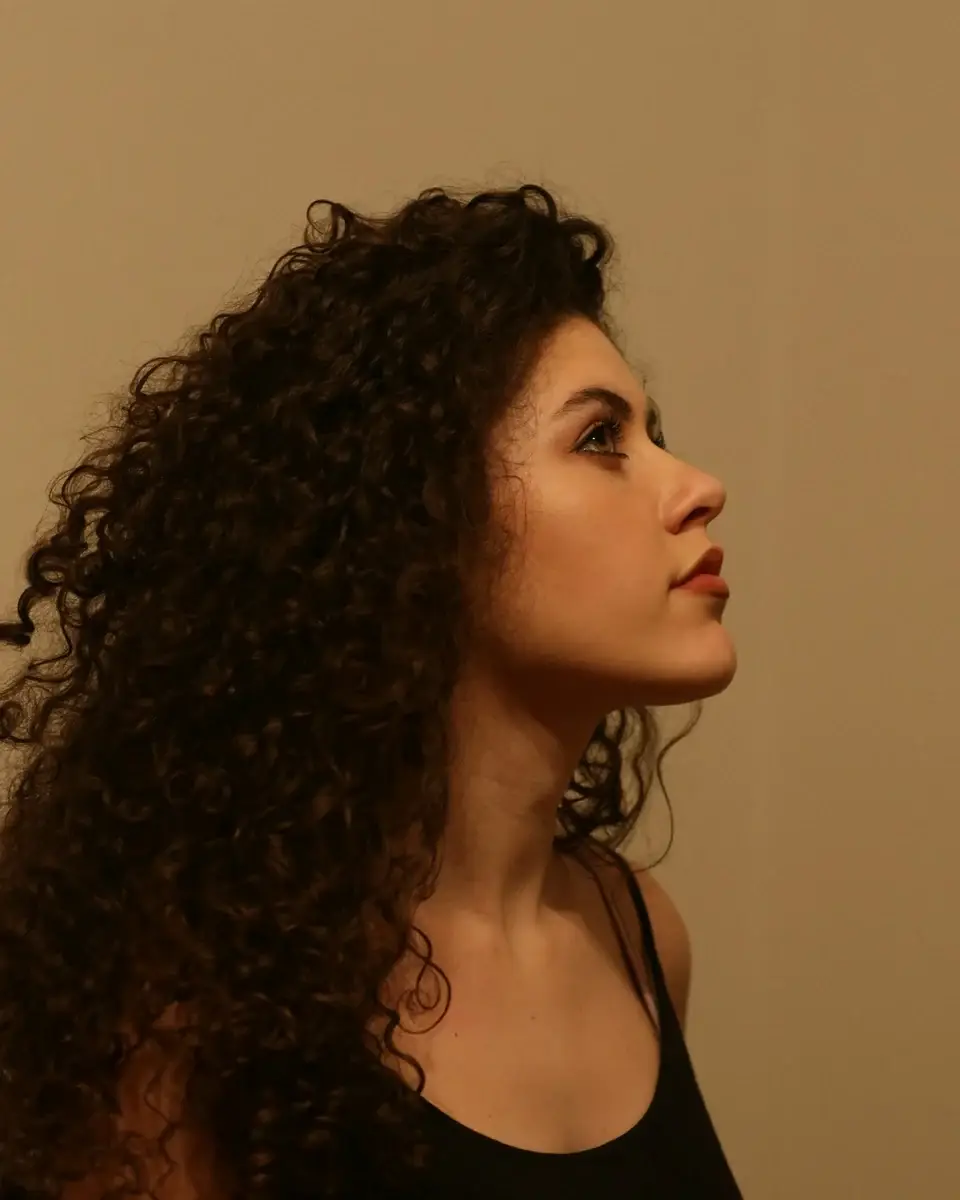 BeforeAfter
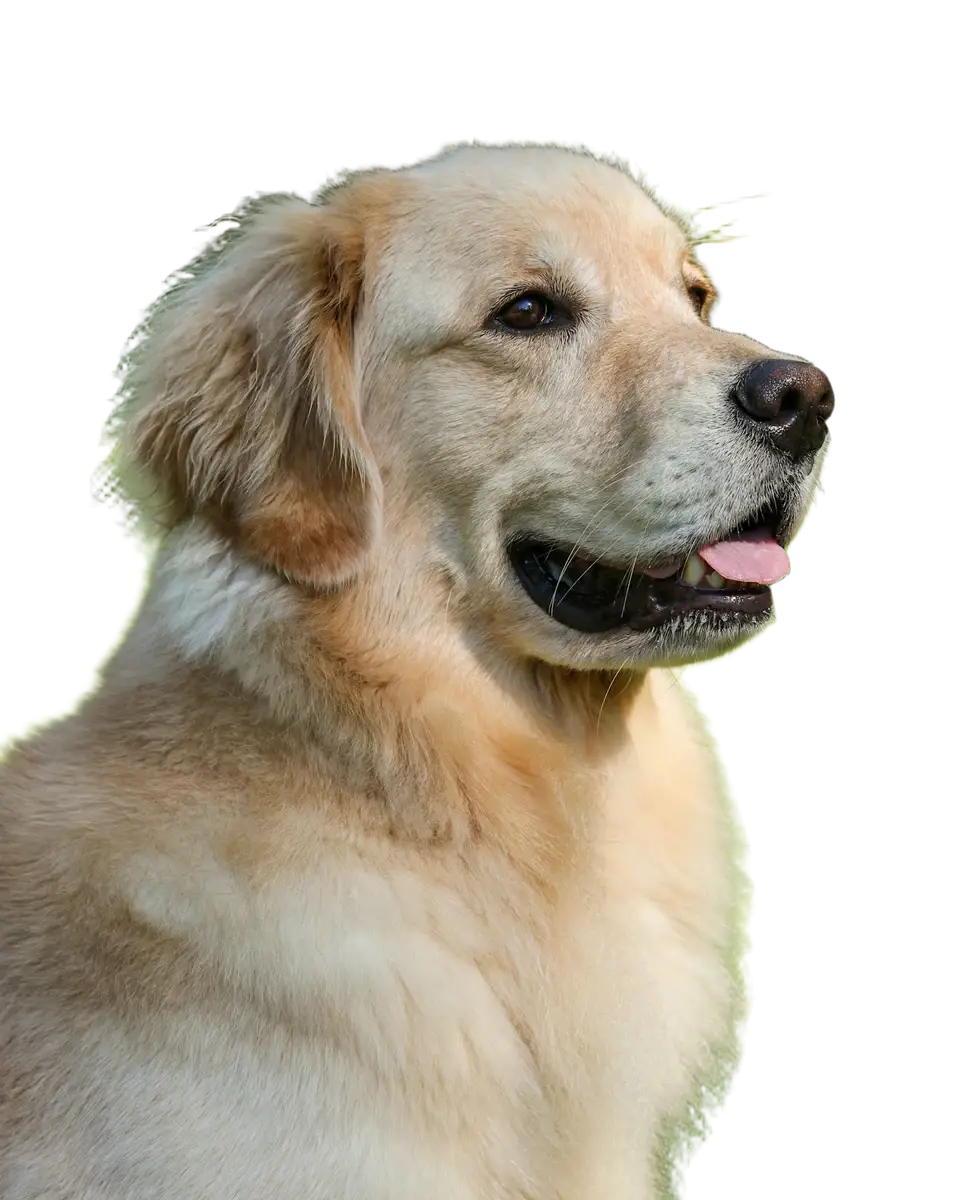
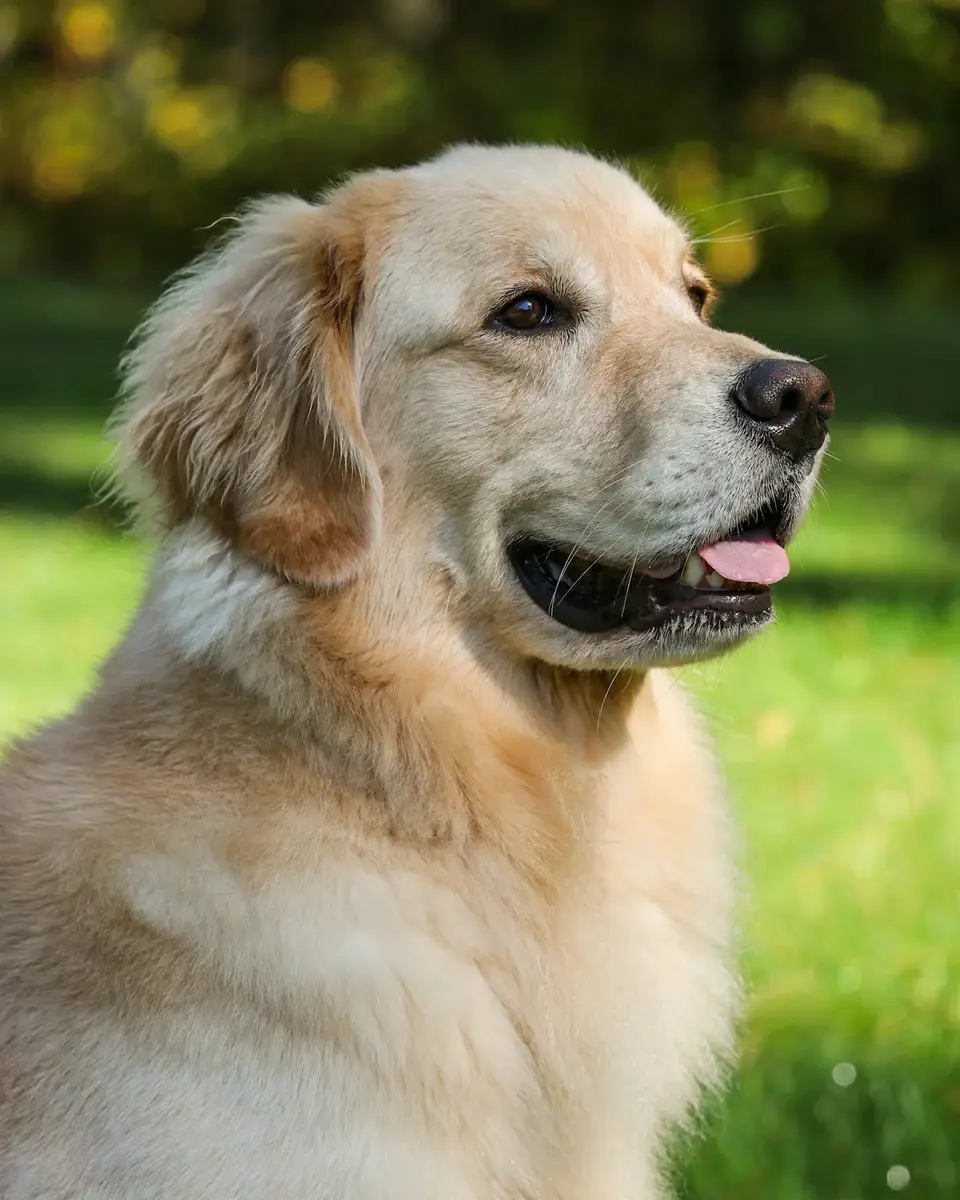 BeforeAfter
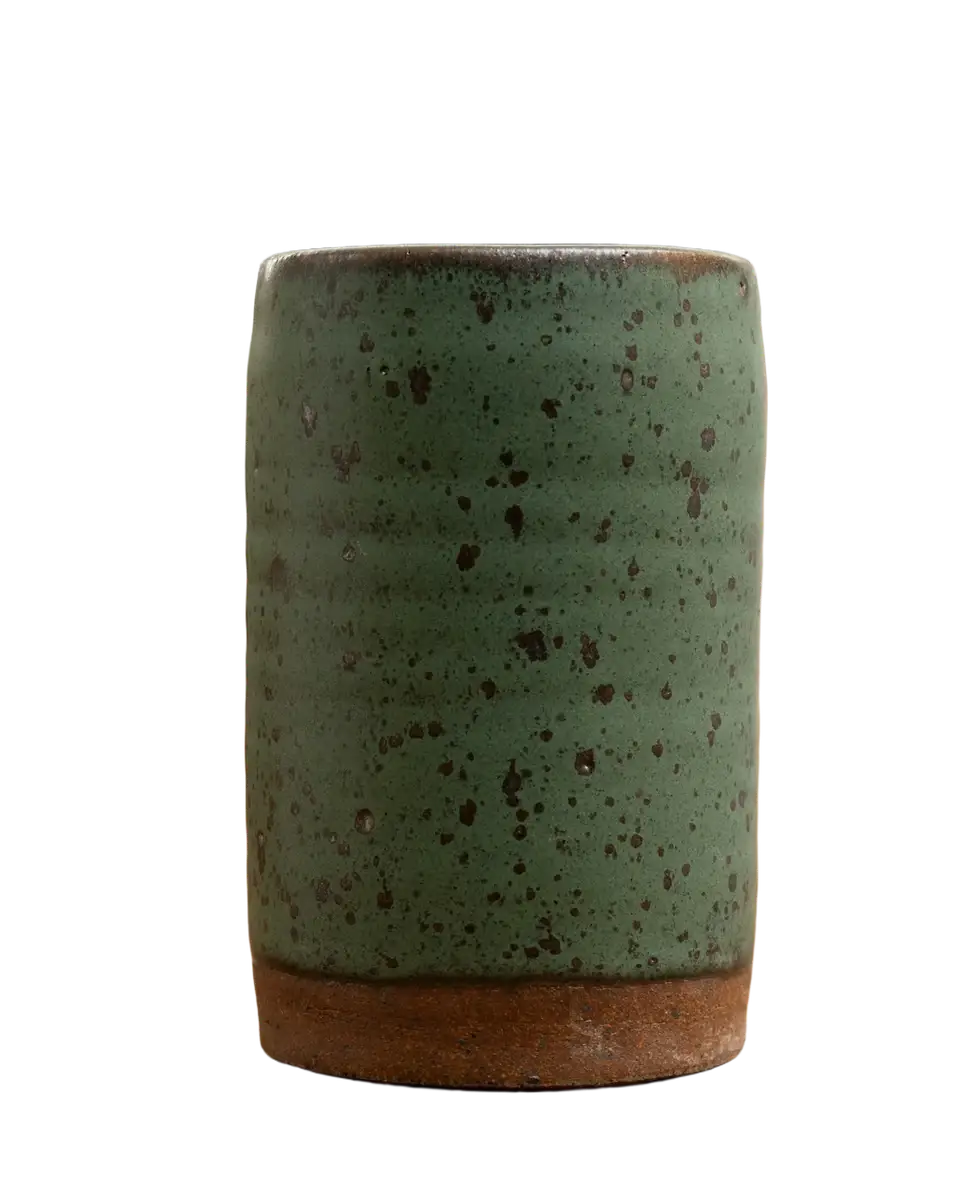
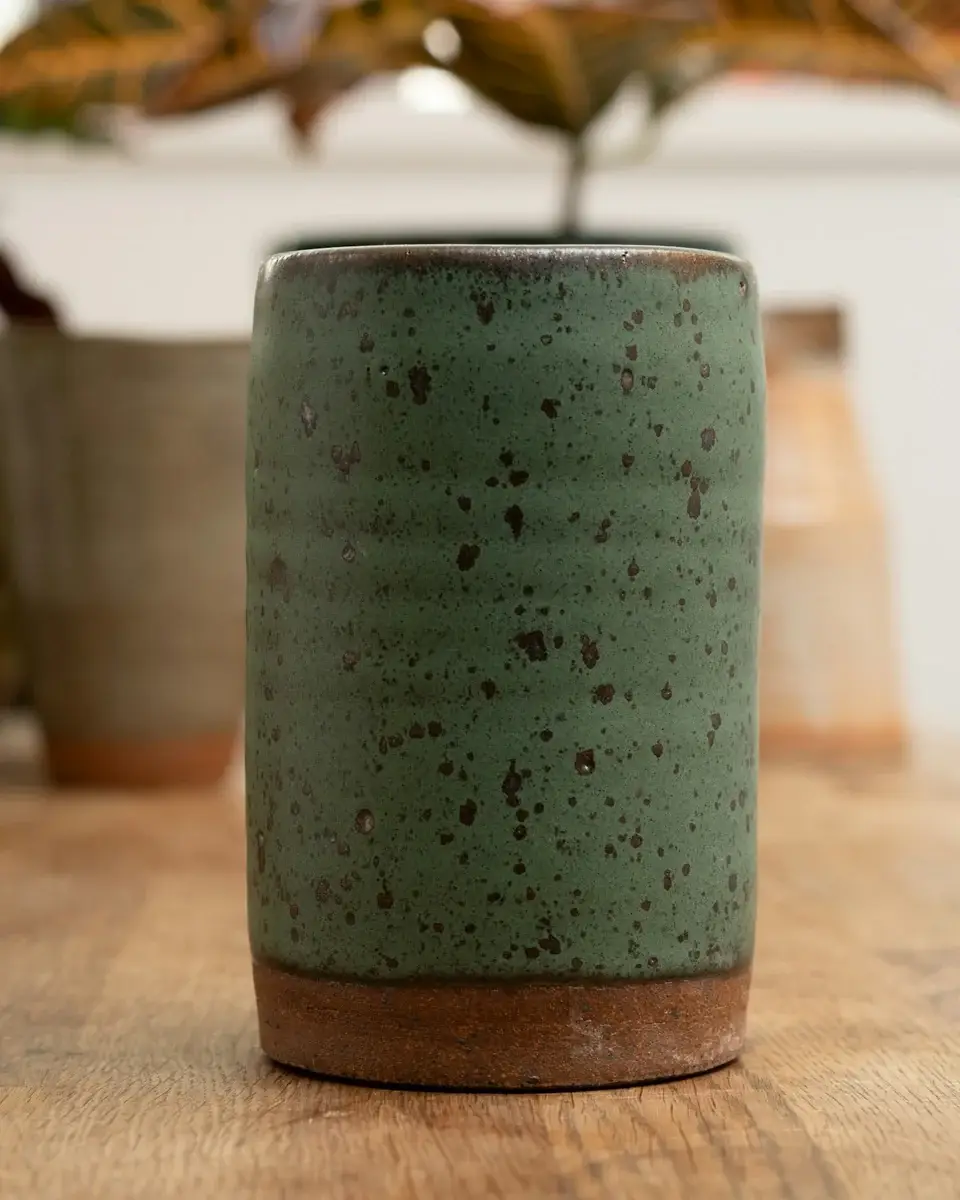 BeforeAfter
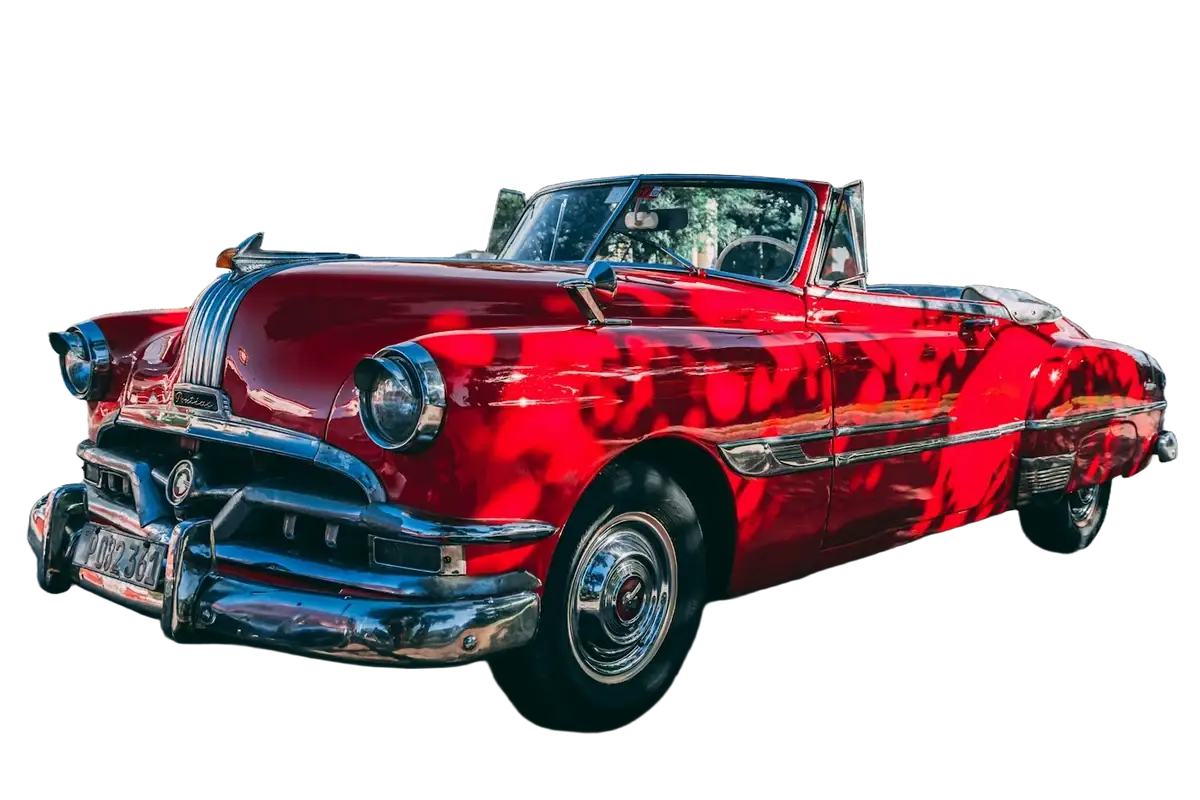
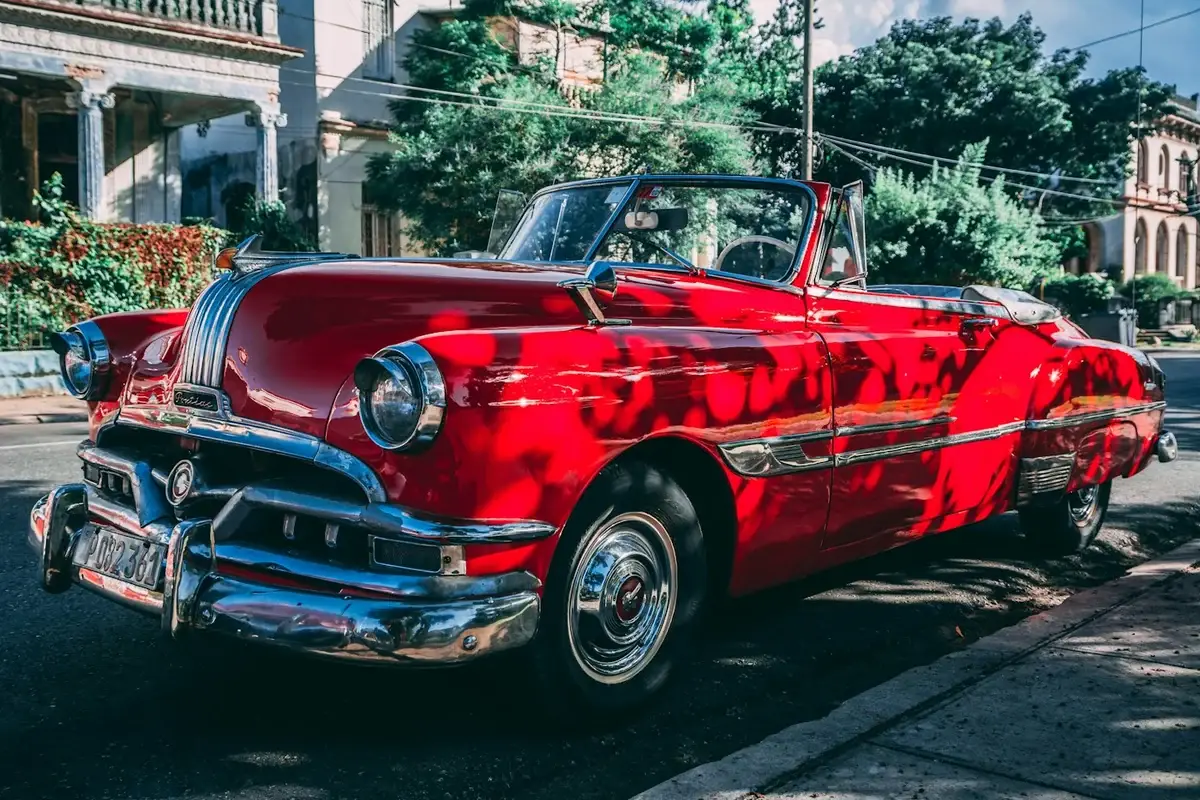 BeforeAfter
Remove it in seconds
Open an image and the background is gone, with nothing to trace by hand.
When to choose AI
Choose AI when Standard misses fine detail around hair and fur.
Keep it or replace it
Download a transparent PNG, put it on white, or open it in Studio.
Portraits, products, animals and cars
Drag the slider to compare each photo with its cutout. These examples are illustrations, made with an AI model.
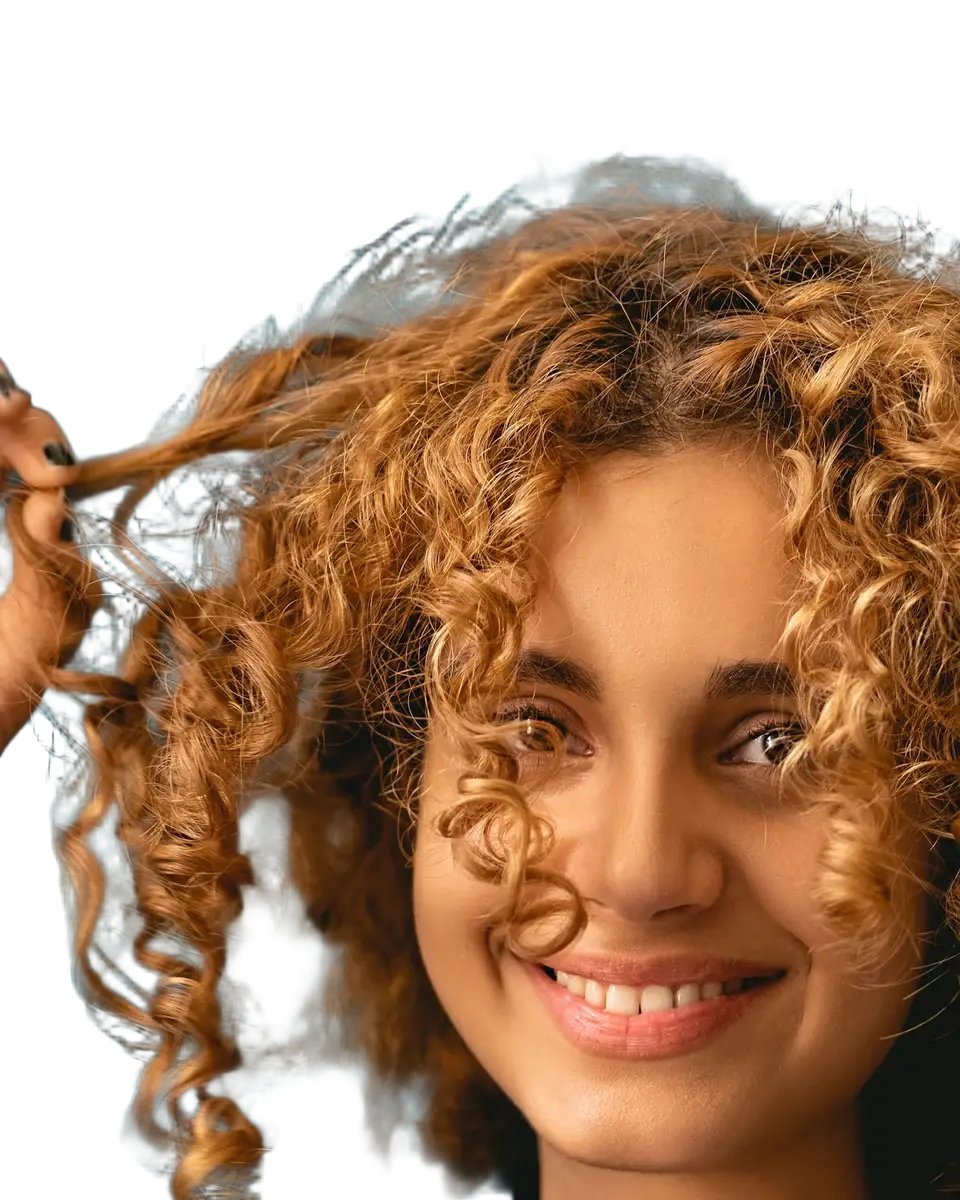
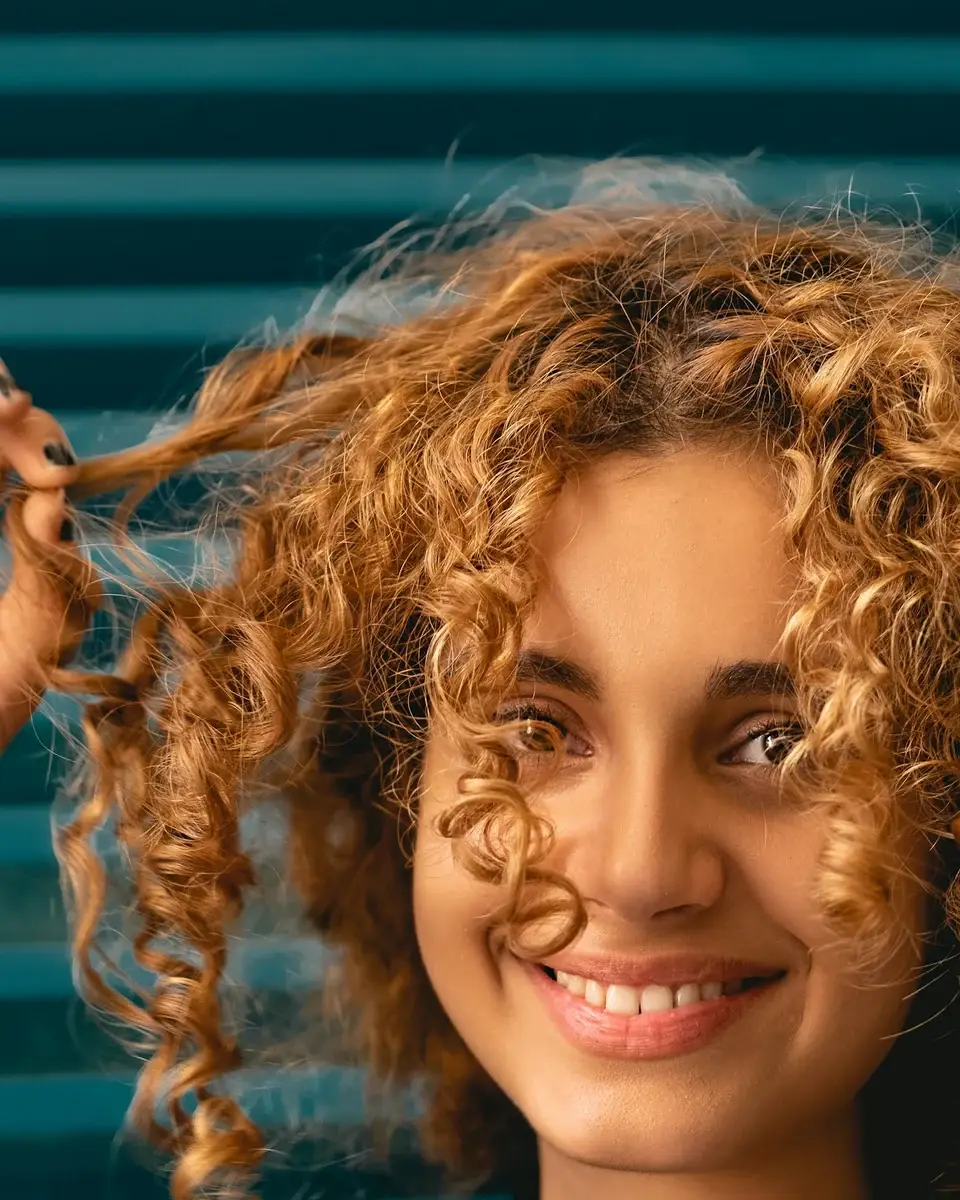 BeforeAfterBeforeAfter

 BeforeAfterBeforeAfterBeforeAfterBeforeAfter
Examples are illustrations.
Clean edges on hair and fur
AI is the option for hair, fur and busy backgrounds. You need to be signed in, and the cost shows beside the button.
Try it nowBeforeAfterNo credits with Standard
Good for a clear subject on a simple background. The cutout appears on its own as soon as the image opens.
Try it now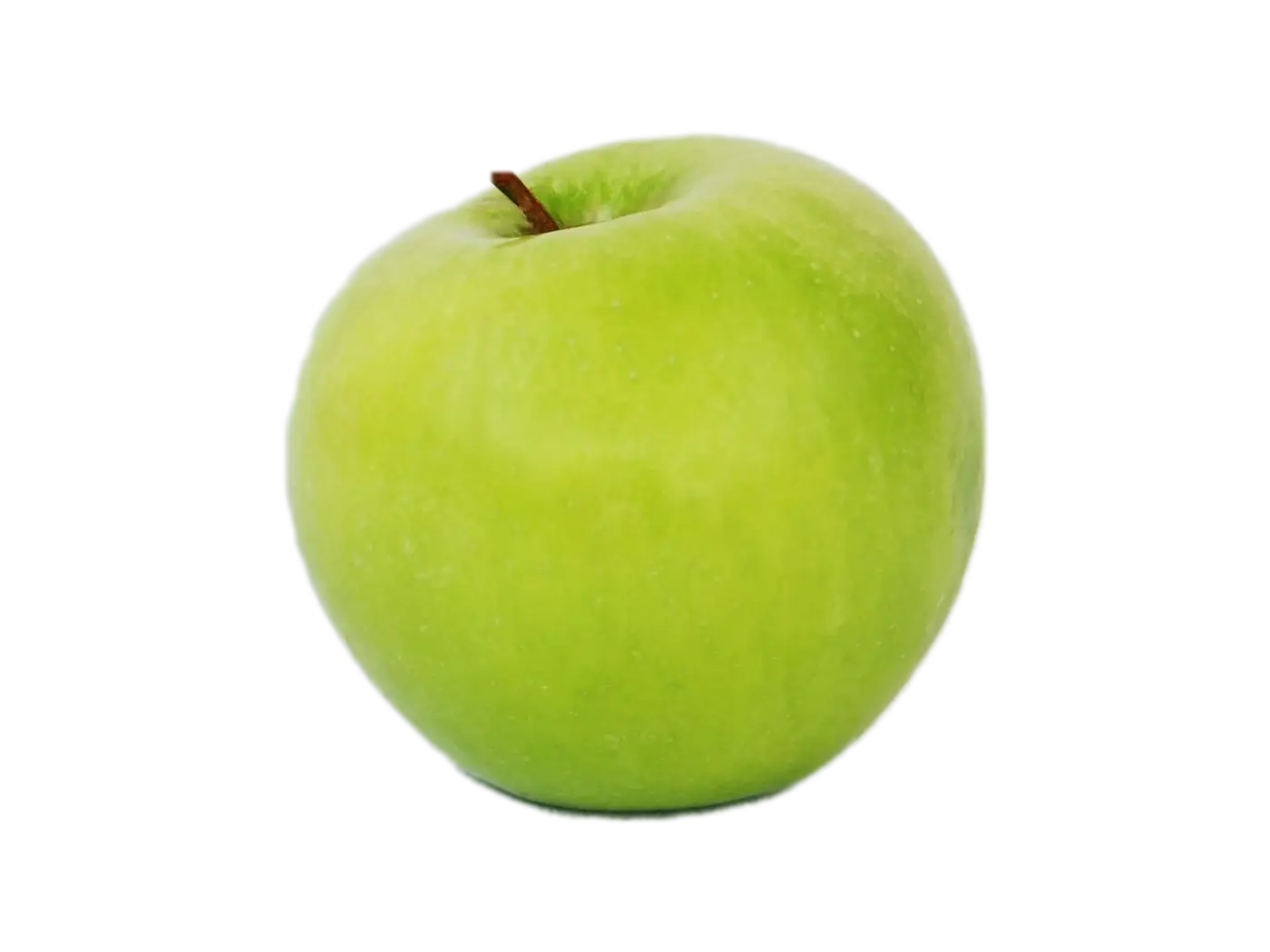
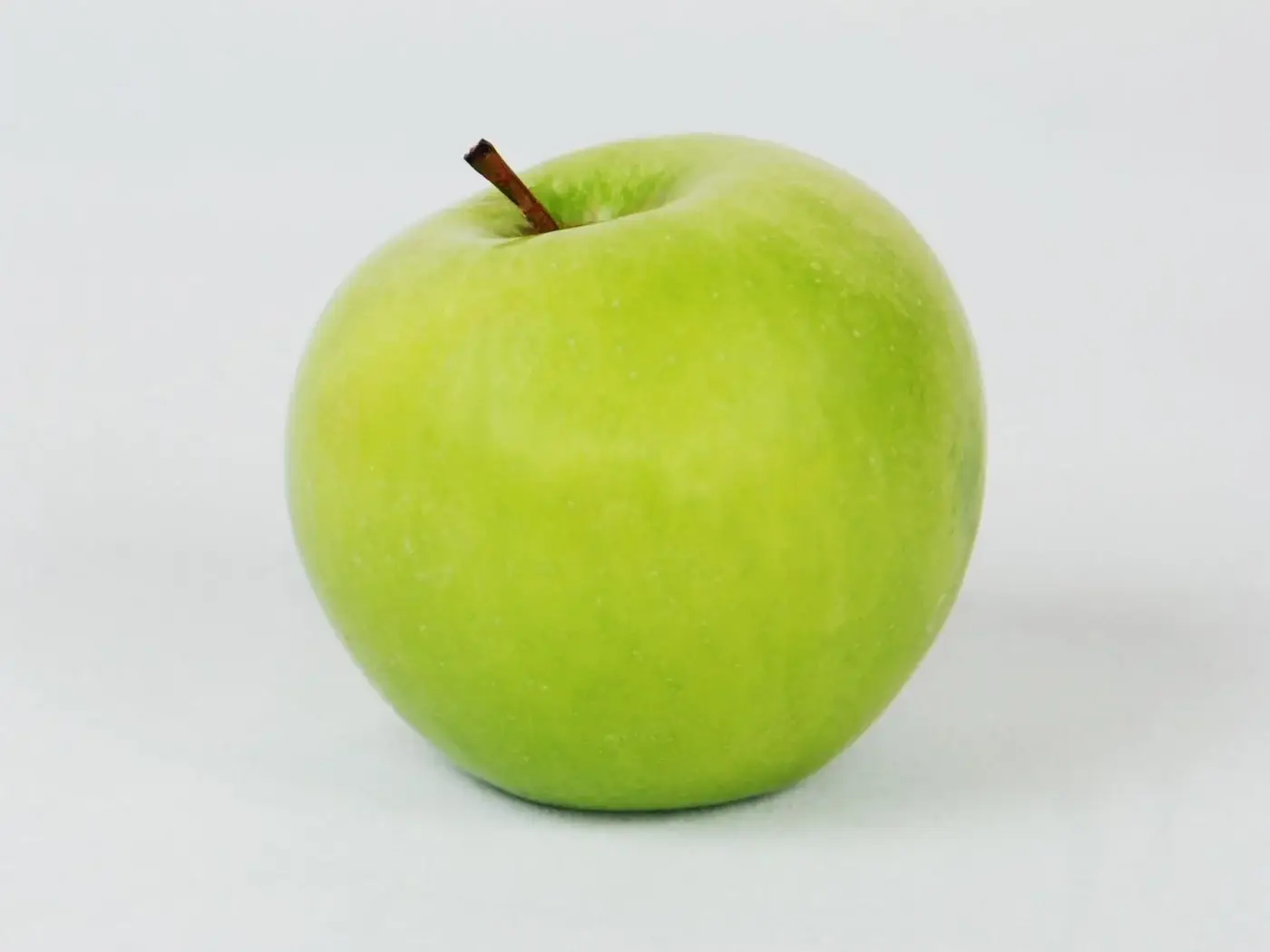 BeforeAfter
Then give it a new background
Open the result in Studio to put it on a color or on a picture of your own. Change background does the cutout and the new background in one step.
Open StudioWhite
A color
A photo
How to remove a background
Drop or choose an image. PNG, JPG, WebP and more all work.
Pick Standard or AI, then drag the slider to compare the result with your photo.
Download a transparent PNG, or open the result in Studio to keep editing.
Prefer to touch up the edge by hand? Remove the background with a layer mask
Questions about removing backgrounds
Can I remove a background without credits?
Yes. Standard uses no credits. It works best on a clear subject against a simple background.
When should I use AI?
Use AI for hair, fur and busy backgrounds, where it gives cleaner edges. It uses credits, shown beside the button, and you need to be signed in.
Which files can I open?
PNG, JPG, WebP, GIF, AVIF, BMP, SVG and iPhone HEIC photos.
How do I save a transparent background?
Download saves a PNG with a transparent background. Choose White under New background to save it on white instead.
Does removing the background lower the quality?
No. The cutout is applied to your image at full size, so the result keeps its width and height.
What if part of the subject is missing?
Try AI. Or open the photo in Studio, choose Remove background and draw a box around the subject.
Does it work on a phone?
Yes. Choose a photo from your phone and Standard cuts out the subject as soon as it opens. Download saves the transparent PNG.