Change background
Put a new background behind your subject online. Use a color, a filter or a photo of your own with no credits, or describe a new one and AI makes it.

 BeforeAfter

 BeforeAfter
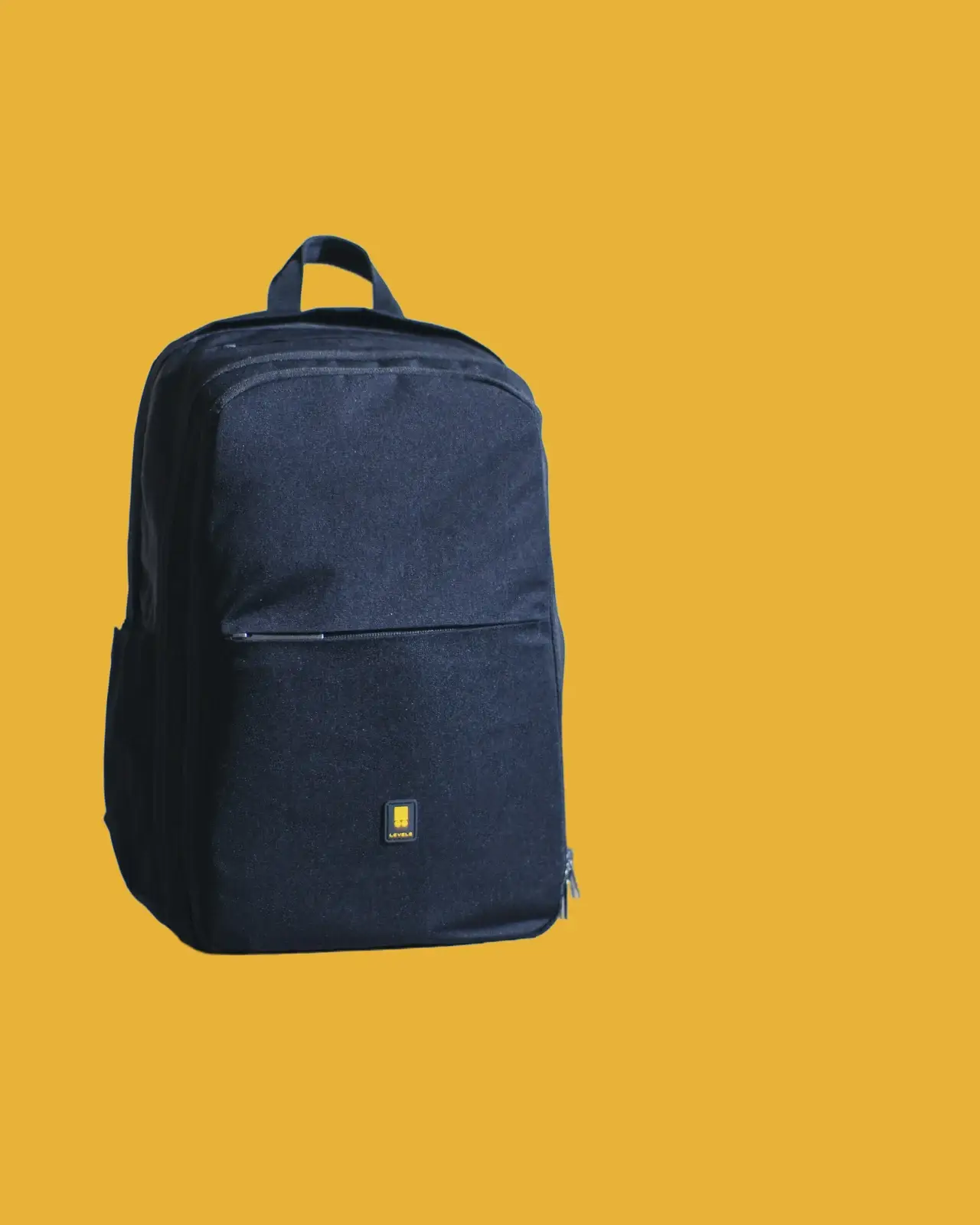
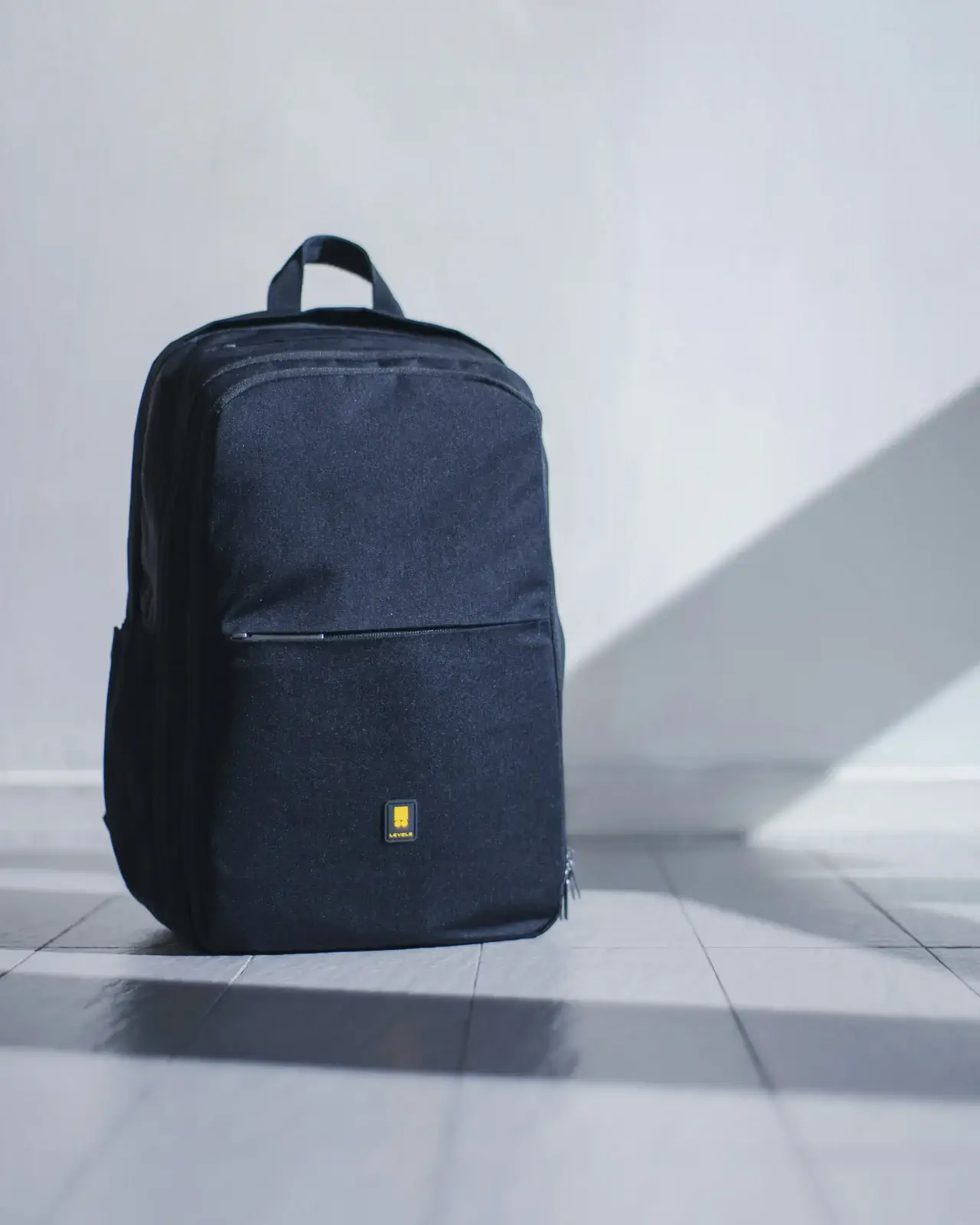 BeforeAfter
The subject is found for you
Open your photo and the subject is picked out on its own.
Four kinds of background
Choose a color, a filter, a photo of your own or one made from your words.
Download or keep editing
Save the result as a PNG, or open it in Studio.
What a new background can look like
Drag the slider to compare each photo with its new background. Examples are for illustration; your result depends on your photo.
BeforeAfterBeforeAfterBeforeAfterExamples are illustrations.
Describe any background
Type what you want behind your subject and AI makes it, with the subject kept where it is. You need to be signed in, and the cost shows beside the button.
Try it nowBeforeAfterNo credits for the rest
A color, a filter on the photo's own background, or a photo of your own all use no credits.
Try it nowBeforeAfterHow to change a background
Drop or choose an image. PNG, JPG, WebP and more all work.
Choose a color, a filter, your own photo, or describe a new background.
Drag the slider to compare, then download the result or keep editing it in Studio.
Only want the background gone? Background remover
Questions about changing backgrounds
Can I change a background without credits?
Yes. A color, a filter or a photo of your own all use no credits.
When does it use credits?
Only when AI makes a background from your words. The cost shows beside the button, and you need to be signed in.
Can I use my own photo as the background?
Yes. Choose Your photo and pick an image. It is cropped to fill the frame.
What if the subject is not found?
Open the photo in Studio, choose Backdrop and draw a box around the subject.
What photos work best?
Photos with one clear subject. Edges on hair and busy scenes can look rougher here.
Which files can I open?
PNG, JPG, WebP, GIF, AVIF, BMP and SVG, for your subject and for a background photo of your own. The result is saved as a PNG.
Does it work on a phone?
Yes. Pick a photo from your phone, tap a color or choose a background photo from your gallery, then download the PNG.