Edit PSD files on your phone
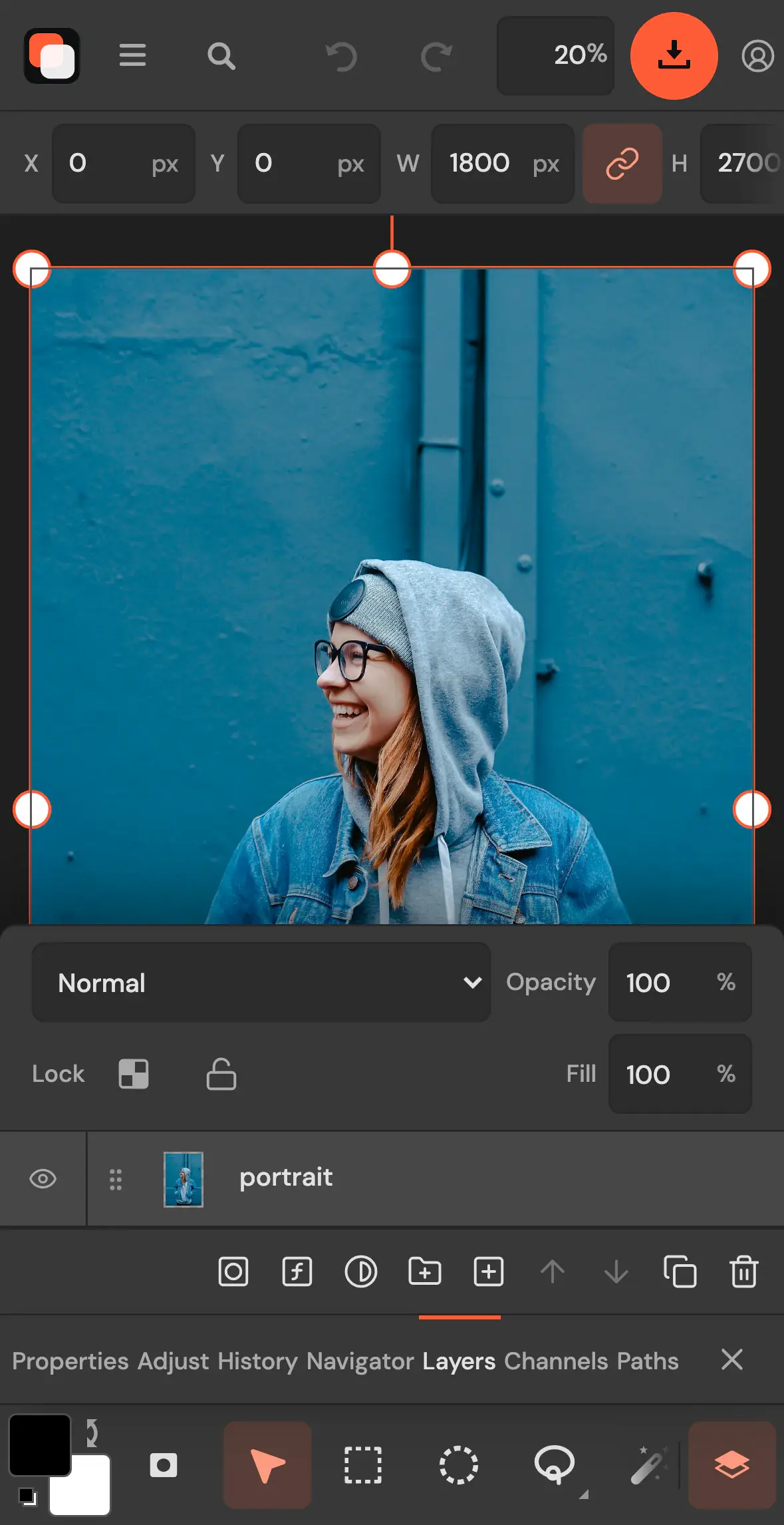
Open the Editor in your phone’s browser and pick the PSD from your files. Its layers show in the Layers panel, which slides up from the bottom, and the tools sit in a dock under your thumb. Pinch to zoom, two fingers to pan.
Drop a photo or PSD file here
This browser could not pass the file on. Open the Editor and choose it there.
Pixuvia is an online photo and image editor with AI tools: a classic editor for detailed work and PSD files, and a modern studio for one-tap edits. It runs in your browser on a computer, tablet or phone.
How to do it
Open the Editor in your phone’s browser and pick the PSD from your files.
Tap Panels to open the Layers panel, then tap a layer to work on it.
Choose a tool from the dock at the bottom and edit with your finger. Pinch to zoom in on details.
Tap Export to save a PSD, PNG or JPG back to your phone.
Large files
Phones limit how big an image can be in a browser, so a PSD longer than 4096 px on a side opens scaled down to 4096 px, layers and all. Files up to 60 MB open, and everyday PSDs open at full size.
Your work is kept
The document is saved in the browser as you work, so it is waiting when you come back to the Editor on the same phone.
Menus on a small screen
On a phone the menu bar folds into one Menu button, so commands such as Layer > Layer Mask are under Menu, then Layer.
Questions
Does it work on Android and iPhone?
Yes. It runs in the browser on Android phones, iPhone and iPad, and the layout adapts with a tool dock and panels that slide up from the bottom.
Can I edit text in a PSD on my phone?
Yes. Select the text layer and edit it with the Text tool. The phone keyboard opens for typing.
Where do exported files go?
Export opens your phone’s share sheet where the browser supports it, so you can save the file to your files or photos or send it to an app. Otherwise it goes to your downloads.
What if a font in the PSD is missing on my phone?
The text stays editable and keeps its font name, but the phone draws it in a fallback font. Pick a font from the list, or edit that text on a device that has the font.
More tools
 Remove the background with a layer maskMask out the background and save a transparent PNG.
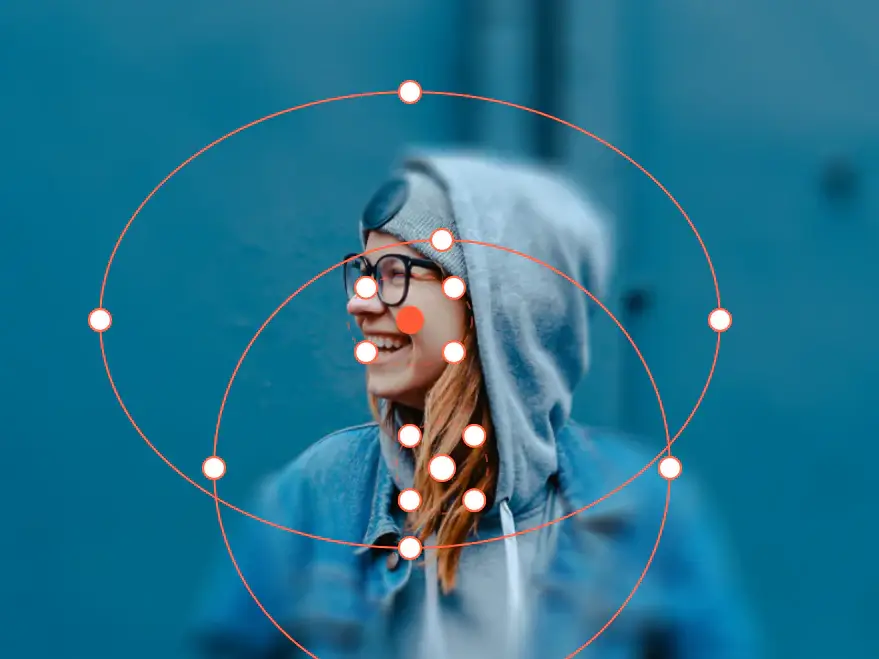 Blur the background of a photoKeep the subject sharp and soften the rest.
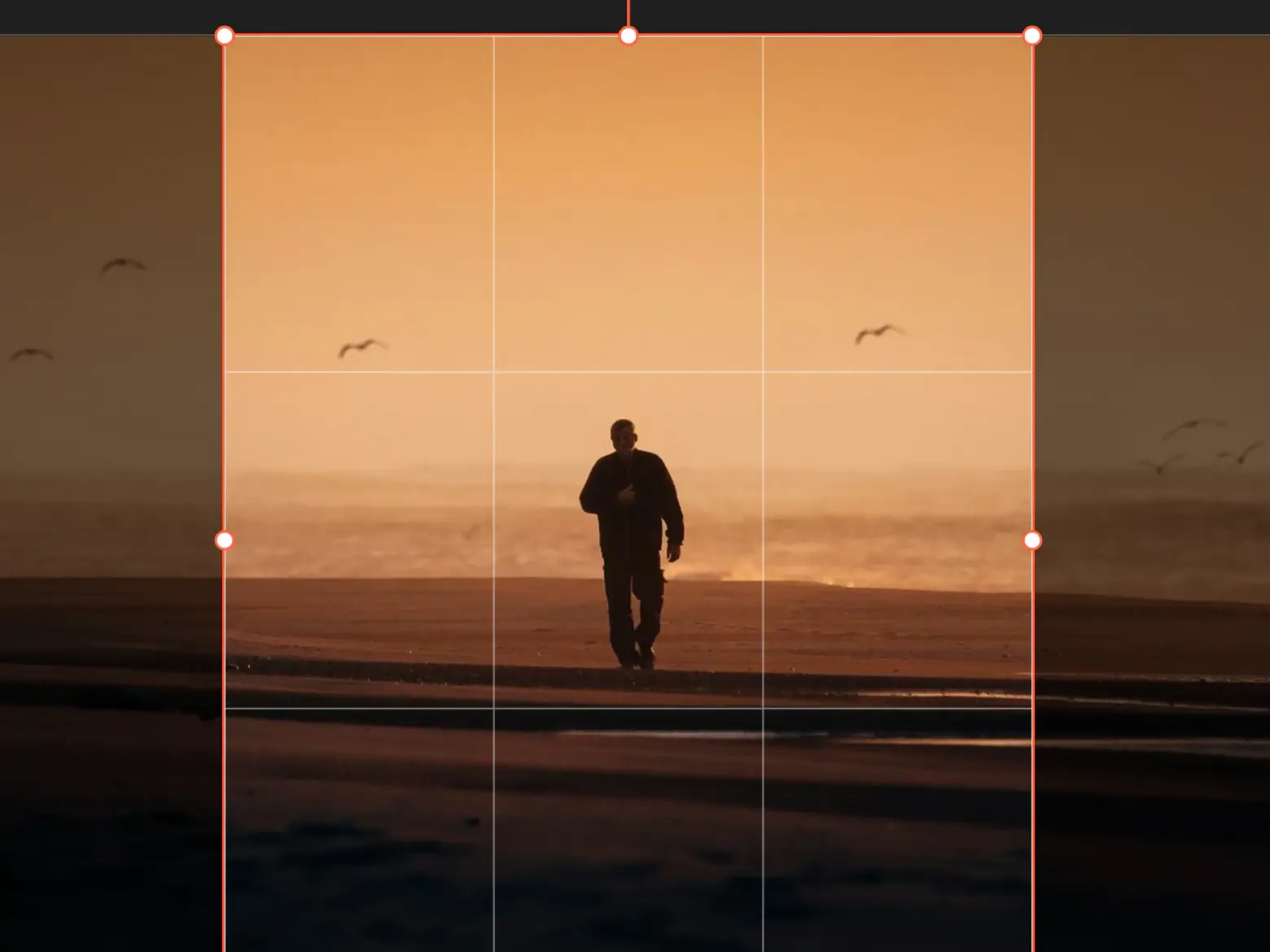 Crop a photo for social mediaCrop to 1:1, 4:5, 16:9 or 9:16 for any post.
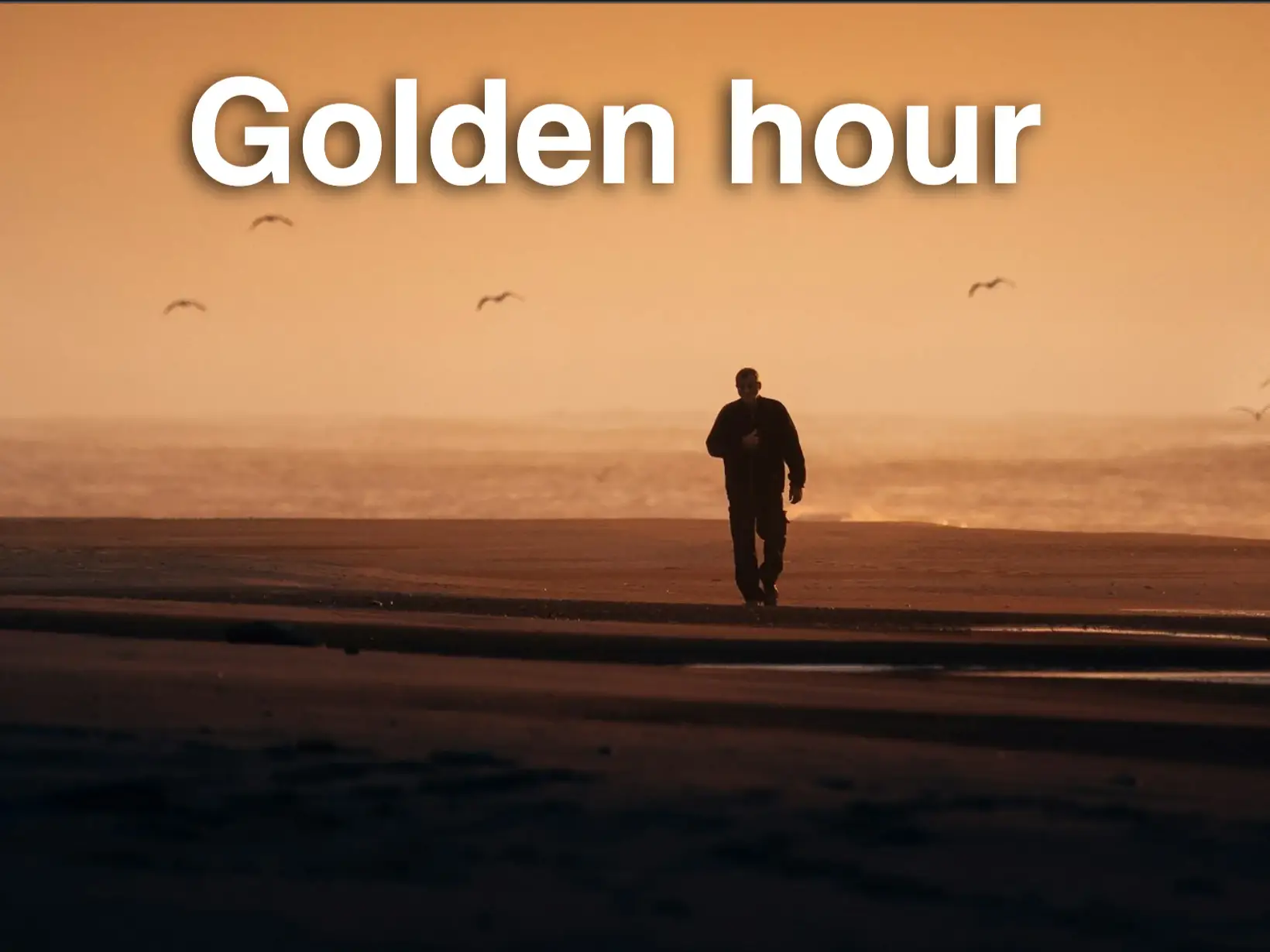 Add text to a photoType on a photo, style it and keep it editable.
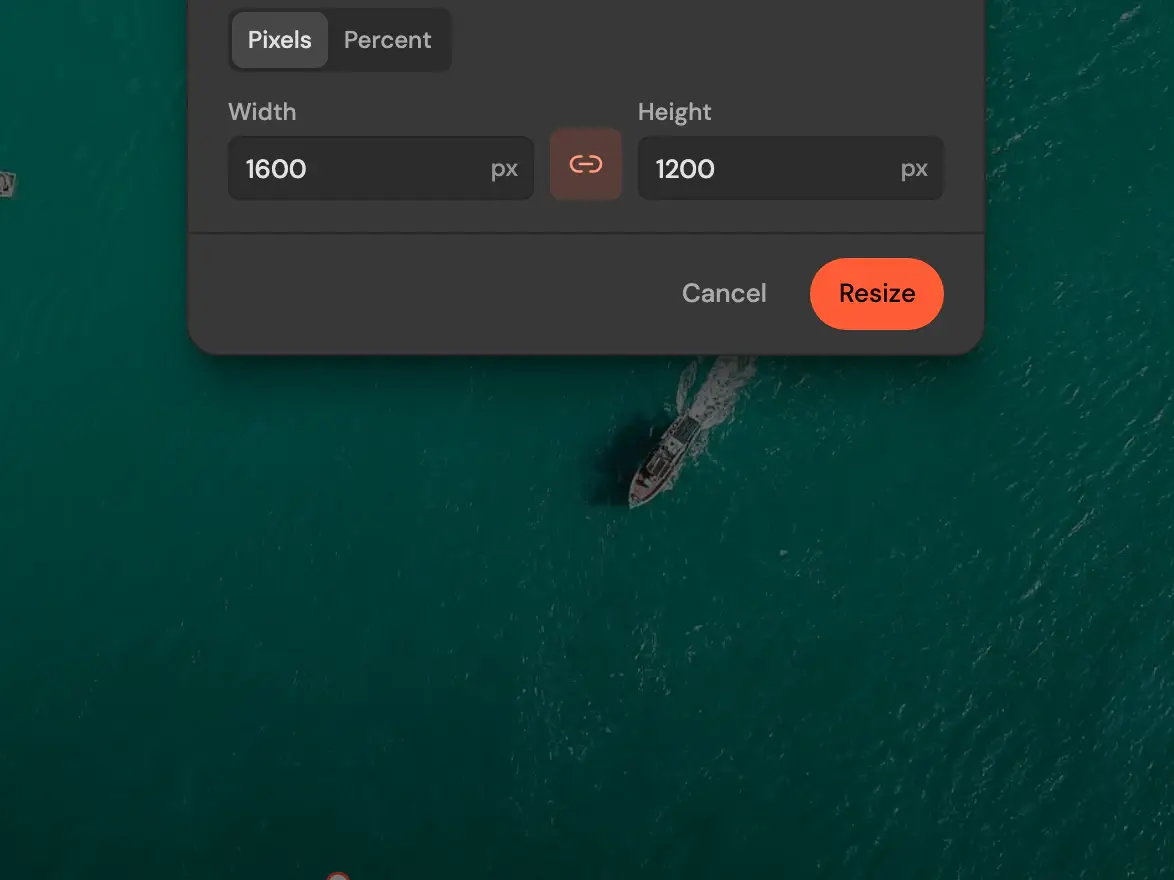 Resize an imageSet exact pixels or a percentage, ratio linked.
 Liquify a photo onlinePush, bloat, pinch and swirl pixels, then restore.
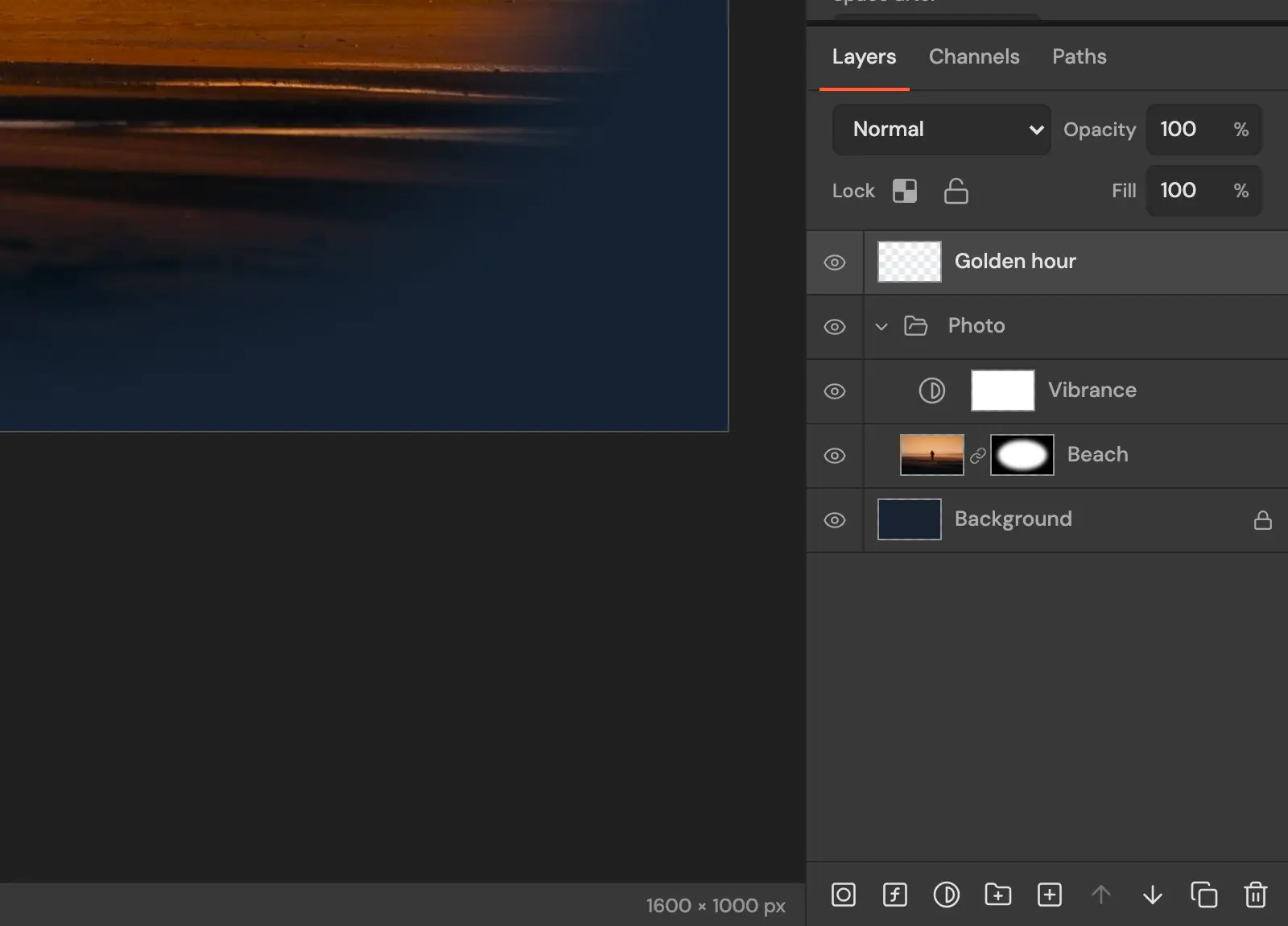 Edit PSD files onlineOpen a layered PSD, edit it and save it back as PSD.
Ready to create? Open a photo and make it better.
Start editingDrop it on the Editor, paste it, or pick it from your phone's photos.