Unblur image
Fix a blurry photo online. Use Standard with no credits for a quick sharpen, or AI to clear up shaky and out-of-focus shots and remove noise.
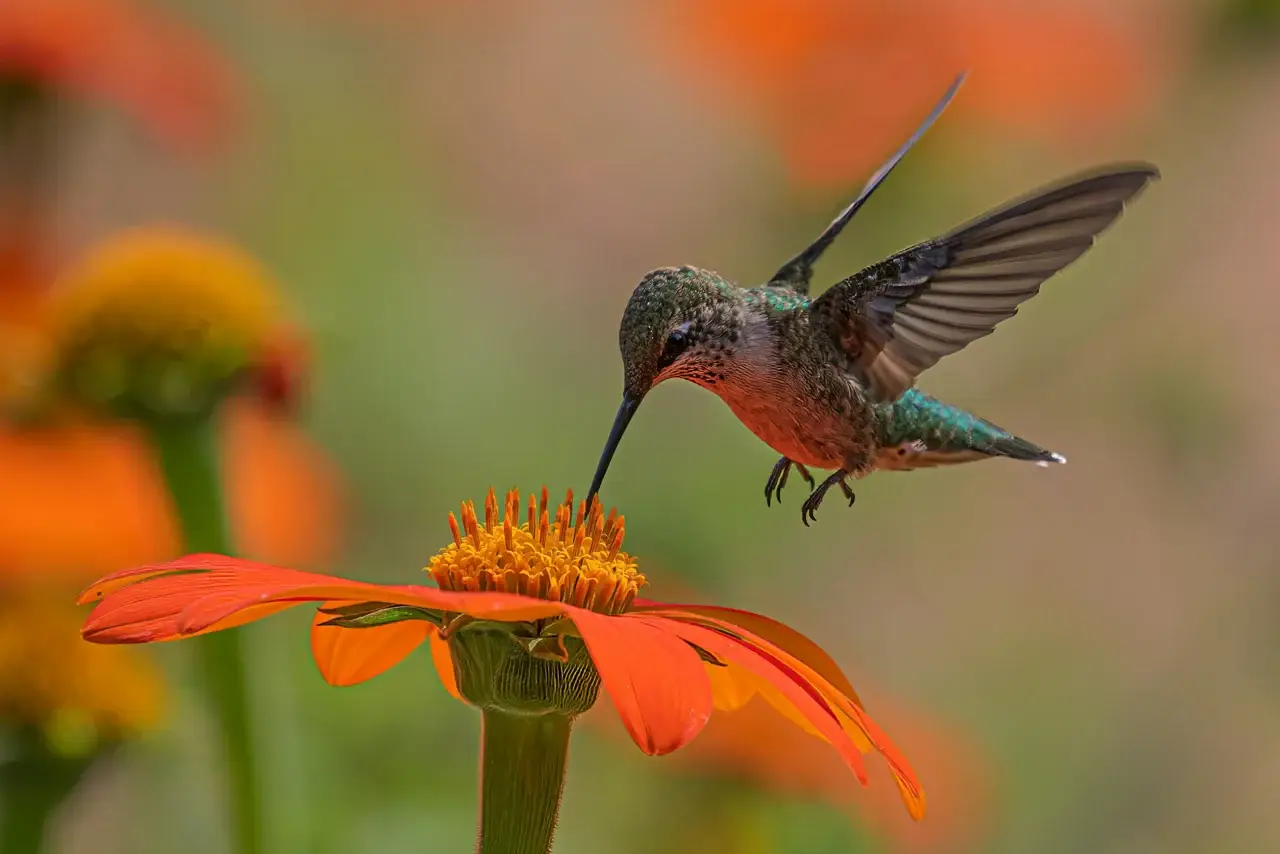
 BeforeAfter
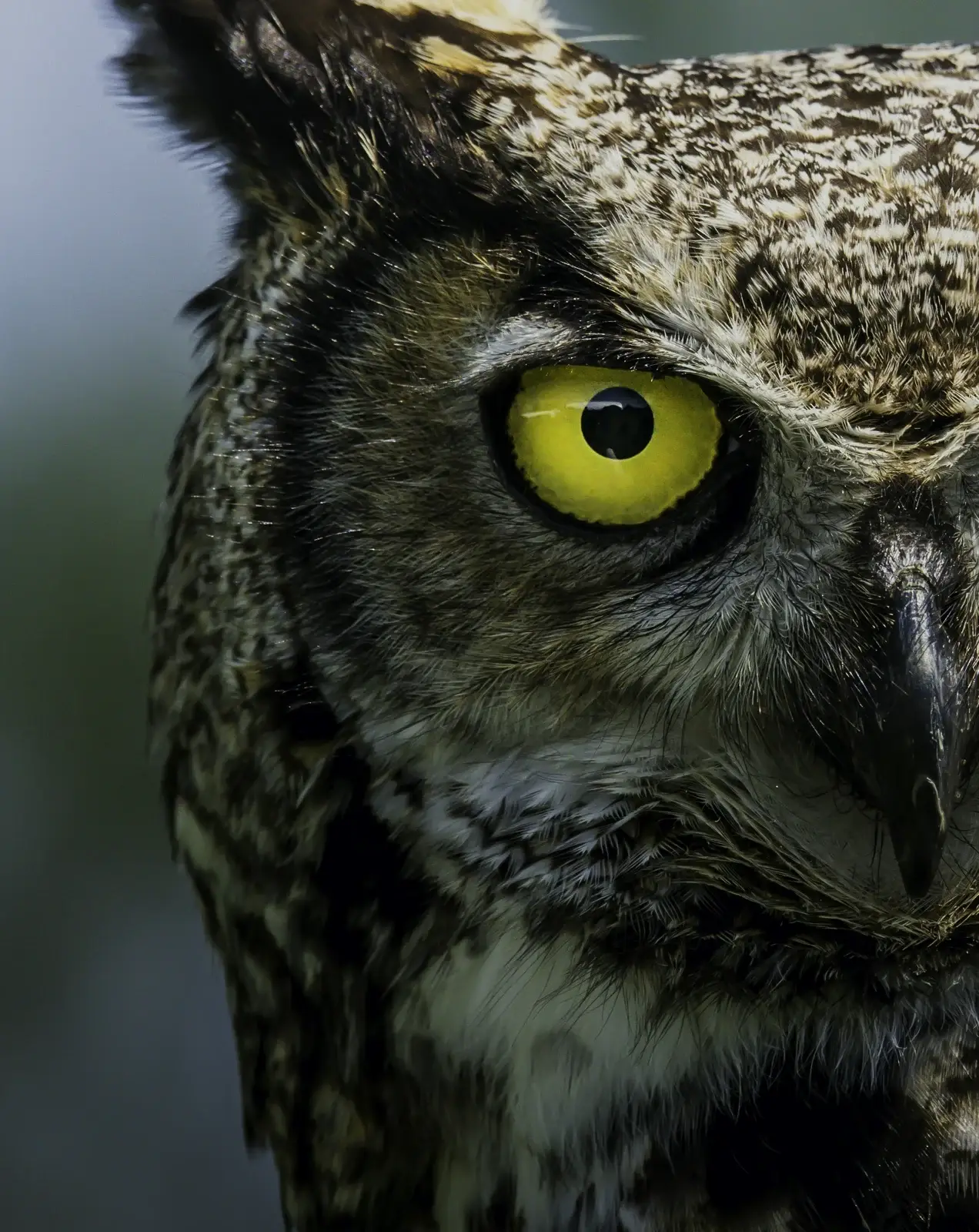
 BeforeAfter
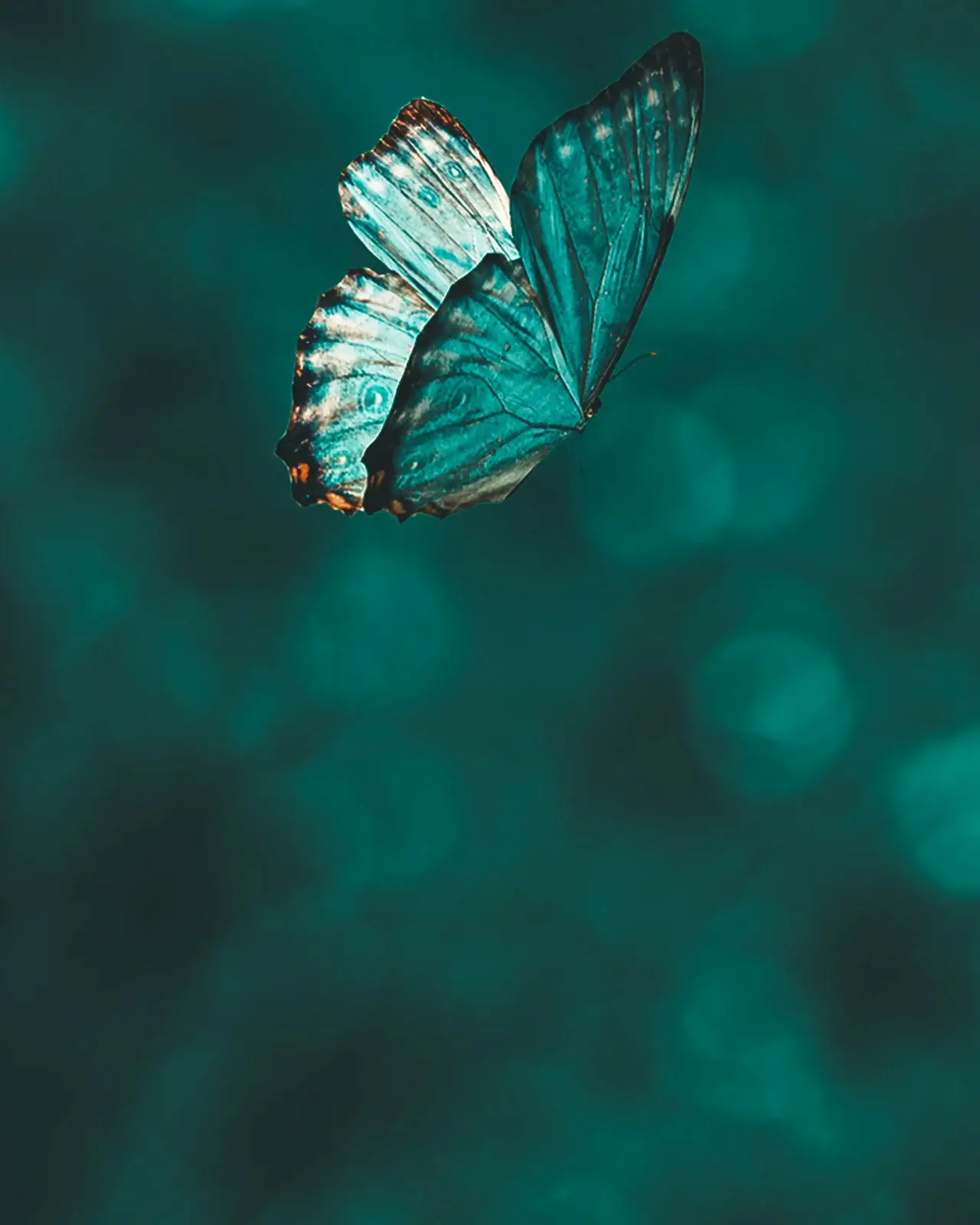
 BeforeAfter
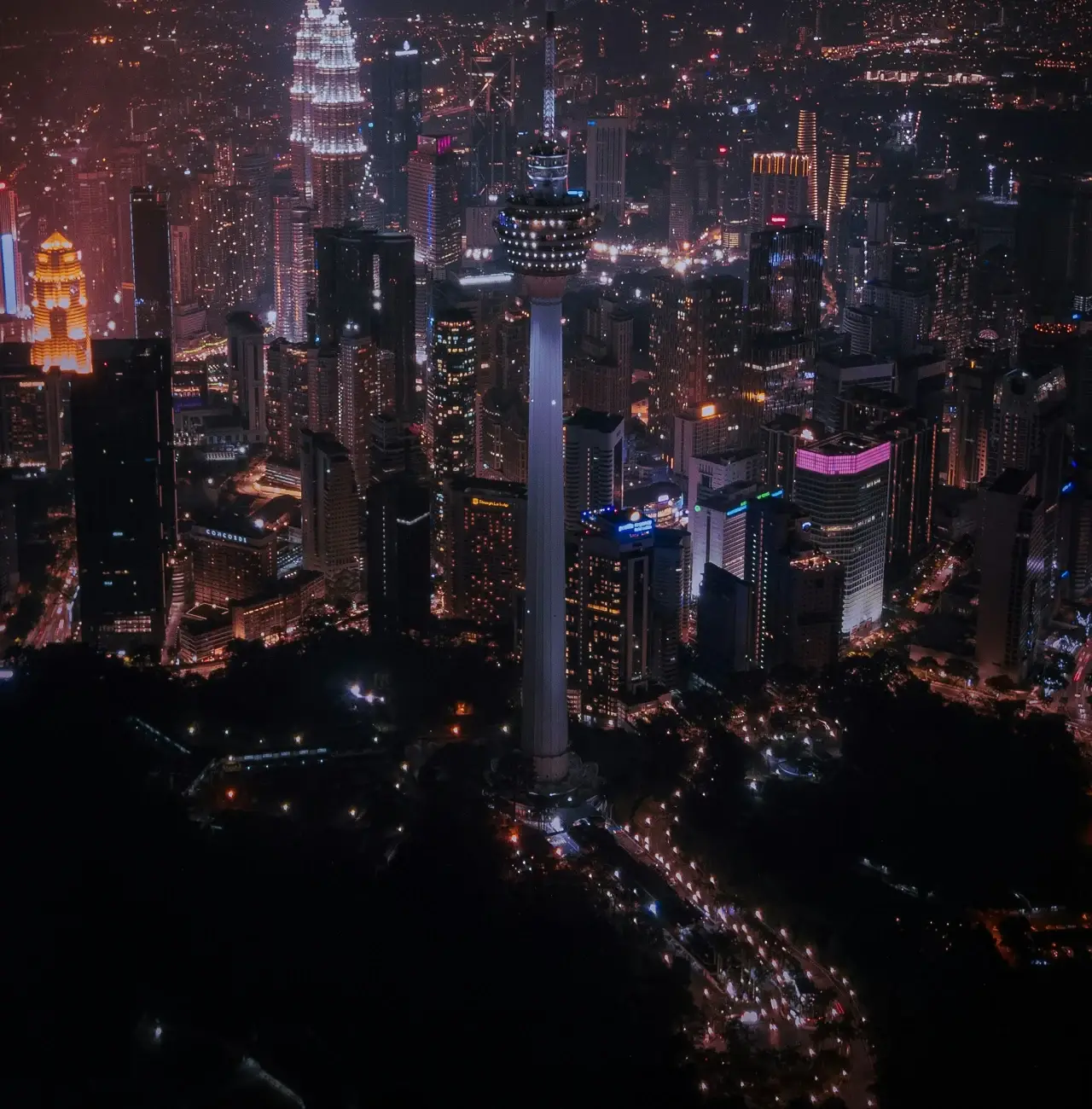
 BeforeAfter
One step
Open your photo, pick a method and compare the result. There is nothing to adjust.
Sharper or cleaner
Clear up a shaky or out-of-focus shot, or remove grain and speckles.
The same size back
Your photo keeps its width and height, ready to download or keep editing.
What unblurring can look like
Drag the slider to compare each blurry photo with a sharp one. Examples are for illustration; your result depends on your photo.
BeforeAfterBeforeAfterBeforeAfterBeforeAfterExamples are illustrations.
Rescue a shaky shot
AI clears up shaky and out-of-focus photos and draws in fine detail. You need to be signed in, and the cost shows beside the button.
Try it nowBeforeAfterNo credits with Standard
Standard sharpens the edges already in your photo. It adds no new detail, so it suits photos that are only a little soft.
Try it now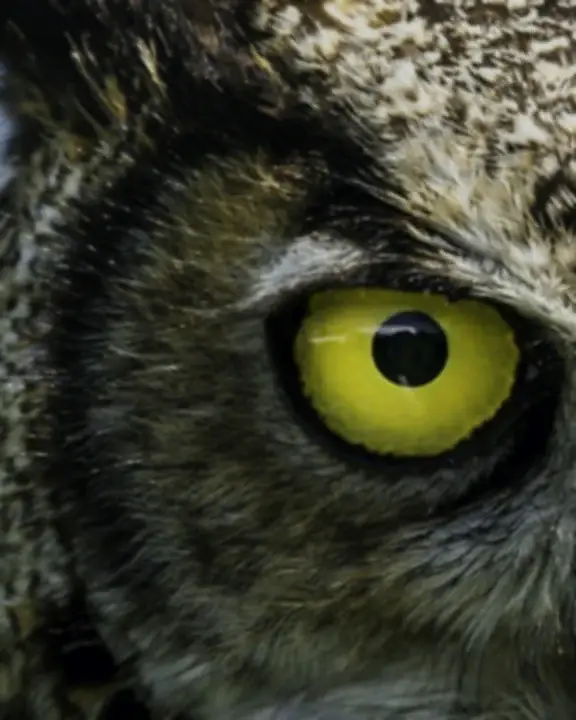
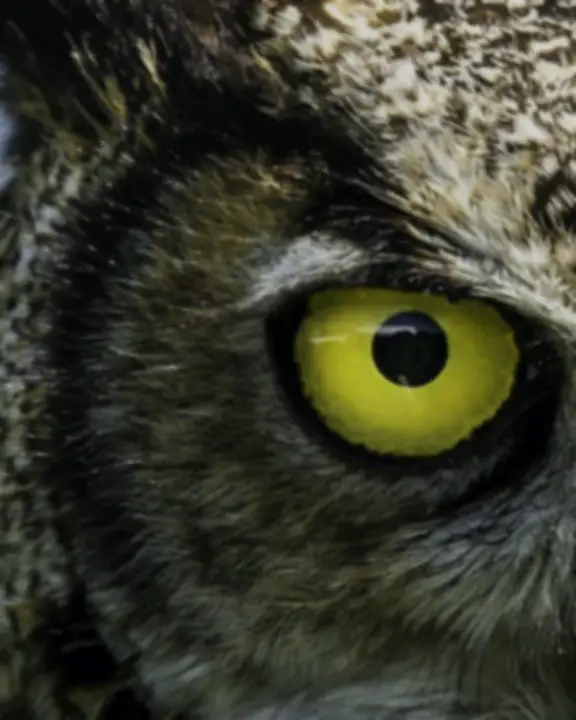 BeforeAfter
How to unblur an image
Drop or choose an image. PNG, JPG, WebP and more all work.
Pick Standard, Super sharp or Remove noise.
Drag the slider to compare, then download the result or keep editing it in Studio.
Need the image larger too? Image upscaler
Questions about unblurring images
Can I sharpen a photo without credits?
Yes. Standard uses no credits. It sharpens existing edges but adds no new detail.
What does Super sharp do?
It uses AI to clear up shaky or out-of-focus photos. It uses credits, shown beside it, and you need to be signed in.
What does Remove noise do?
It uses AI to remove grain and speckles, which often come from low light.
Can any blurry photo be fixed?
Not always. A very blurred photo has little to work from, and AI may draw details that differ slightly from the real ones.
Does it change the size of my photo?
No. The result keeps the width and height of your photo.
Which files can I open?
PNG, JPG, WebP, GIF, AVIF, BMP and SVG. The sharper photo is saved as a PNG at the same size; to make it larger too, use the Image upscaler.
Does it work on a phone?
Yes. Pick a shaky phone photo from your gallery, run it and compare the result with the slider.